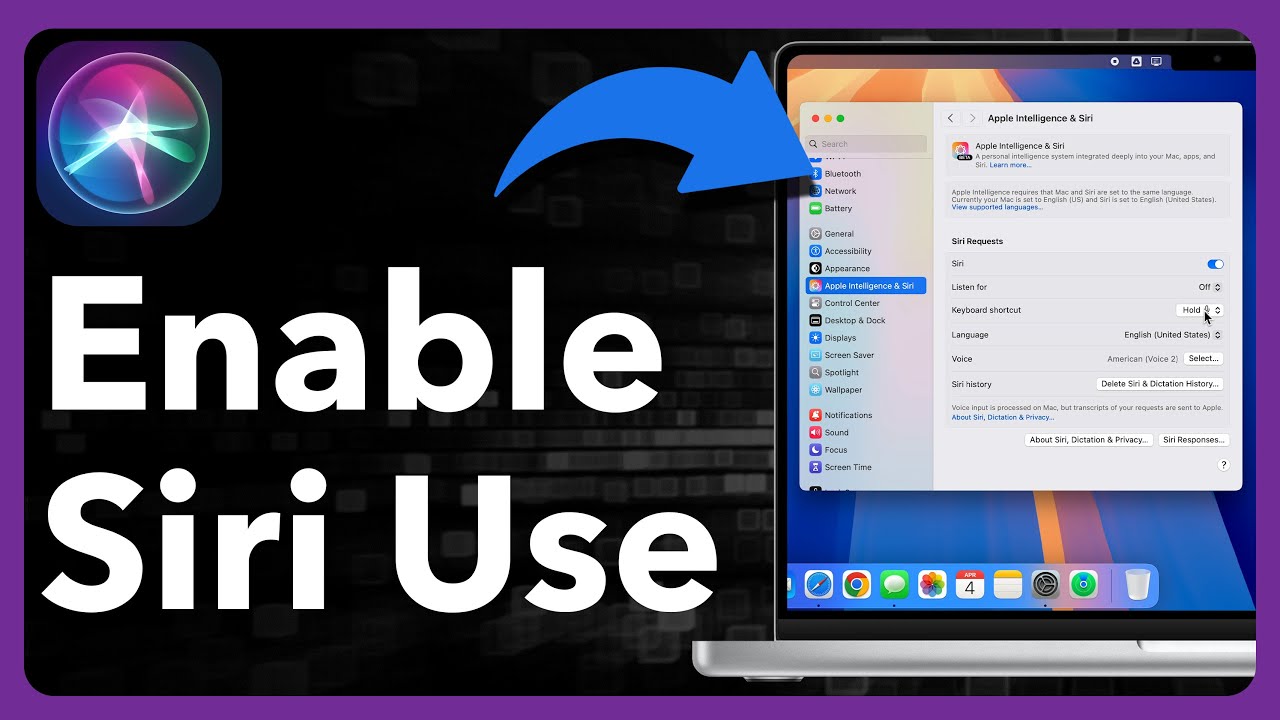
How To Enable “Hey Siri” on MacBook Air M3! [Hands-Free Voice Command]
Автор: Fix369
Загружено: 2025-05-09
Просмотров: 1854
Описание:
You know you can enable and use hands-free voice command with ‘Hey Siri’ on MacBook Air with M3 Apple Silicon Chip (macOS Sequoia)? Can’t set up ‘Siri’ or turn On and use ‘Hey Siri’ Voice command on M3 MacBook Air? Worry not, we’ve an easy-to-follow tutorial.
Simply follow the 2-step guide to properly activate Siri along with hands-free voice command on MacBook Air M3 running on the latest macOS. We will also show you how to use ‘Hey Siri Voice Command on M3 Mac as well.
#M3MacBookAir #EnableHaySiriM3Mac #MacM3HansfreeVoiceCommand
0:00 Intro: Enable Hands-Free Voice Command “Hey Siri” on MacBook Air M3
0:27 Step 1: Turn On Siri on M3 MacBook Air
0:44 Step 2: Enable and set up Hands-free Voice Command on MacBook Air M3
1:24 Use Hands-Free Siri Voice Command
Повторяем попытку...
![How To Enable “Hey Siri” on MacBook Air M3! [Hands-Free Voice Command]](https://imager.clipsaver.ru/9u_dq93CdRM/max.jpg)
Доступные форматы для скачивания:
Скачать видео
-
Информация по загрузке:

![Best of Deep House [2026] | Melodic House & Progressive Flow](https://imager.clipsaver.ru/Il-ZpBuC8tA/max.jpg)