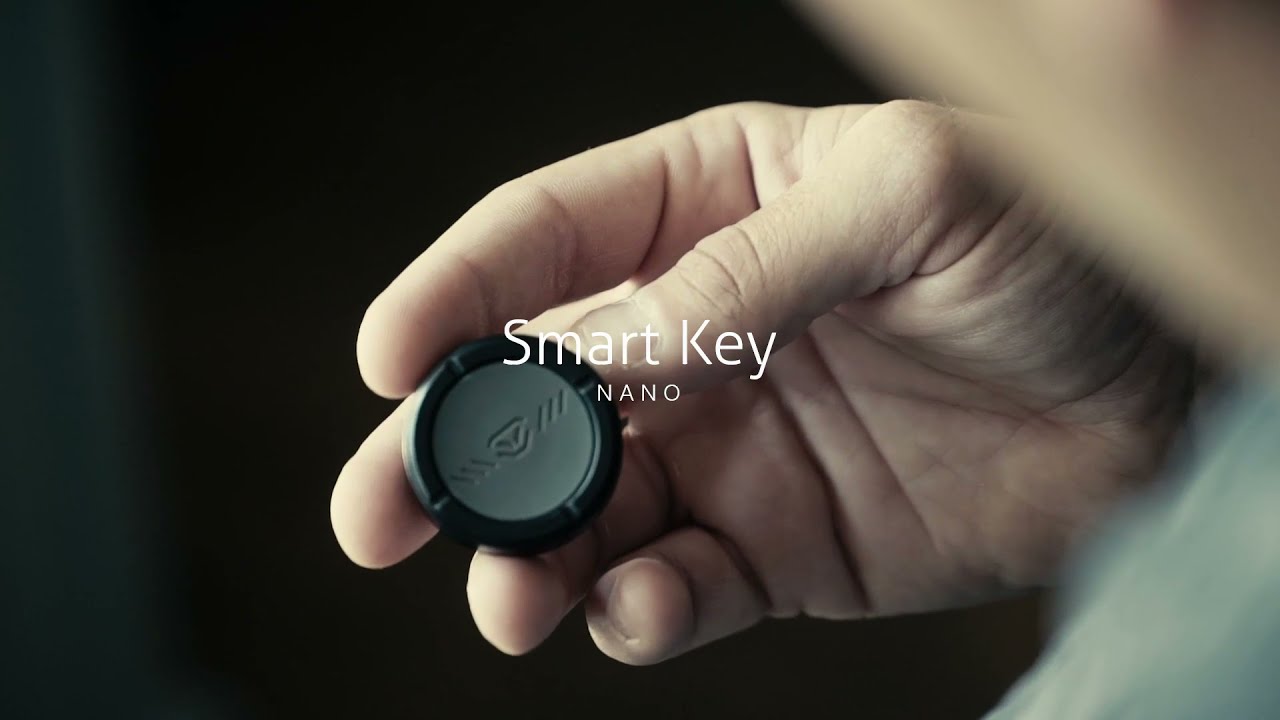
Vaultek Nano Key Pairing Overview
Автор: Vaultek Safe
Загружено: 2021-09-14
Просмотров: 6930
Описание:
Vaultek’s remote key technology is the fastest access point available.
Two step pairing instructions.
STEP 1: Pair to Your Safe
STEP 2: Assign an Entry Mode
IMPORTANT!
Nano Key should only be used when the safe paired is within sight in the same room, the normal range of 6-8 range.
Be sure to follow ALL steps for proper function.
Please use responsibly.
SAFE COMPATIBILITY:
Slider Series Bluetooth and WiFi models (SL20/SL20i/NSL20/NSL20i)
VT Series Bluetooth models (VT/VTi)
MX Series Bluetooth and WiFi models (MX/MXi/NMX/NMXi)
RS Series (RS200i/RS500i/RS800i)
NOT COMPATIBLE:
10 Series (VT10/VT10i)
20 Series (VT20/VT20i)
LifePod
LifePod 2.0
Essential Series (VE10/VE20/VE/SE20/MXE)
STEP 1: Pair to Your Safe
Tip! If you ordered this item by mistake please email our support team at [email protected]. They would be more than happy to help you out!
Tip! Each safes has its own pairing instructions. To find pairing instructions for your safe select your model here.
IMPORTANT: Set Entry Mode: After pairing, Nano Key will be immediately active to test functionality, but then deactivate. Nano Key settings will need to be set to either On Demand or Progressive in order for Nano Key to open your safe. See next page for more information.
STEP 2: Assign an Entry Mode
IMPORTANT! If you do not assign an entry mode immediately after pairing the Nano Key, it will disable when the safe goes to sleep. This occurs when the safe has been idle for 20 seconds.
Having issues? Please email our support team at [email protected]. They would be more than happy to help you out!
Learn more about Nano Key:
https://vaulteksafe.com/accessories/s...
[REVIEWS]
Third-Party Trustpilot reviews are available online.
Be sure to follow us at.
https://www.vaulteksafe.com
/ vaulteksafe
/ vaulteksafe
/ vaulteksafe
Повторяем попытку...
Доступные форматы для скачивания:
Скачать видео
-
Информация по загрузке: