Скачать
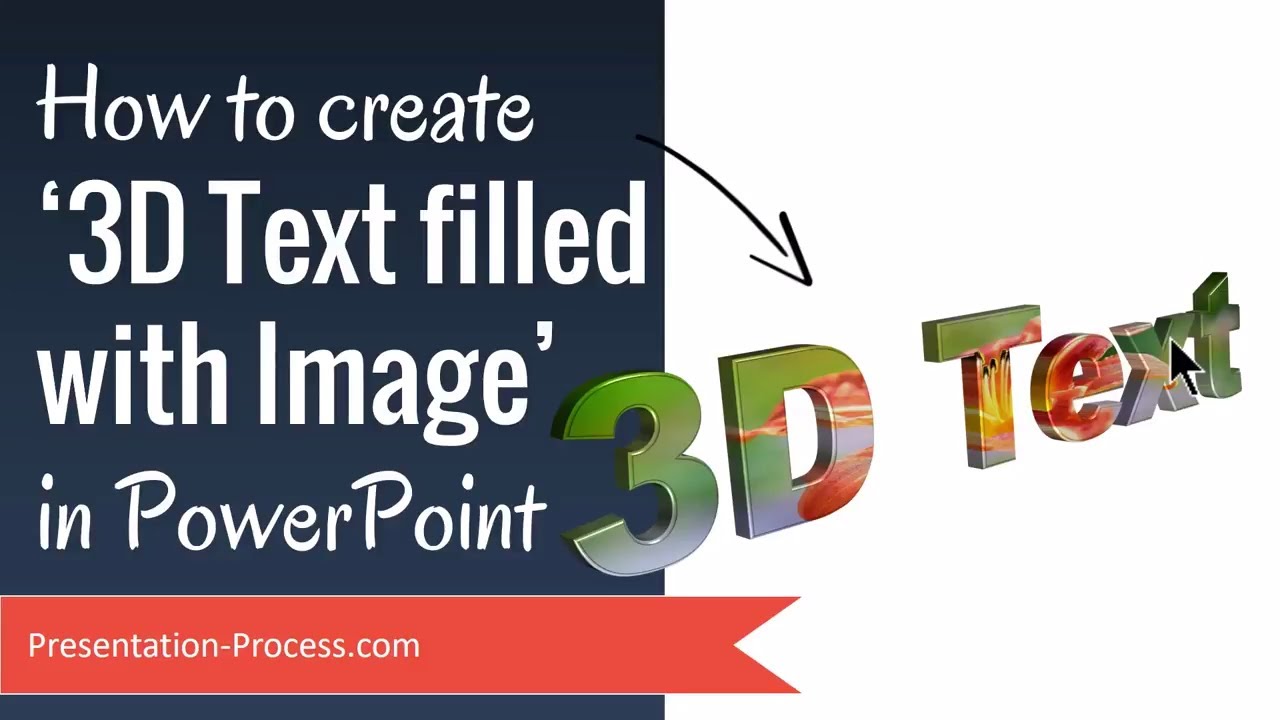
Powerpoint Presentation to Convert 2D image to 3D image
Автор: Ambot365
Загружено: 2020-06-18
Просмотров: 1703
Описание:
PowerPoint Animation
Step 1
Open New PowerPoint
Step 2
Click on Insert and select the Picture
Step 3
Format the Background
Step 4
Press Ctrl + D (Duplicate) or Click the Image and Drag
Step 5
Select the image and click on Picture Format to Select the frame
Step 6
Select image 1 and crop as shown
Step 7
Select image 2 to remove the background
Step 8
Always Zoom the image and use the pen to add or remove BG
Step 9
Crop the image 2
Step 10
Merge both images
Step 11
Select the cropped images & Group(ctrl+G) them
Step 12
3d Image is ready
Не удается загрузить Youtube-плеер. Проверьте блокировку Youtube в вашей сети.
Повторяем попытку...
Повторяем попытку...

Доступные форматы для скачивания:
Скачать видео
-
Информация по загрузке: