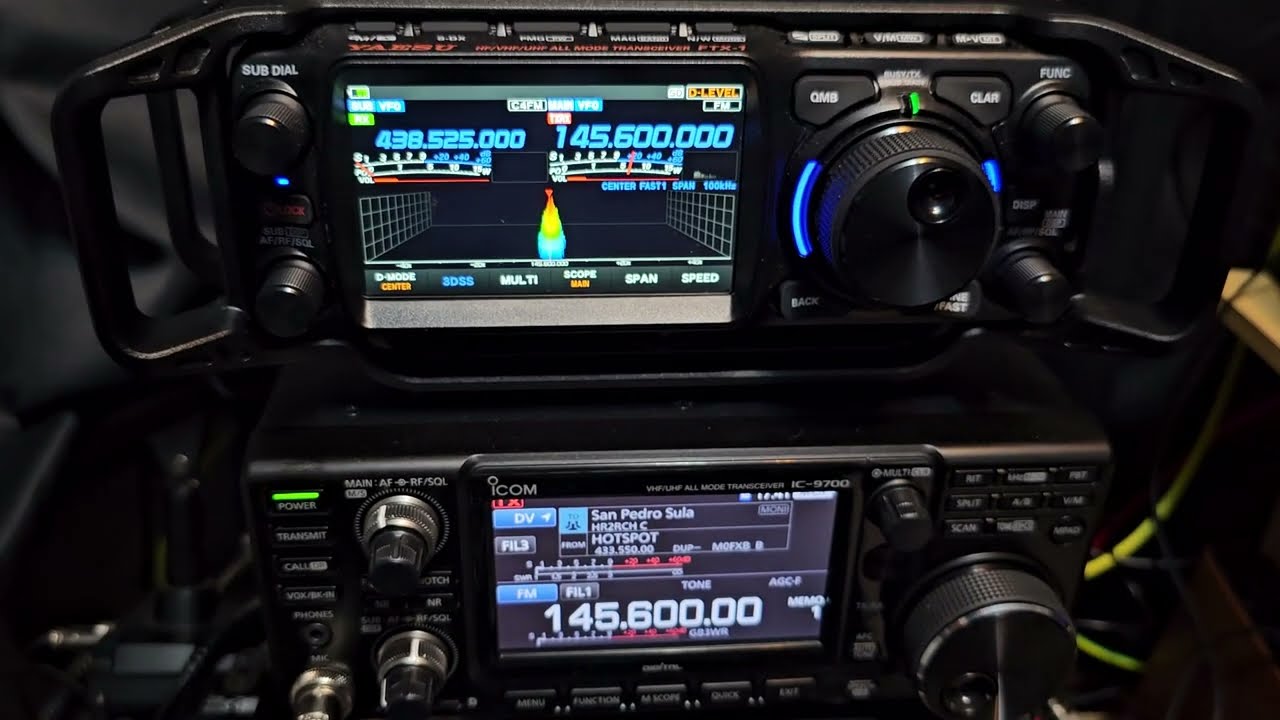
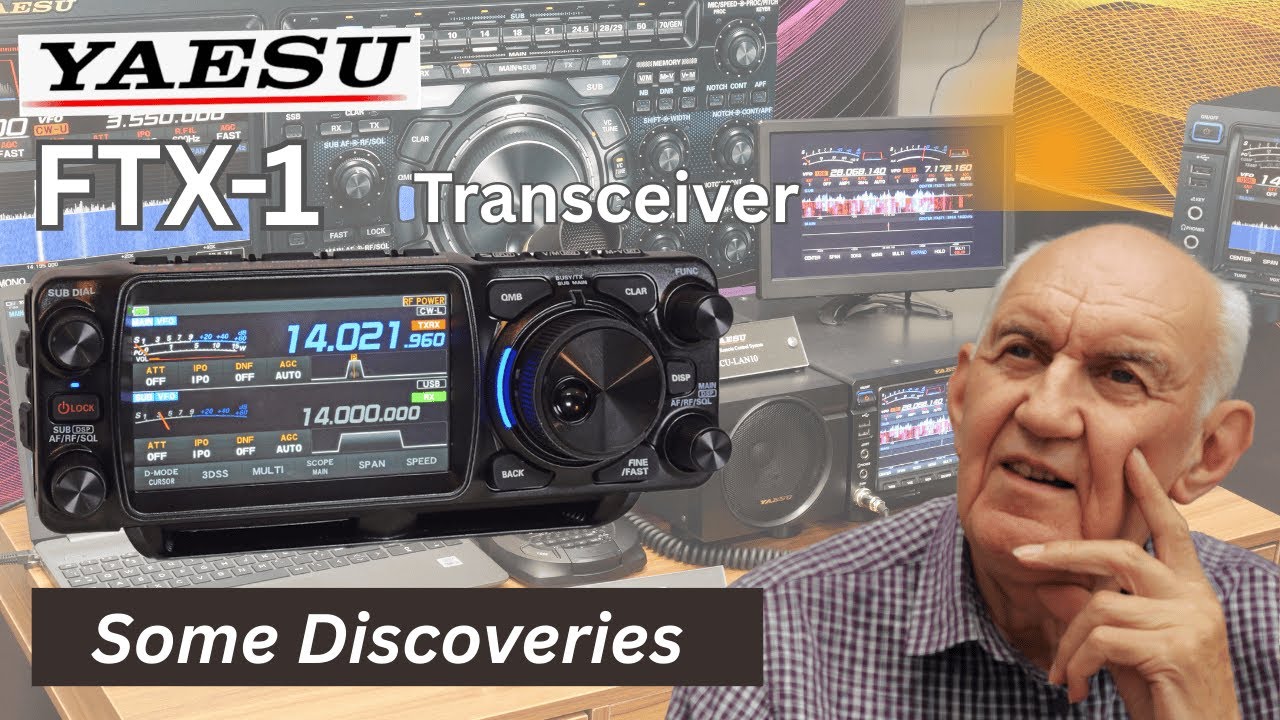
Yaesu FTX-1 Optima: N3FJP Amateur Contact Log Setup (video #10)
Автор: N4HNH Radio
Загружено: 2025-10-07
Просмотров: 1070
Описание:
#yaesu #ftx1 #hamradio #n3fjp #logging #software
This video is part of a tutorial series I’m creating for the S9 (VIP) members of my Patreon support team. The first couple of videos are available for public viewing. Others are part of the tutorial series that is available for the S9 (VIP) Patreon support team members who fund my work and make even the public videos possible. This video was released first for the S9 (VIP) Patreon team members but will be made available for public viewing for a limited time period.
The S9 (VIP) members are already reading my “First Impressions” post, where I list the good and bad I’ve discovered thus far. I continue to update that post. The S9 (VIP) members also have access to other written content, including how to create a separation kit so the FTX-1 can be used as a mobile, with the amplifier tucked under the seat of the vehicle.
Thanks to Andrew, N1YLO, who reserved this FTX-1 Optima for me shortly after Yaesu announced it and started taking reservations. Andrew has also ordered the options for the FTX-1, which I will showcase as time permits.
This is the tenth video in the tutorial series I am in the process of developing for the S9 (VIP) members of the Patreon support team. The S9 (VIP) members are already reading my “First Impressions” post, where I list the good and bad (including bugs) I’ve discovered thus far. I continue to update that post. They also have access to other written content, including how to create a separation kit so the FTX-1 can be used as a mobile, with the amplifier tucked under the seat of the vehicle.
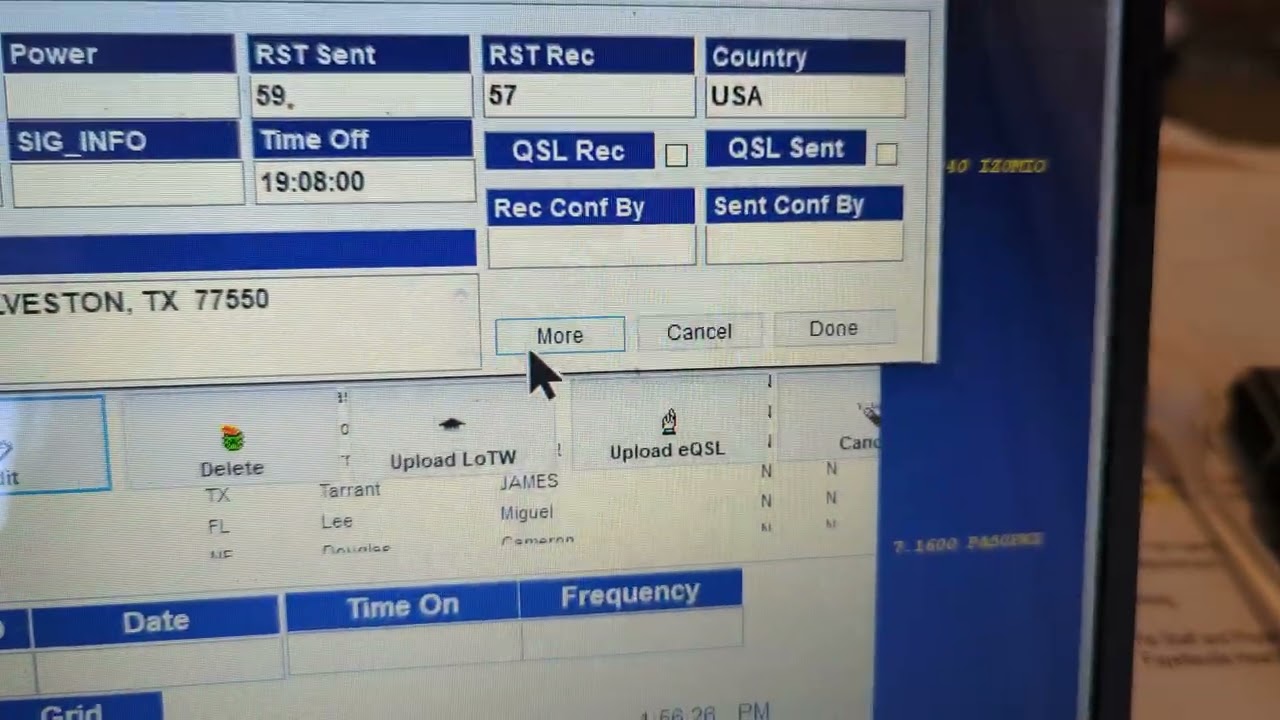
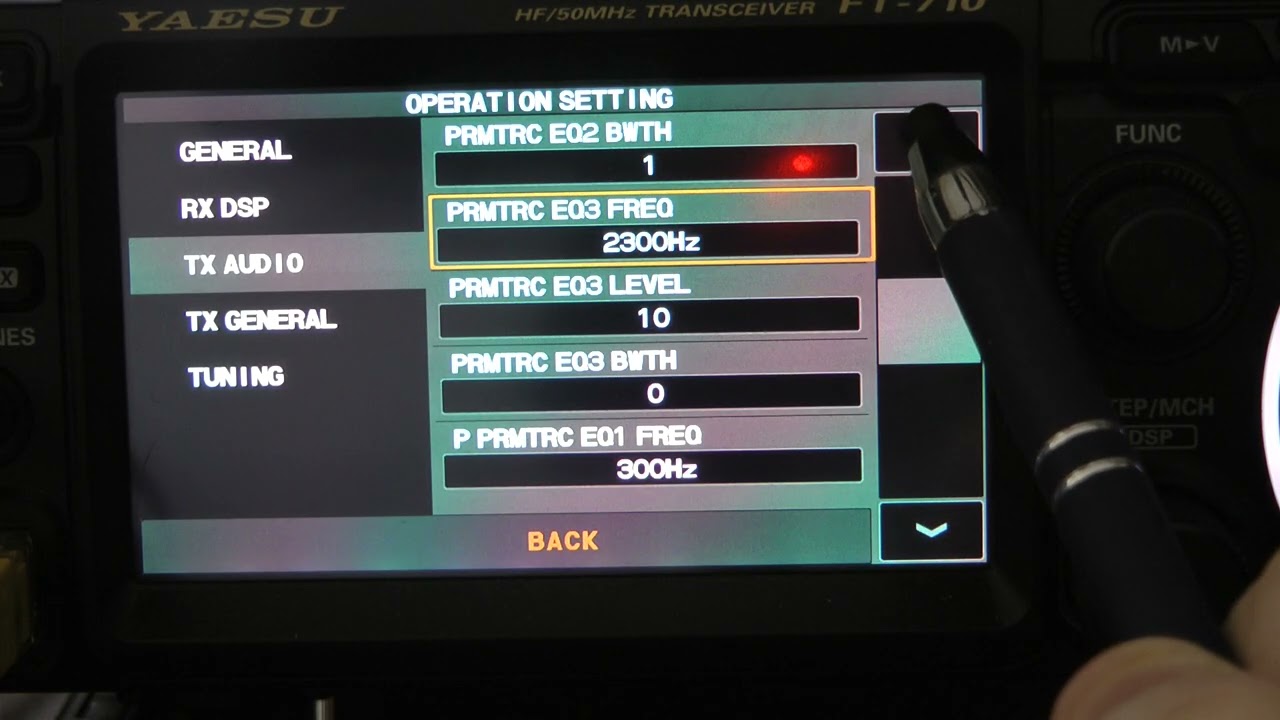
In this video I show how to connect the FTX-1 to the N3FJP Amateur Contact Log software.
Note: I shot this video before the Main firmware update was available. So, this FTX-1 was running firmware V01-00. V01-04 was released on 5/28/2025.
Some have asked me for my recommended Power Delivery (PD) type charger, since the battery for the Field can be charged via USB-C, when not connected to the radio. It will need a PD charger and cable that can deliver 45W minimum for charging the battery when it is disconnected from the FTX-1. I bought an Anker 100W PD wall charger and 100W cable separately, but a combo is available.
Caution: Do not charge the battery via its USB-C port while it is connected to the radio.
Those of you who support my work as an S9 (VIP) member of my Patreon team have access to a detailed written assessment of the radio that I made available within the first 24 hours after unboxing it. That article will be continually updated. You will also have access to the tutorial videos, as I release them. I spent 6 hours with the FTX-1 Optima and then I started the article in the FTX-1 collection at Patreon.com/N4HNH. In the article, I list the bad and the good thus far. That article will receive periodic updates as I continue to work with the radio. Check back occasionally as the list grows.
S9 (VIP) members who support my work as a yearly subscriber will be able to request a menu optimizations guide, once the guide is available.
Thanks! 73, de N4HNH
Повторяем попытку...

Доступные форматы для скачивания:
Скачать видео
-
Информация по загрузке: