How to Show Seconds in Windows 11 Taskbar Clock (Fast!)
Автор: Solvard Tech
Загружено: 2026-05-02
Просмотров: 265
Описание:
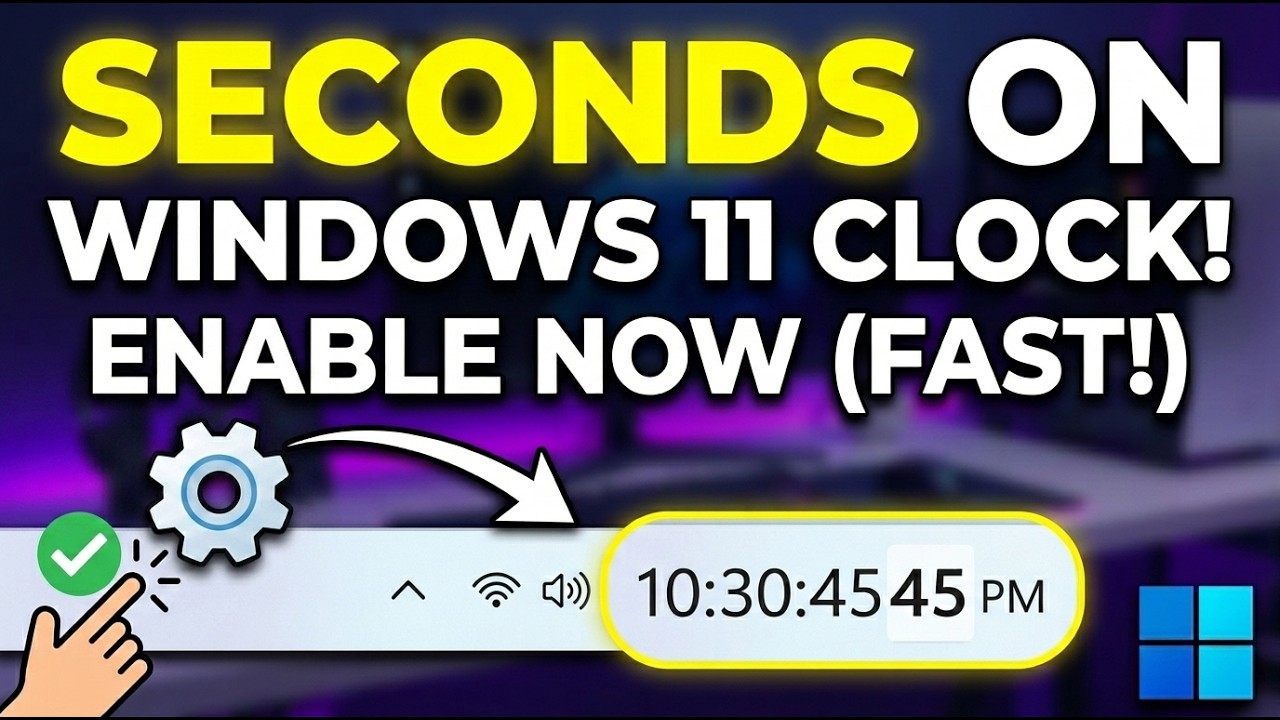
Learn How to show seconds in the Windows 11 taskbar clock? ⏱️
By default, Windows 11 only shows hours and minutes—but you can easily enable seconds in just a few clicks!
In this quick 30-second tutorial, you’ll learn how to turn on the seconds display in your taskbar clock using built-in settings. This is perfect if you need precise time tracking while working, studying, or managing tasks.
⚙️ Steps to Show Seconds in Windows 11 Taskbar Clock:
Open Settings
1. Go to Time & language
2. Click on Date & time
3. Scroll down to the System tray clock section
4. Turn ON Show time and date in the System tray (if it’s off)
5. Enable “Show seconds in system tray clock (uses more power)” ✅
👉 That’s it! Now your taskbar clock will now display seconds in real-time.
#fix #windows #windows10 #windows11 #laptop #troubleshoot #troubleshooting #stepbystep #learning #online #viral #viralvideo #videos #tips #tipsandtricks #tipsandtrick #tips_and_tricks
Повторяем попытку...
Доступные форматы для скачивания:
Скачать видео
-
Информация по загрузке: