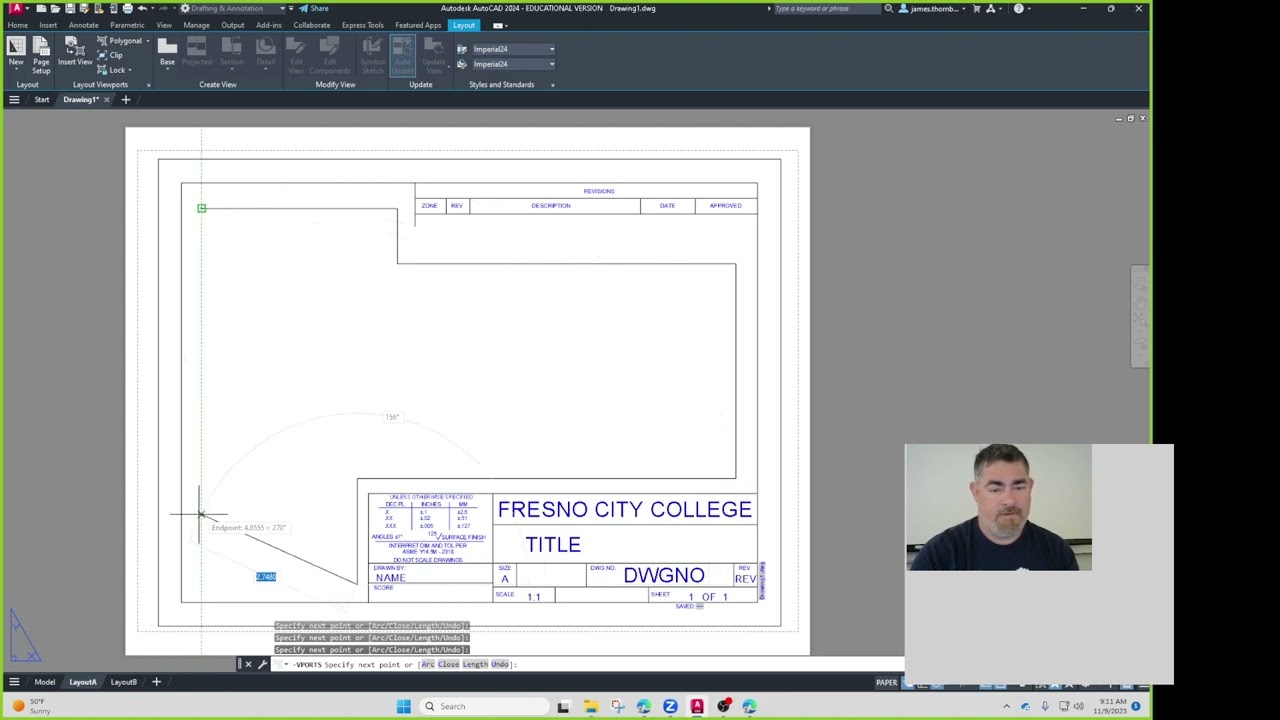
AutoCAD Explained - Using Polar Tracking and Polar Snap
Автор: CAD Video Tutorials
Загружено: 2010-07-26
Просмотров: 18452
Описание:
AutoCAD Explained - https://bit.ly/3jSDUzu
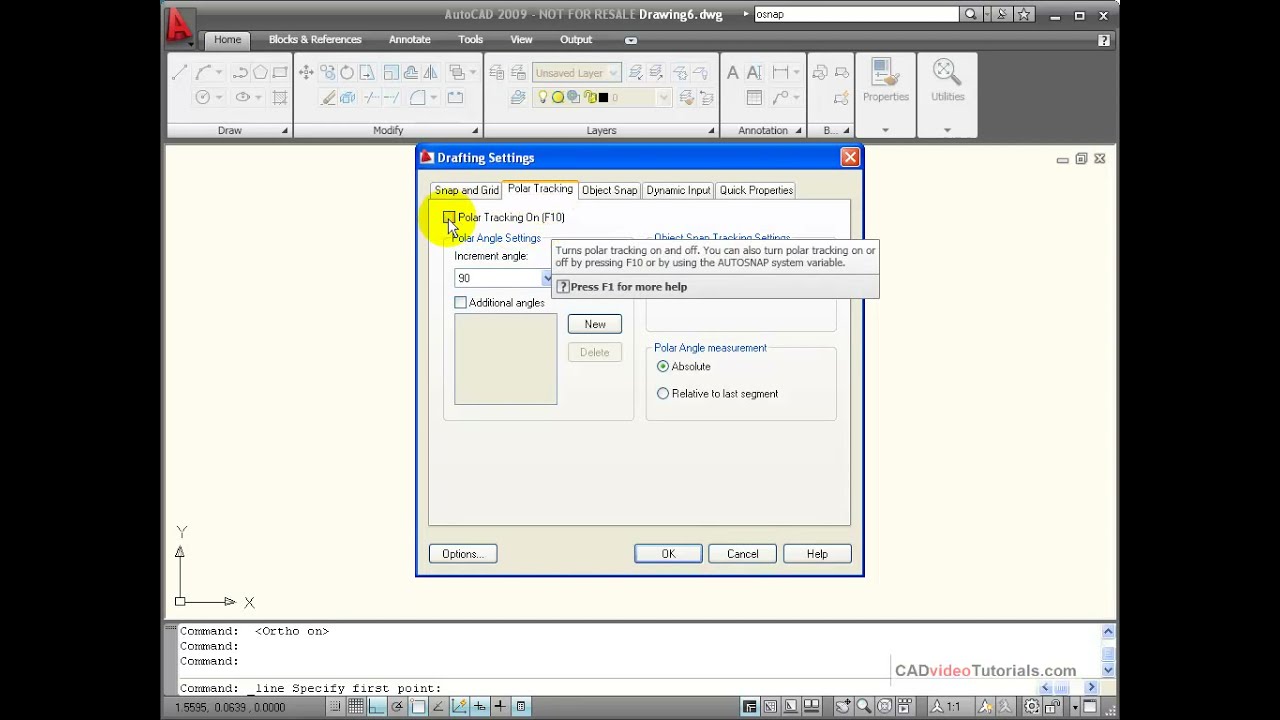
Polar Tracking is a drawing aid that allows you to set the angles that you commonly use and AutoCAD will automatically lock your line at every increment of that angle while you are drawing. Polar Tracking can be toggled on and off by using the F10 key on the keyboard. Polar Snap will allow you to add a distance as well as an angle and snap to distances that are multiples of that distance.
Table of Contents:
00:05 Polar Tracking Explained and demonstrated
02:05 Polar Snap Explained and demonstrated
03:36 Advantages of using Polar Tracking and Polar Snap Explained
Повторяем попытку...
Доступные форматы для скачивания:
Скачать видео
-
Информация по загрузке:








![30 Minute Outdoor Bench [DIY Plans]](https://imager.clipsaver.ru/55fbry1Q1OM/max.jpg)