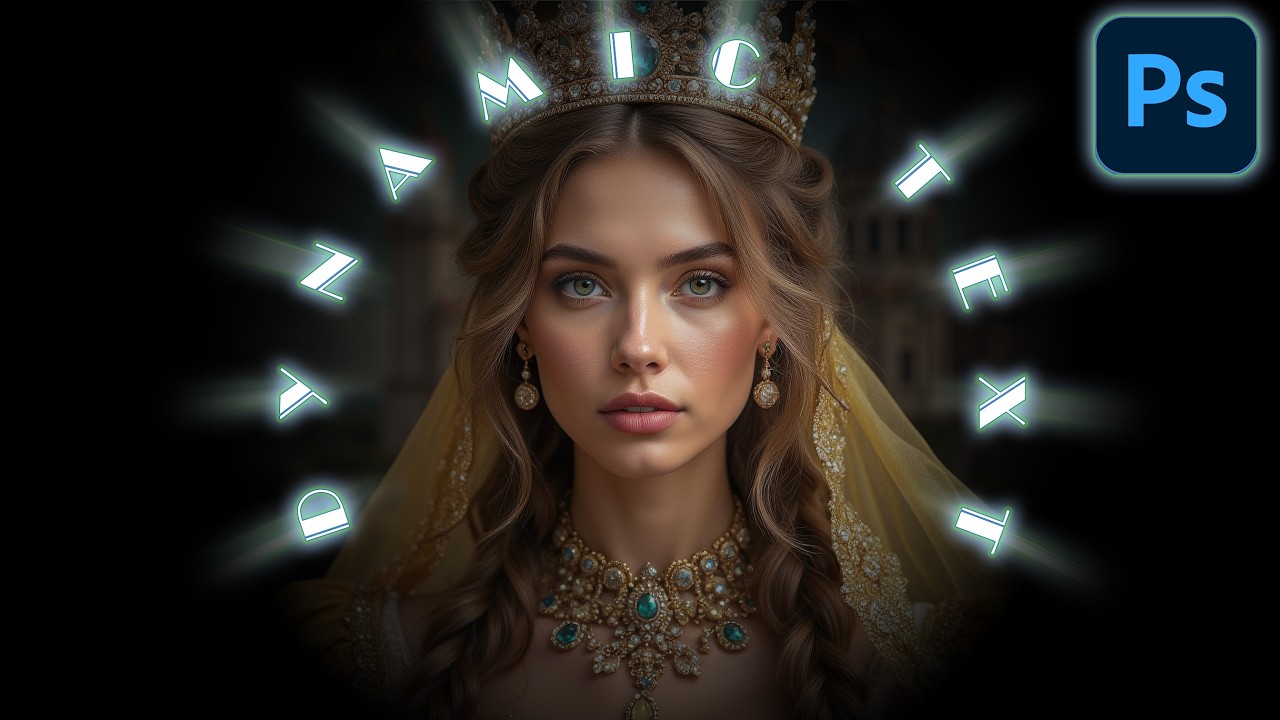
Photoshop Speed Hack: Control Brush Size Like a Professional 4K
Автор: ShutterBugAcademy
Загружено: 2026-02-27
Просмотров: 31
Описание:
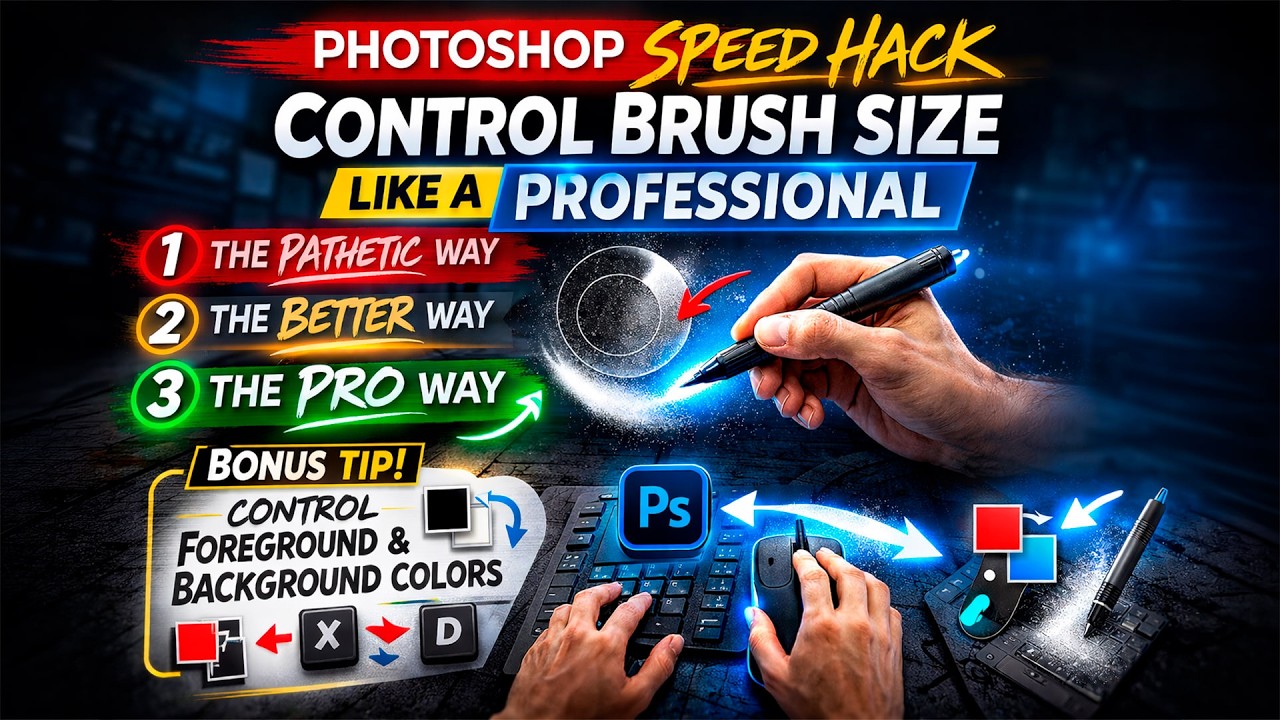
Speed matters in Photoshop — and one of the biggest workflow killers is constantly stopping to adjust your brush settings.
In this tutorial from Shutter Bug Academy, I’ll show you 3 ways to control brush size, hardness, and softness in Photoshop — starting with the slow (painful) method, moving to a better approach, and finishing with the professional shortcut that dramatically increases editing speed.
This simple brush control technique works across nearly every major Photoshop tool, including:
• Brush Tool
• History Brush
• Healing Brush
• Spot Healing Brush
• Remove Tool
• Eraser Tool
• Clone Stamp Tool
• Dodge Tool
• Burn Tool
Once you build this into your muscle memory, your retouching, masking, dodging & burning, and cleanup work becomes significantly faster and more fluid.
🔹 BONUS TIP: I also show you a quick shortcut to instantly control your foreground and background colors — another small adjustment that makes a big difference in real-world workflow.
If you're serious about improving efficiency and editing like a professional, this is a foundational skill you don’t want to overlook.
Subscribe to Shutter Bug Academy for practical, no-fluff Photoshop and photography training designed to make you faster, smarter, and more confident in your editing.
#Photoshop #PhotoshopTips #PhotoEditing #Retouching #ShutterBugAcademy #PhotoshopWorkflow
!FREE PHOTOSHOP ACTIONS! https://shutterbugacademy.net/free-sh...
⬇️!FREE DOWNLOADABLE PDF FILES!
http://www.shutterbugacademy.net
**SOCIAL MEDIA**
FACEBOOK GROUP: / 1896247027505901
INSTAGRAM: / shutterbugacademy
OLD WEBSITE WITH TONS OF INFORMATION UNTIL I START A NEW ONE: https://johnwhiteheadimages.com/
Shutter Bug Academy is my second photography tutorial channel. I am passing my my love of everything photographic to viewers on YouTube and as supplemental material for your college classes. Most books are severely out of date because Adobe updates programs twice a year. I am quickly replacing material online, and keep Shutter Bug Academy up to date.
I will focus on learning digital photography, Adobe Bridge, Adobe Lightroom Classic (which is the desktop version not an old version), Adobe Camera RAW, Adobe Photoshop, Final Cut Pro X, and Photo Mechanic. I will probably throw in some WordPress, and OBS after I build the playlist.
It is difficult to produce videos for everyone. Some viewers just want the how to, and some want all the information. I will do my best to keep the videos shorter, but with relevant information. Remember my students use this information.
The playlist I will be creating except Advanced Adobe Photoshop will be meant to watch in order. They are designed for you to watch, practice, then move on. If you these programs all have secret tricks and hacks you will be disappointed. Do not be fooled by click bait. Just because you make a one-click action, it will not work perfectly with every image. You will usually need to understand how to modify that adjustment.
ADOBE BRIDGE-is a browser designed to let you quickly look at any type of Adobe file.
ADOBE LIGHTROOM CLASSIC-is a hybrid program. It is a photography browser, RAW conversion program, and photo editor, It does allow you to make a slideshow, web page, and book but truth that is old technology.
ADOBE CAMERA RAW-is exactly the same as the Adobe Lightroom Classic develop module. It is a RAW conversion program and photo editor.
ADOBE PHOTOSHOP-is a photo editing program that works non-destructively. It has been integrated with AI, and is the industry standard.
PHOTO MECHANIC-developed for journalism and editorial photographers. It is the industry standard photography browser. It focuses on simplicity, speed, captioning, code replacement, and variables. I just love it.
FINAL CUT PRO X-is Mac video editor. If you use a Mac, it's speeds are superior to Adobe Premiere. Adobe premiere is an excellent program, but for the basic video editing I use, FCPX is optimized for the MAC environment.
I have been using MAC's since 1988. I have never used a Windows or Linux computer. I do my best at passing on the quick keys for windows.
MAC OS Sonoma 14.5
Photoshop 2024 25.11
Adobe Camera RAW 16.4
Повторяем попытку...
Доступные форматы для скачивания:
Скачать видео
-
Информация по загрузке: