Скачать
How To Use Studio Yorktown Kessho Crystal Light Overlays in Photoshop
Автор: Studio Yorktown
Загружено: 2019-09-25
Просмотров: 951
Описание:
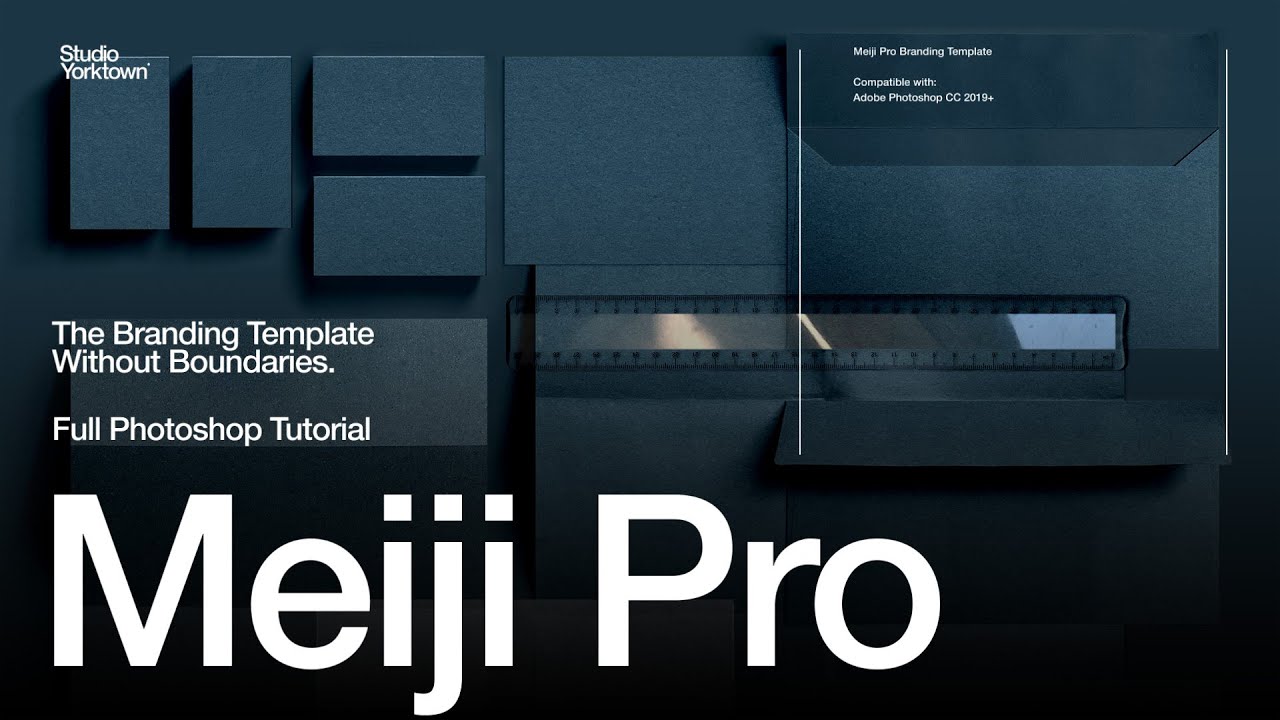
Here's a quick how-to video showing you how you can easily add light effects to your Mockups using the Studio Yorktown Kessho Crystal Light collection if you also have the Meiji Template.
First click the topmost layer, then drag and drop your chosen overlay into place. Then simply drag overlay into the specified layer in the Meiji Template, then adjust to your liking.
If you don't have the Meiji template, then you just need to change the blending mode to 'Linear Light'
Find these and our other products at:
http://creativemarket.com/studioyorktown
Не удается загрузить Youtube-плеер. Проверьте блокировку Youtube в вашей сети.
Повторяем попытку...
Повторяем попытку...

Доступные форматы для скачивания:
Скачать видео
-
Информация по загрузке: