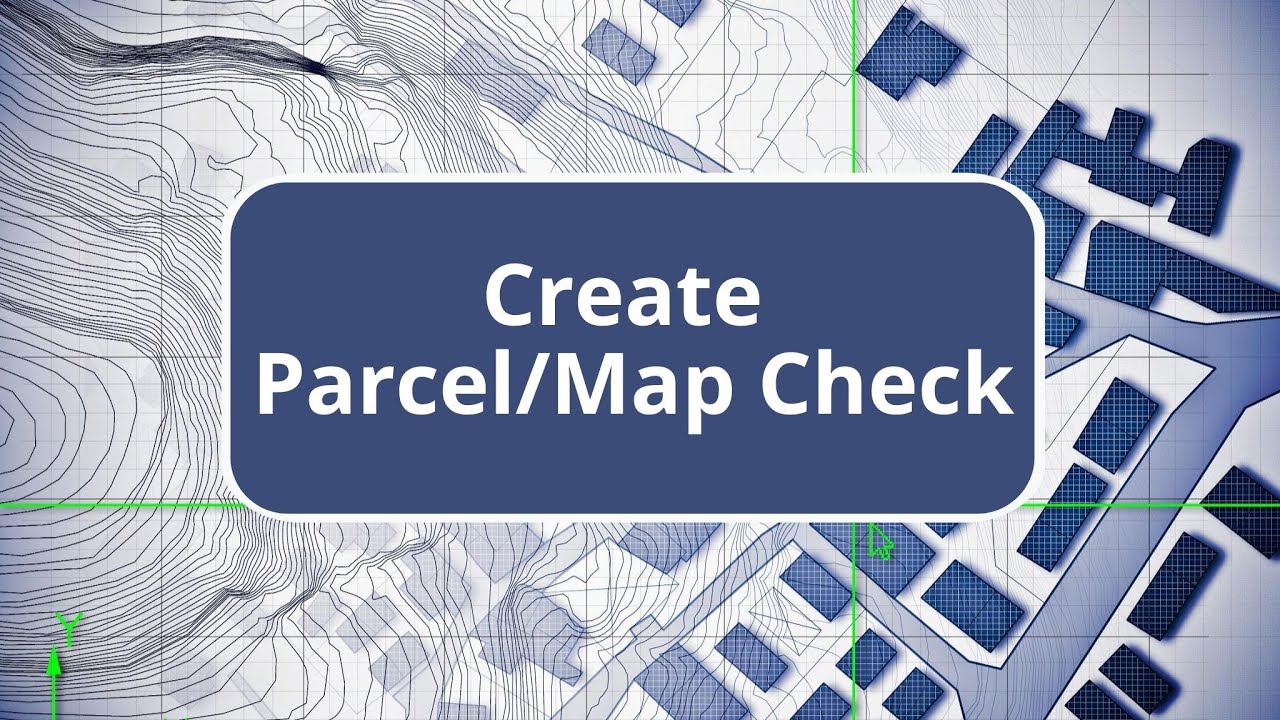
TBC - Create COGO - Survey Advanced Edition Commands
Автор: AEC Software Technology
Загружено: 2024-11-18
Просмотров: 351
Описание: COGO commands, or coordinate geometry, are tools used to create line work based on bearings and distances from survey plats or maps, facilitating tasks like map checks and legal descriptions. To use COGO, navigate to the survey tab and select 'Create COGO.' You can name the project, such as 'siphon parcel,' and set the layer for boundary lines. The tool allows for automatic line creation as data is entered, with options to create points at vertices and set them on a layer. Users can choose to include 3D elevations and set curve distance options and Z rotation. Data entry is done through a text editor using specific codes, such as SC for start coordinate and SP for start point. Lines can be entered by bearing, coordinate, or other methods, including arcs and side shots. Data can be pasted from a pre-prepared text file or entered manually. The tool flags errors, such as missing directional indicators, ensuring accuracy. Once the parcel is closed, users can proceed to perform a map check, which will be demonstrated in a subsequent video.
Повторяем попытку...
Доступные форматы для скачивания:
Скачать видео
-
Информация по загрузке: