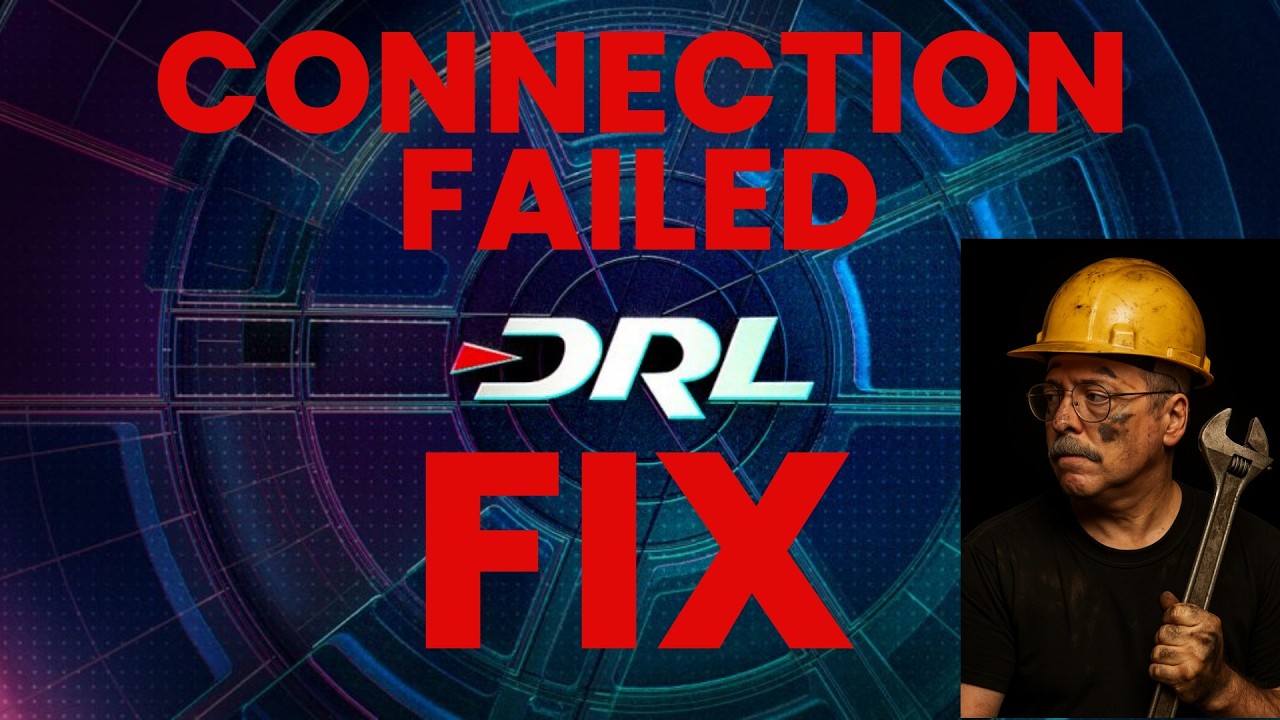
How you can fix the DRL connection failed error.
Автор: Drone Pilot Erik
Загружено: 2026-01-02
Просмотров: 1615
Описание:
Drone Racing League simulator was in my opinion the best drone sim to learn how to fly FPV. However since end of 2025, when starting DRL you get the error message “connection failed”. In this video I provide a work around to at least get into the offline mode.
This is not a true fix but a work around, your progress and some settings (such as controller sensitivity) are stored in the cloud. The original developer has stopped supporting this game a long time ago. The new owners of the game have shutdown the server. The offline mode lets you fly solo in the maps, and do the training sessions, but progress is not saved. So going through the entire training would mean a very long session or leaving your PC switched on.
This is what happens with games that have some kind of mandatory online system baked into them. When the company decides to kill the game, you are no longer able to play the game you bought and paid for. For DRL there is no good reason why this data should be stored online(only).
For Linux it could be a bit easier:
Right-click, Properties, Launch Options, enter: unshare -r -n %command%
If you want to own your own Drone Pilot Erik merch, go here:
https://drone-pilot-erik.myspreadshop...
#DRL #Drone #training
Повторяем попытку...
Доступные форматы для скачивания:
Скачать видео
-
Информация по загрузке: