How to Setup Users in Softr: Database, Syncing & Permissions
Автор: Softr
Загружено: 2026-01-07
Просмотров: 194
Описание:
In this video, Guillaume Duvernay (Growth Marketer at Softr) walks you through the 3-step process of building a secure user management system: Database, Syncing, and Permissions.
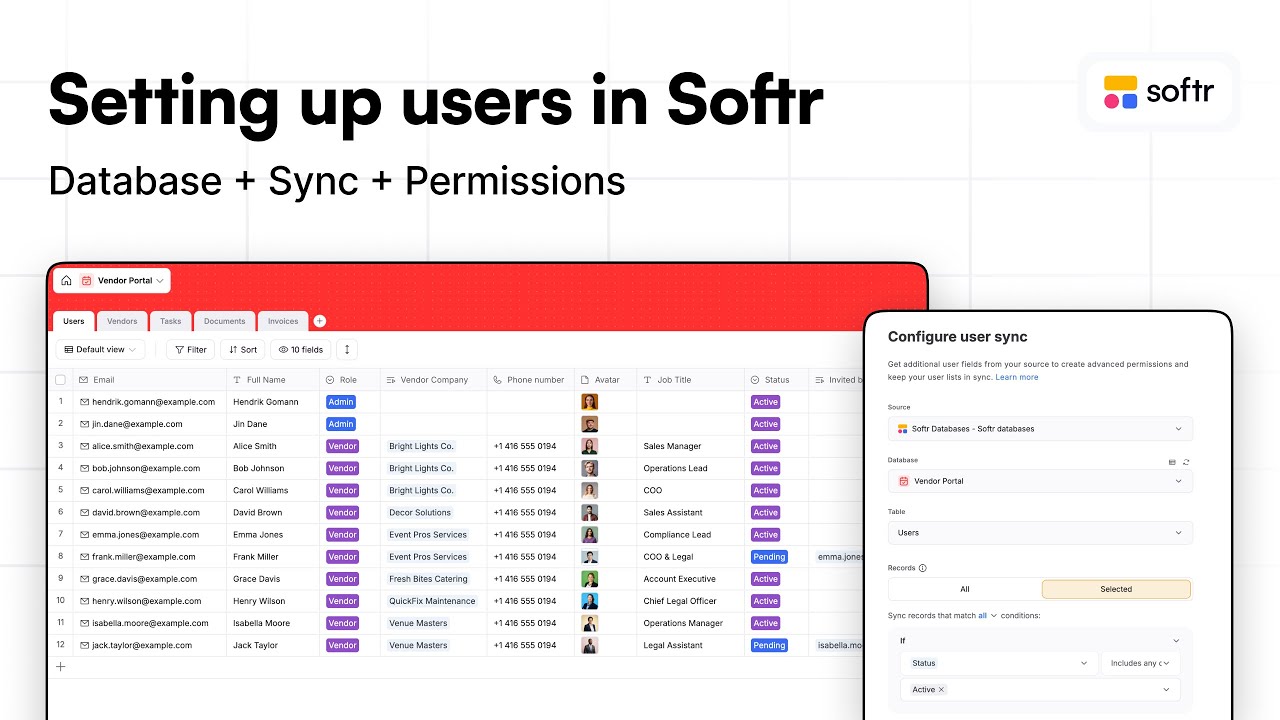
Many people jump straight to settings, but a scalable app starts with the data structure. In this tutorial, we start from scratch by building the User Database, then we Sync it to the app, and finally, we configure Permissions to control exactly what users can see.
Although we use a Vendor Portal use case to demonstrate these concepts, this 3-step logic applies to any Softr app where you need to secure your data.
In this tutorial, we cover:
STEP 1: DATABASE We start by building the backend structure, designing the specific tables needed for users and vendors, and defining essential fields like Roles and Status.
STEP 2: SYNCING Once the data is ready, we show you how to properly Sync your custom database with Softr’s native User Settings. We also cover conditional syncing to create an "Approval" workflow, ensuring new users stay "Pending" until an Admin activates them.
STEP 3: PERMISSIONS Finally, we lock it down. We configure User Groups (like Admins vs. Vendors) and set up Global Data Restrictions so users can only access their own specific records.
Later in the app-building process, you'll be able to set up more settings like visibility rules and filters for blocks, pages, actions, database records. They'll either rely on user groups or on user conditions.
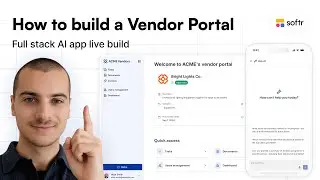
Resources: This video is part of a larger series on building a Vendor Portal. If you want to see how these users interact with the full application, watch the complete masterclass here: • How to Build a Vendor Portal (No-code Tuto...
⏰ TIMESTAMPS:
00:00 - Step 1: Building the User Database
02:00 - Defining User Roles (Admin vs Vendor)
03:52 - Linking Users to Records
07:40 - Step 2: Syncing Database with App Settings
08:30 - Pending vs Active Status Logic
11:10 - Step 3: User Groups & Permissions
12:25 - Setting Global Data Restrictions
14:00 - Security Review
Learn more:
Website: https://bit.ly/49d0I41
Help Docs: https://docs.softr.io/
Softr Community: https://bit.ly/3HC7uUN
Softr blog: https://bit.ly/3ugAONV
About Softr:
Softr is the easiest, fastest no-code platform for building business apps, like portals and internal tools— without coding. Used by over 1,000,000 teams, and Fortune 500 brands like Google and Universal.
Повторяем попытку...
Доступные форматы для скачивания:
Скачать видео
-
Информация по загрузке: