The correct technique for connecting a TV antenna cable for high quality picture and sound
Автор: MY IDEAS / أفكاري
Загружено: 2025-01-31
Просмотров: 1416
Описание:
Connecting a TV antenna cable is a straightforward process. Here’s a step-by-step guide to ensure you do it correctly:
1. **Find the Antenna Input on Your TV**: Look for a coaxial input labeled "ANT IN" or "Antenna" at the back or side of your TV.
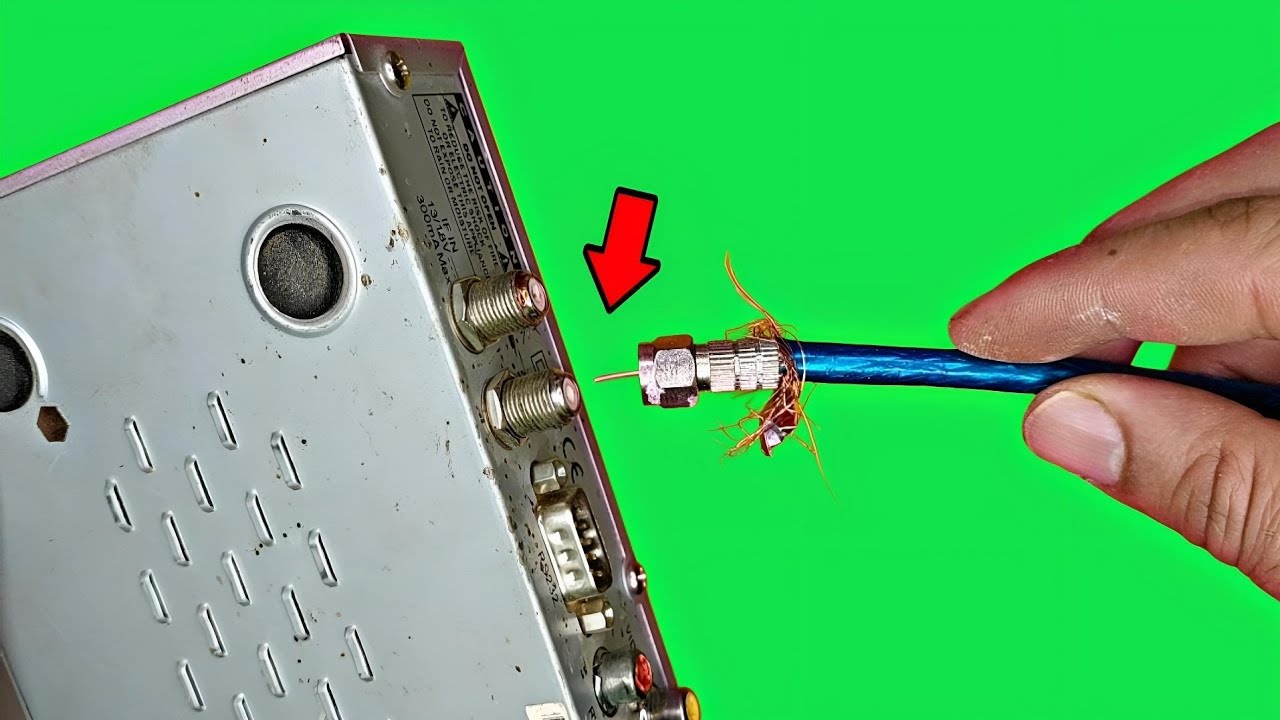
2. **Prepare the Coaxial Cable**: If the coaxial cable (the cable that comes from your antenna) is not already connected, make sure both ends of the cable are stripped properly. You should see a metal inner conductor surrounded by insulation and then a metal shield.
3. **Connect the Antenna to the Coaxial Cable**:
If you're connecting a traditional indoor or outdoor antenna, locate the output jack on the antenna. It will typically be a coaxial connector.
Firmly push the male connector of the coaxial cable into the antenna output until it clicks into place.
4. **Connect the Coaxial Cable to the TV**:
Take the other end of the coaxial cable and insert it into the ANT IN port on your TV. You should again hear a click or feel resistance as it fits securely.
5. **Securely Fasten Connections**: If your coaxial cable has a screw fitting, ensure it’s tightened but not overly tight to avoid damaging the connectors.
6. **Power on the TV**: Turn on your TV and ensure it's set to the correct input for antenna reception. You may need to go into the settings to select “Antenna” or “Over-the-Air”.
7. **Scan for Channels**: Access your TV's setup menu to perform a channel scan, which will search for all available channels coming from your antenna.
8. **Adjust the Antenna (if necessary)**: If you aren’t receiving a good signal, try adjusting the position of the antenna for better reception.
Повторяем попытку...
Доступные форматы для скачивания:
Скачать видео
-
Информация по загрузке:


