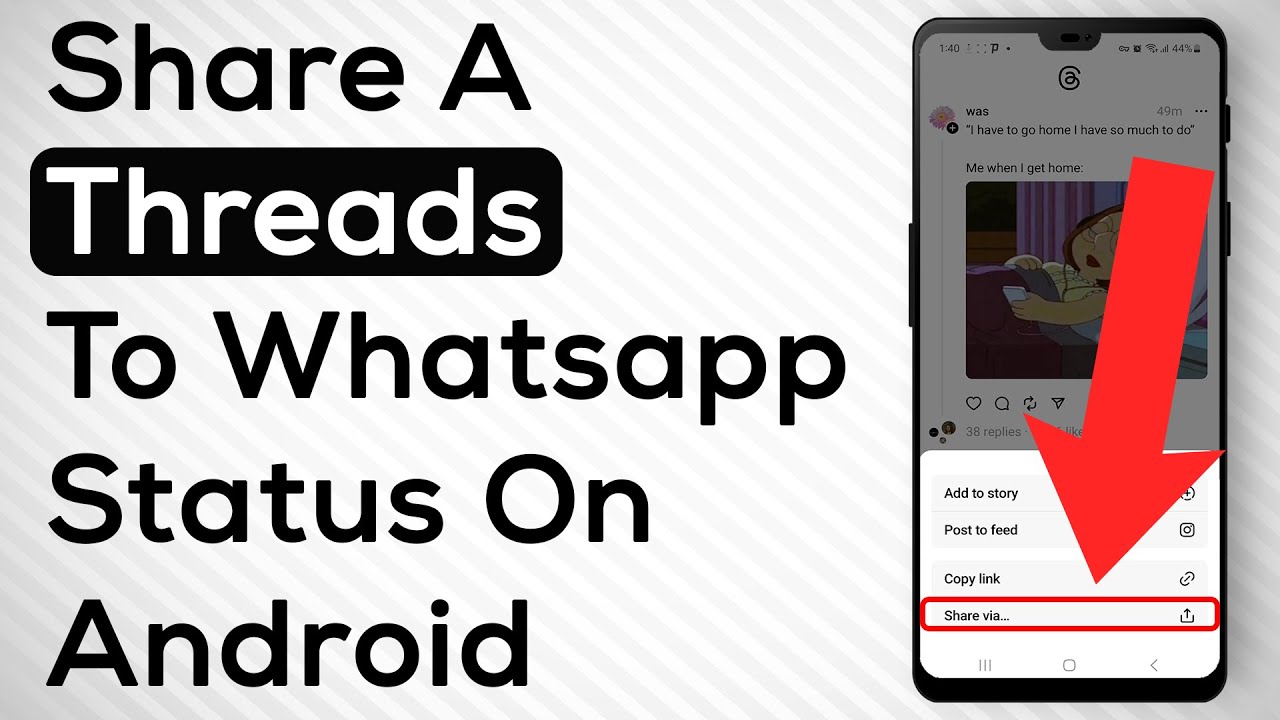
How To Share A Thread To WhatsApp Status
Автор: Smart Fixer
Загружено: 2023-07-16
Просмотров: 561
Описание:
Learn how to share a thread to WhatsApp status on your Android device with these easy steps:
1. Open the Threads app on your smartphone.
2. Choose the thread you want to share.
3. Tap on the share icon located below the thread.
4. Choose "Share Via" from the available options.
5. Select WhatsApp.
6. Choose "My Status" to share the thread to your WhatsApp status.
By following these simple steps, you can easily share any thread you want to your WhatsApp status and keep your friends and family up-to-date on your conversations.
We hope you found this tutorial helpful. For more helpful tips and tutorials, don't forget to like and subscribe to our channel.
For advertiser contact us via email : [email protected]
Повторяем попытку...
Доступные форматы для скачивания:
Скачать видео
-
Информация по загрузке:




![Best of Deep House [2026] | Melodic House & Progressive Flow](https://imager.clipsaver.ru/Il-ZpBuC8tA/max.jpg)