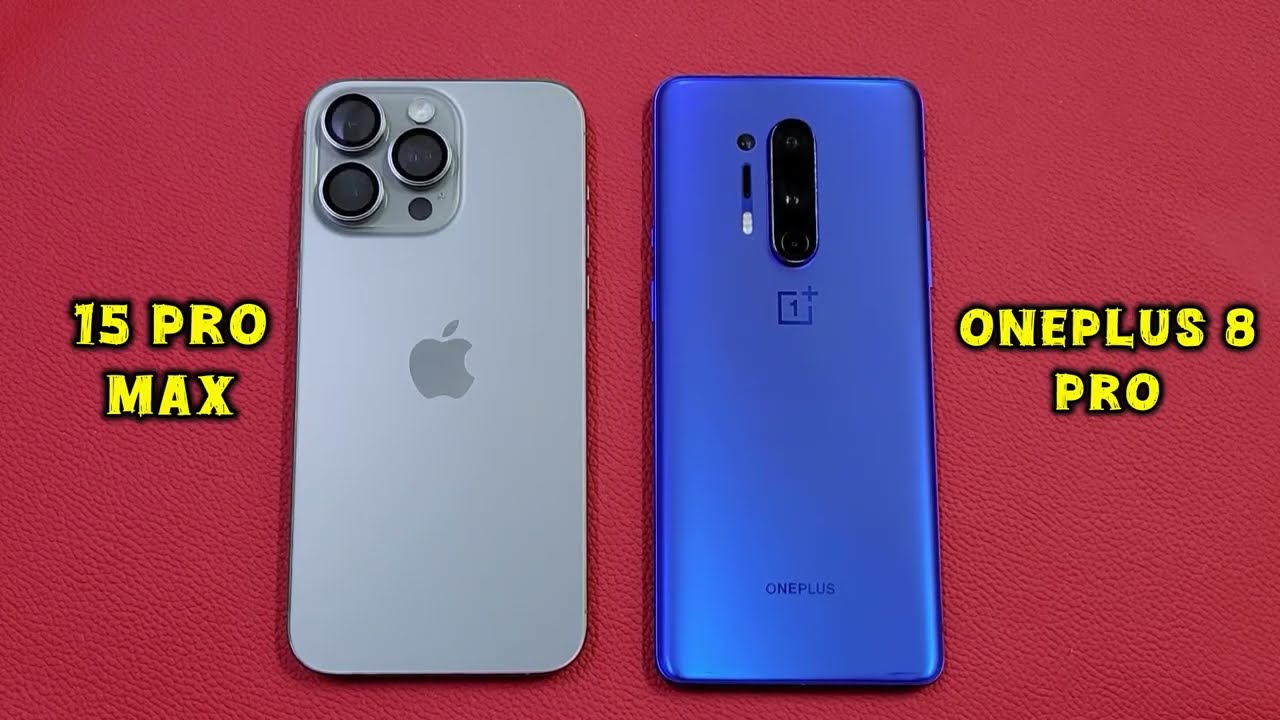
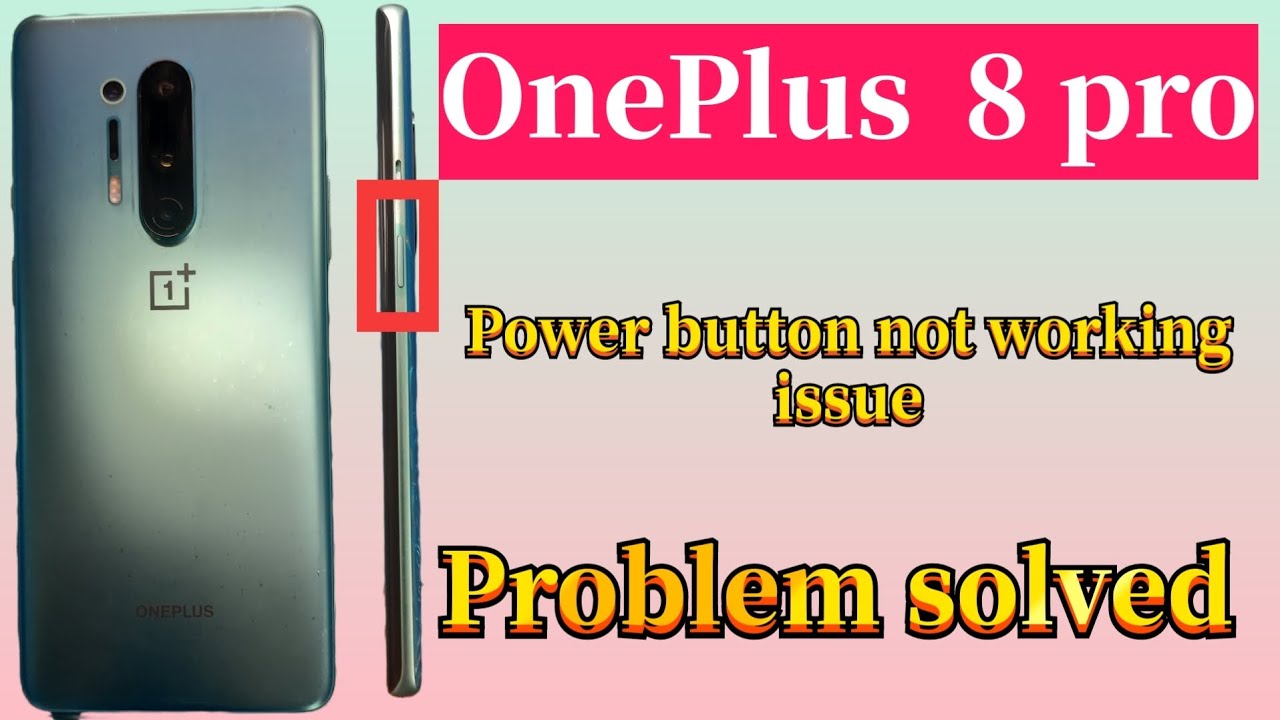
How to check your OnePlus 8 Pro Display :/
Автор: Akash Murthy
Загружено: 2020-06-29
Просмотров: 40951
Описание:
Update: • [UPDATE] OnePlus 8 Pro Display Issues Indi...
Spoiler Alert: Its defective...may be on software level? If Oneplus solves this issues through software just like how samsung fixed green tint on the s20 ultra, it would be great. But until then, I'm worried to be honest. On Reddit people claim its a hardware issue arising from the PWM controller. I have no idea what I should do. I might return it.
This is What My OnePlus 8 Pro exhibited: https://streamable.com/m34uas
Original Reddit Link: /
My device is IN2021 - India Variant
Oneplus 8 Pro 12/256GB UltraMarine Blue
To check on your OnePlus 8 Pro:
[Use a Display Tester]
1. Set background colour to White
2. Toggle the invert colors option
3. Set brightness to 100%
You should see the darkest Black image like on any oled display. If you see a green tint, black bar next to your front punch hole camera or any issues... Let me know in the comments, What are you going to do?
I'm in a dilemma. Oneplus said they would release a software update for this by June end... We are already here: June 29th.
Also, this is my first youtube video... If I messed up anywhere, please go easy on me. Thanks!
If you found my video useful and you use it, consider sharing the link.
Повторяем попытку...

Доступные форматы для скачивания:
Скачать видео
-
Информация по загрузке: