Post Apocalyptic Visual FX in 3DS MAX: Parking Garage Ceiling Collapse Tutorial PART 1
Автор: Paul Del Vecchio
Загружено: 2022-09-28
Просмотров: 3664
Описание:
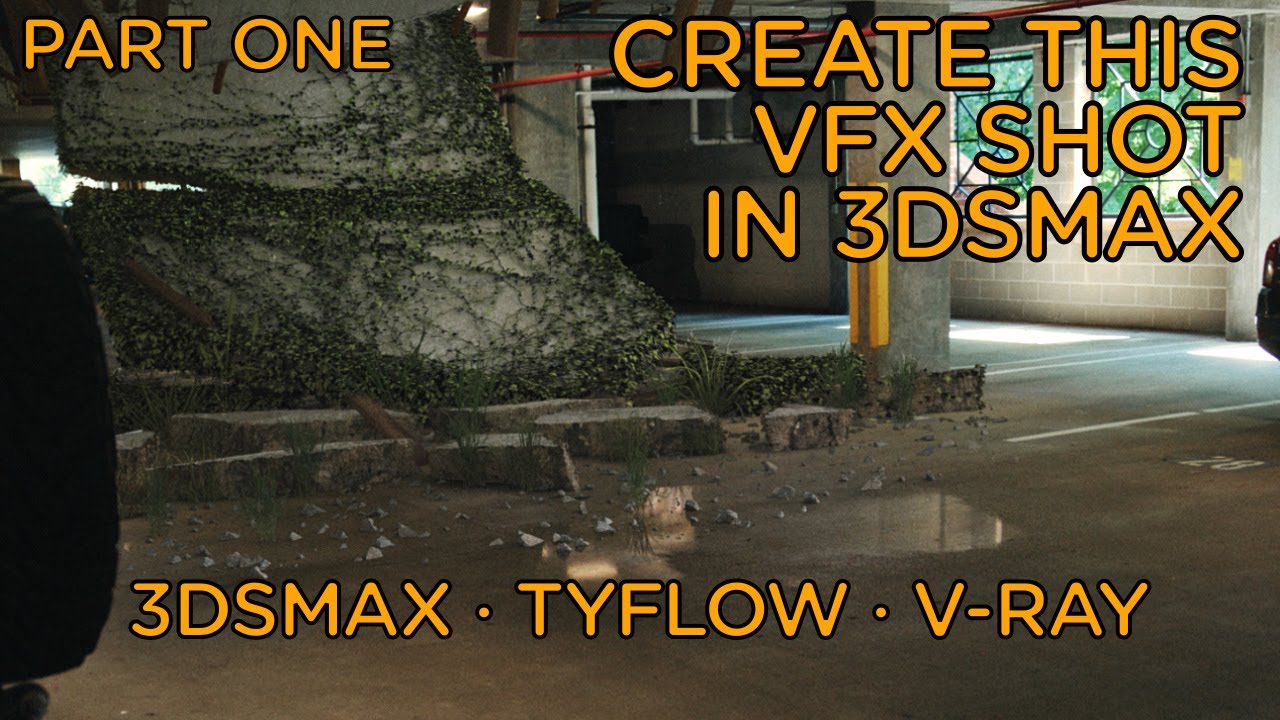
Post Apocalyptic Visual FX Breakdown of a shot for my short film. Parking Garage Ceiling Collapse VFX shot in 3DSMax. Part 1 covers matching camera perspective, modeling, texturing, fracturing and carving the mesh with TyCarve in TyFlow, scene layout, adding rebar, and lighting with an HDRI and V-Ray lights.
You can use this Visual FX shot in your post apocalyptic films.
PART 2: • Post Apocalyptic Visual FX 3DS MAX Parking...
PART 3: • Post Apocalyptic Visual FX 3DS MAX Parking...
Some videos for further knowledge referenced in this video:
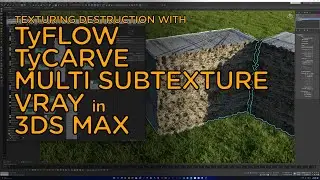
Using a Multi SubObject - • Texturing Destruction Using TyFlow TyCarve...
Using a Multi SubTexture for displacement - • Using Multi SubTexture mapping with Multi ...
VIDEO CONTENTS:
00:00 - Intro
00:09 - Modeling
01:15 - Adding an HDRI
02:13 - Adding Camera & Matching Perspective
03:38 - Texturing
05:34 - Cutting/Fracturing with TyCarve (TyFlow)
07:03 - Destruction Pieces Layout
08:19 - Adding Shadows with a Shadow Catcher
08:45 - Adding Rebar to Mesh
10:20 - Adjusting the Lighting
10:52 - Wrap Up
SOCIAL MEDIA:
Facebook: www.facebook.com/pauldv
Twitter: www.twitter.com/pauldv
Instagram: @pdelv
QUICK NOTE: This is NOT the only way of doing a shot like this. This is what worked for me based upon my knowledge. If you have a better way, please share in the comments so we can all learn. Thanks!
Повторяем попытку...
Доступные форматы для скачивания:
Скачать видео
-
Информация по загрузке: