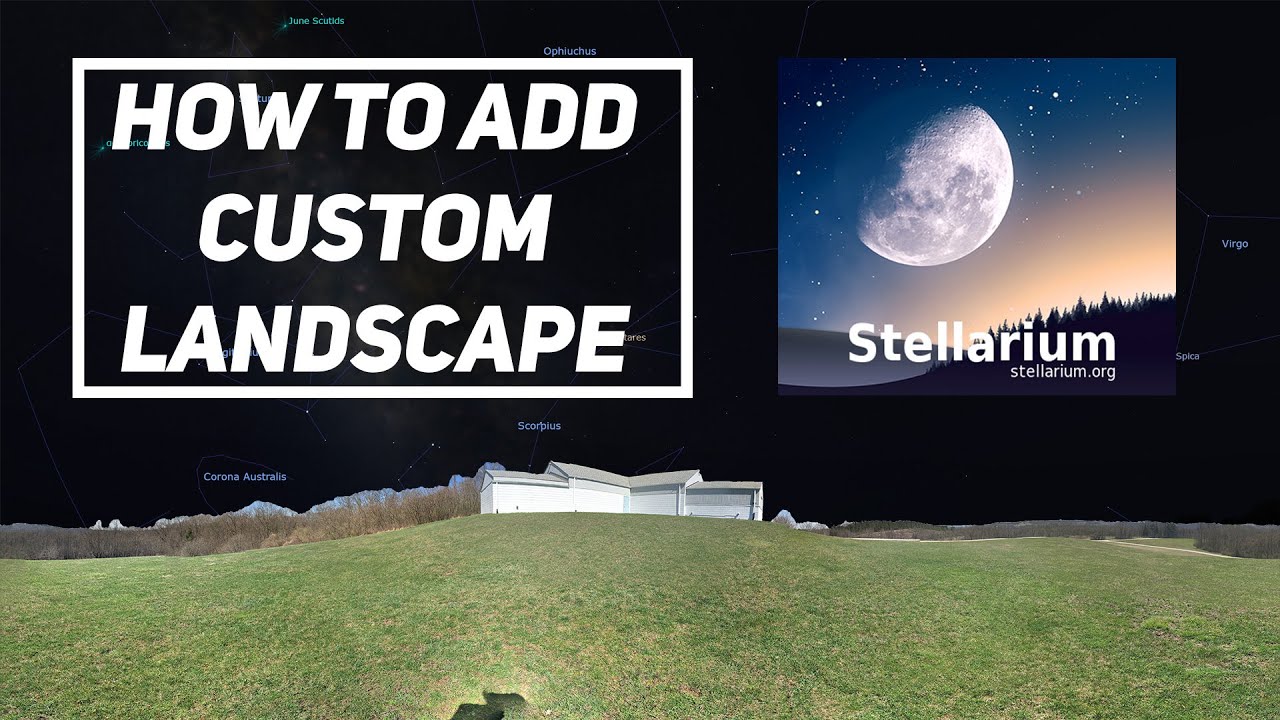
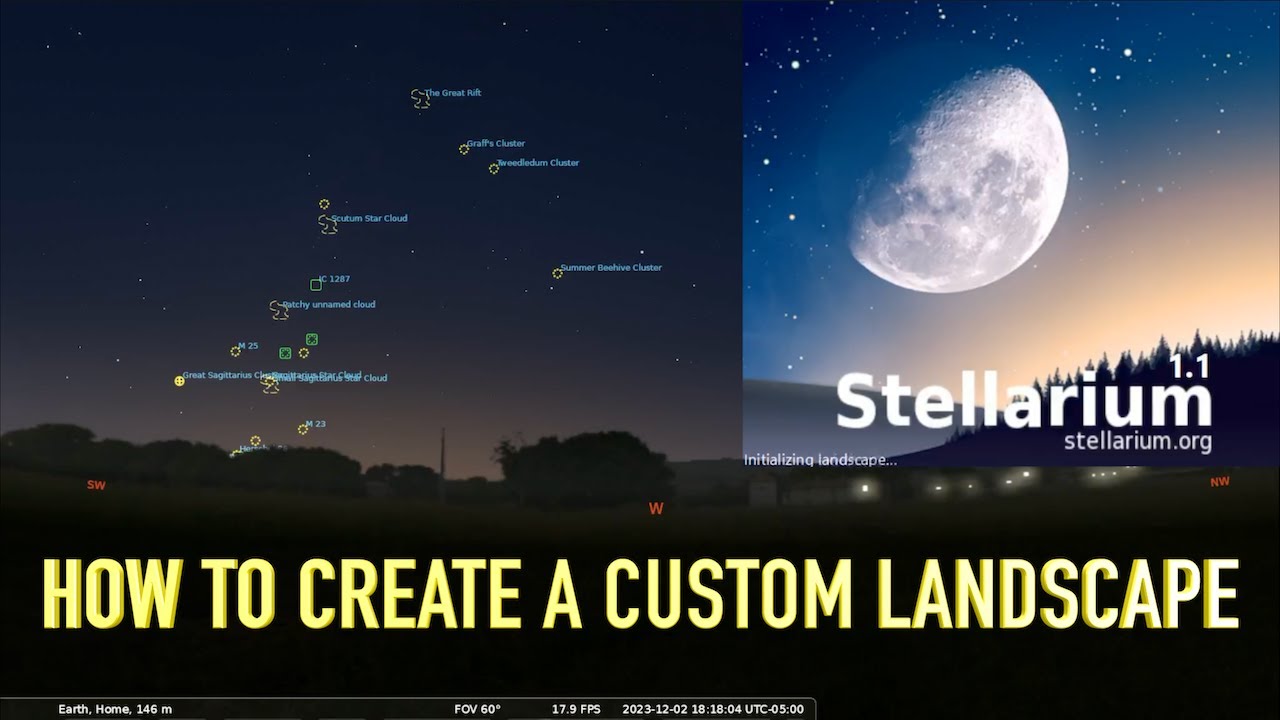
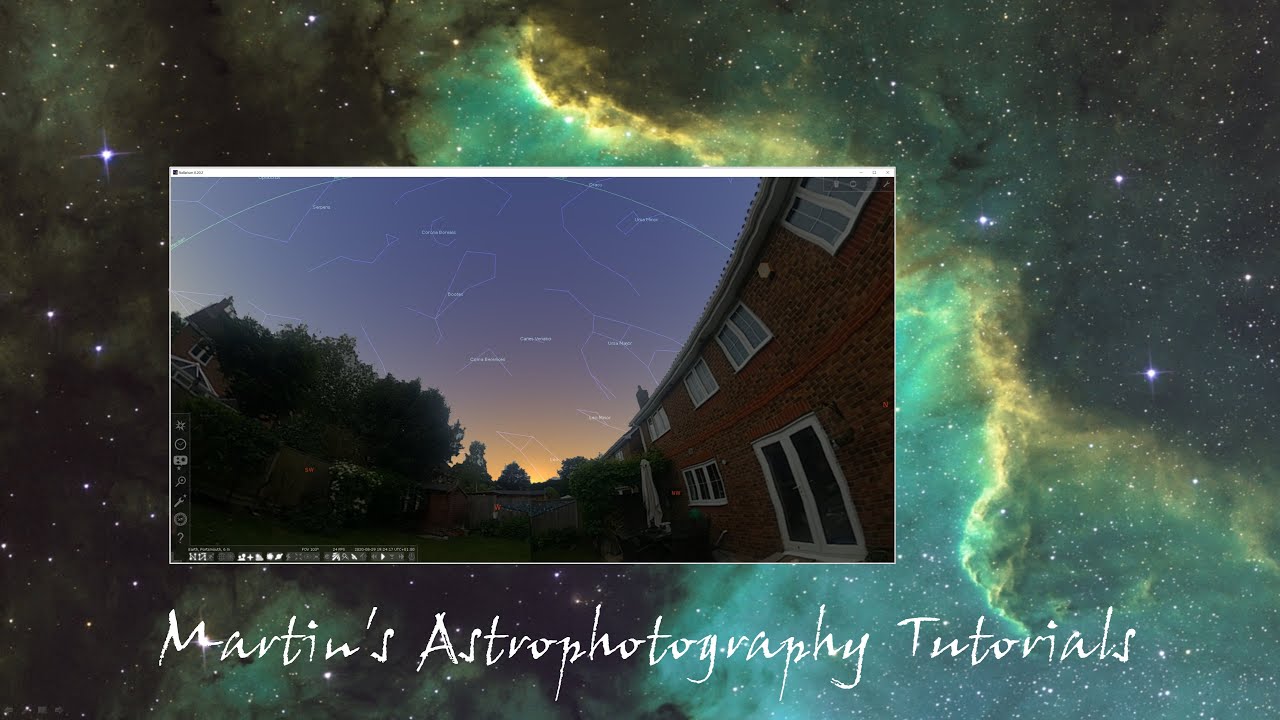
How to customise Stellarium landscape to your location
Автор: Amateur Astronomy - Telescope, Binocular and Imaging Forum
Загружено: 2018-01-14
Просмотров: 18930
Описание:
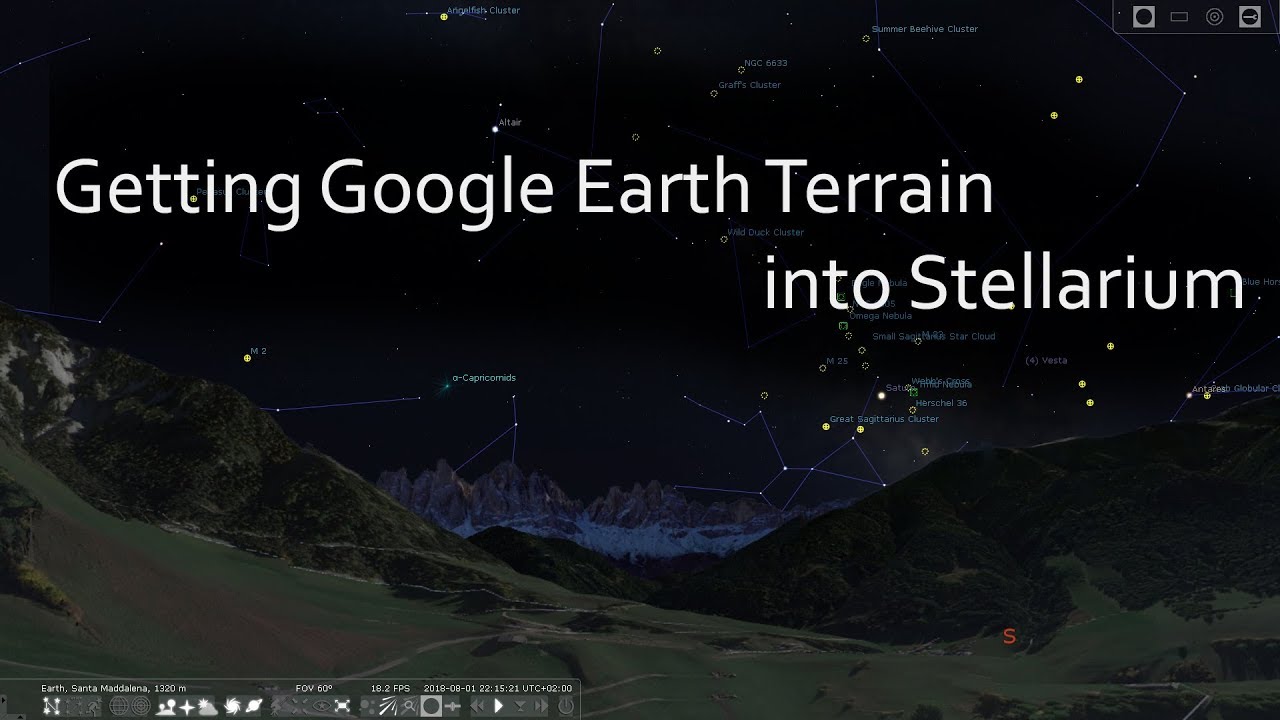
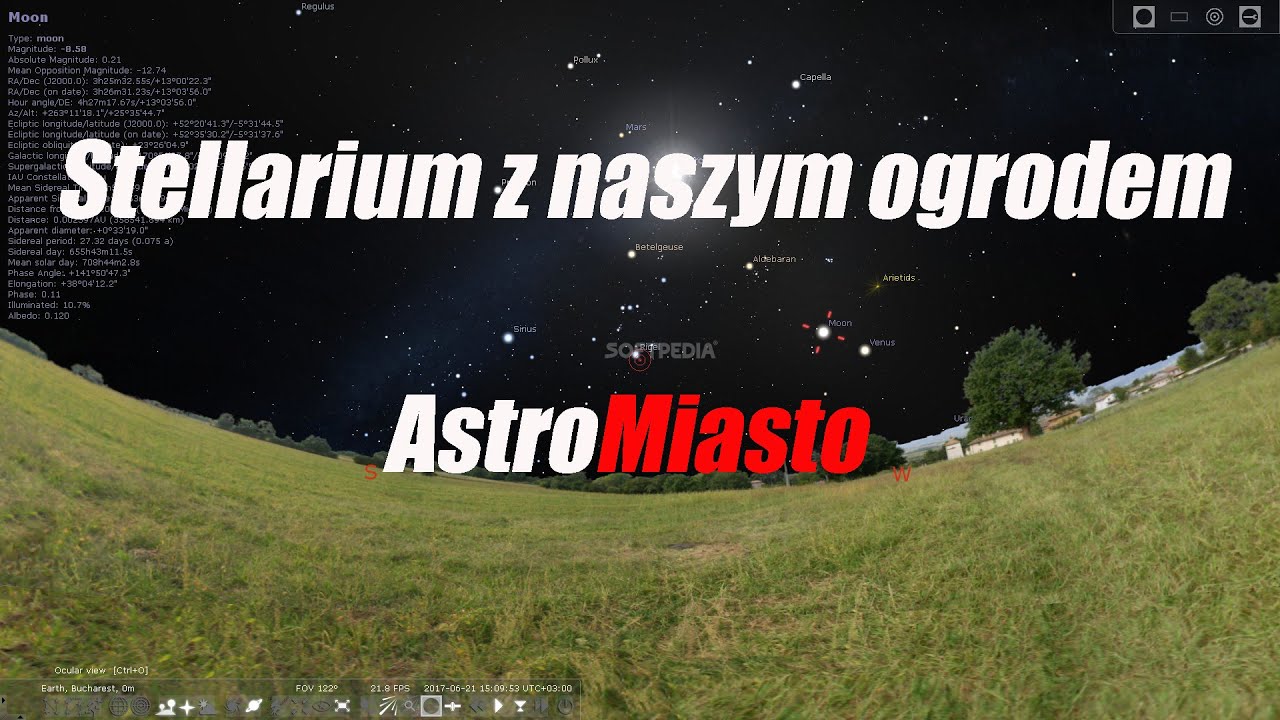
Have you ever wondered how to customise Stellarium landscape to your location?
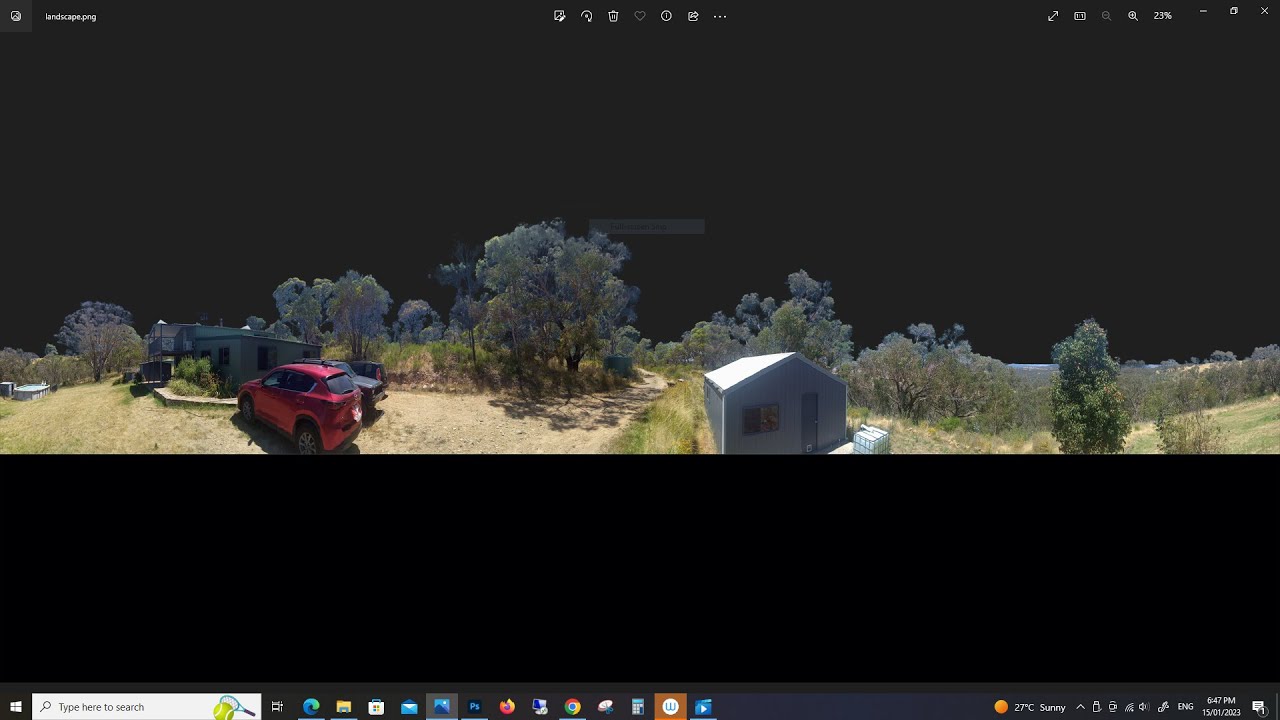
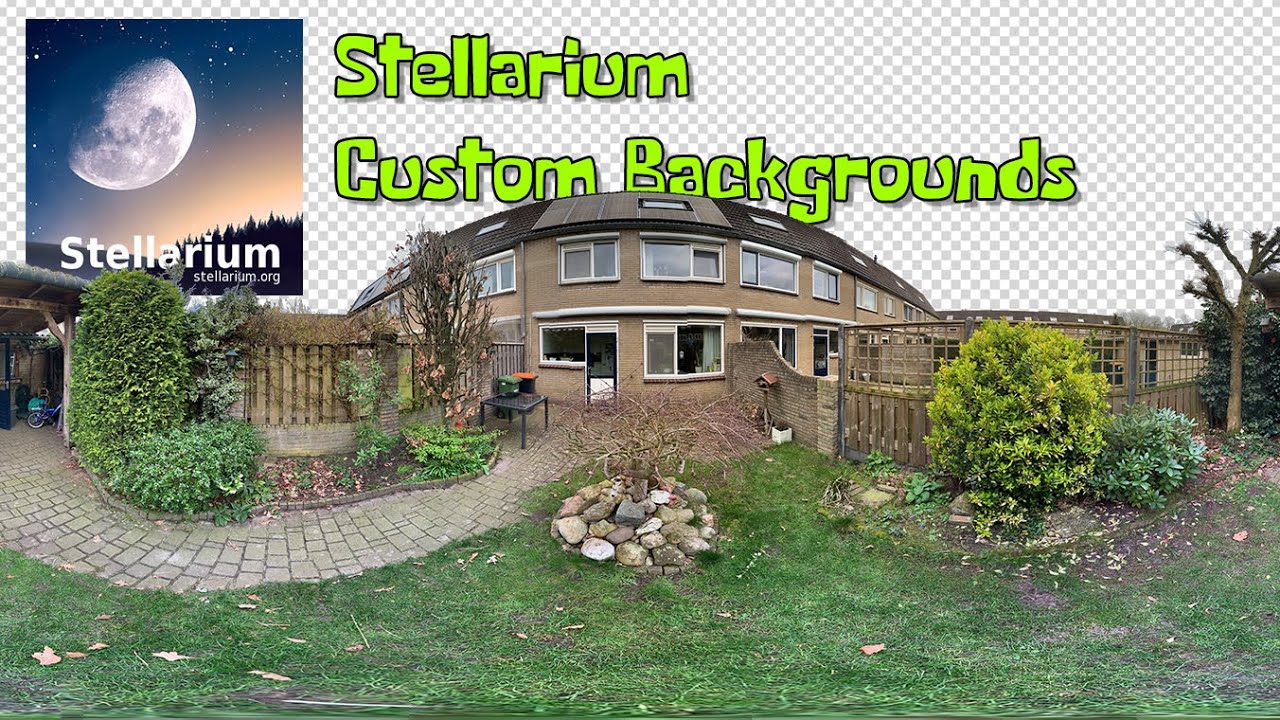
Creating a custom landscape for use with Stellarium will change the way you plan an astronomy viewing or imaging session so you can make the best use of your clear nights, this tutorial includes how to create and edit a panoramic image as well as set up the information file required by Stellarium.
Below are two popular examples of free image stitching software available online
Microsoft Image Composite Editor (ICE)
Autostitch
For phone users download
360 Panorama from the app store
note- the built in 'pano' feature on the stock iphone camera doesnt work very well
Tips for landscape.ini (copy below)
1 - angle_rotatez = has a range from 0 - 359, you will need to use some trial and error to align north in your image with north on Stellarium, edit this in the landscape.ini file and save to your custom folder that we create in the video, you might need to spend some time fine tuning this.
2- if you have an iphone and enable location services you can use the built in compass app to get your exact location by swiping right. Your GPS location will be at the bottom of the screen
3- 'Name' will be how your custom landscape appears in stellarium
4-'maptex' must match the name of your custom panoramic image
Copy the below info into notepad amd edit the details to set your location
[landscape]
name = Custom Landscape
description = Amateur Astronomy - Telescope, Binocular and Imaging Forum
type = spherical
maptex = landscape.png
latitude = +50d48'42"
longitude = +12d12'41"
altitude = 220
angle_rotatez = 165
Subscibe and find us on facebook -
Search Amateur Astronomy - Telescope Binocula and Imaging Forum
or follow the link below.
www.facebook.com/groups/amateurastronomytelescope/
Повторяем попытку...

Доступные форматы для скачивания:
Скачать видео
-
Информация по загрузке: