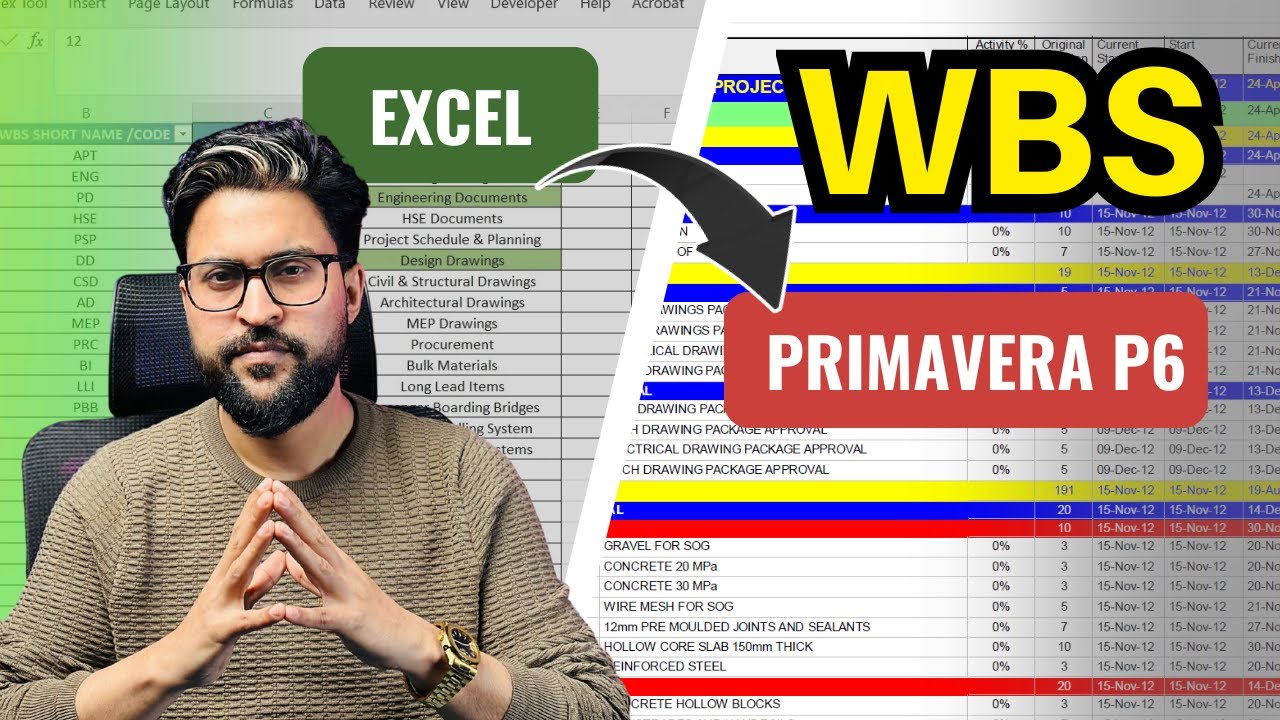
How to Import Project WBS from Excel into Primavera p6 in 10 minutes ?
Автор: Learn with EngrWaqas
Загружено: 2026-01-31
Просмотров: 154
Описание:
In this video, I’ll show you how to import a Project WBS from Excel into Primavera P6 in just 10 minutes—using a clean, practical method that planners use on real projects.
You’ll learn:
✅ the correct Excel WBS format (codes, names, levels)
✅ how to avoid common import issues (wrong levels, missing parents, duplicates)
✅ quick checks inside P6 after import to ensure WBS is correct
✅ tips to keep your schedule structure professional and ATS/client-ready
This tutorial is perfect for planning engineers, project controls engineers, and freshers who want to speed up schedule setup and avoid manual WBS creation.
▶️ Watch the video and comment “WBS” if you want the sample sheet/template OR Whatsapp +923417213439
🔔 Subscribe for more Primavera P6 tips, real case studies, and planning workflows.
Complete Primavera p6 Training for Oil and Gas Project in 2 Hours | P6 Free Course in English
• Free Primavera p6 Training for Oil and Gas...
Oil and Gas Industry Overview | From Exploration to Production | Field Management with Primavera p6
• Oil and Gas Industry Overview | From Explo...
Learn Plant Shutdown Management using Primavera p6 | Free Course in English
• Learn Plant Shutdown Management using Prim...
MEP project full video tutorial
• Primavera p6 Free Course for Pipeline Cons...
Повторяем попытку...
Доступные форматы для скачивания:
Скачать видео
-
Информация по загрузке:










![Почему работает теория шести рукопожатий? [Veritasium]](https://image.4k-video.ru/id-video/ggI1xKzoANs)