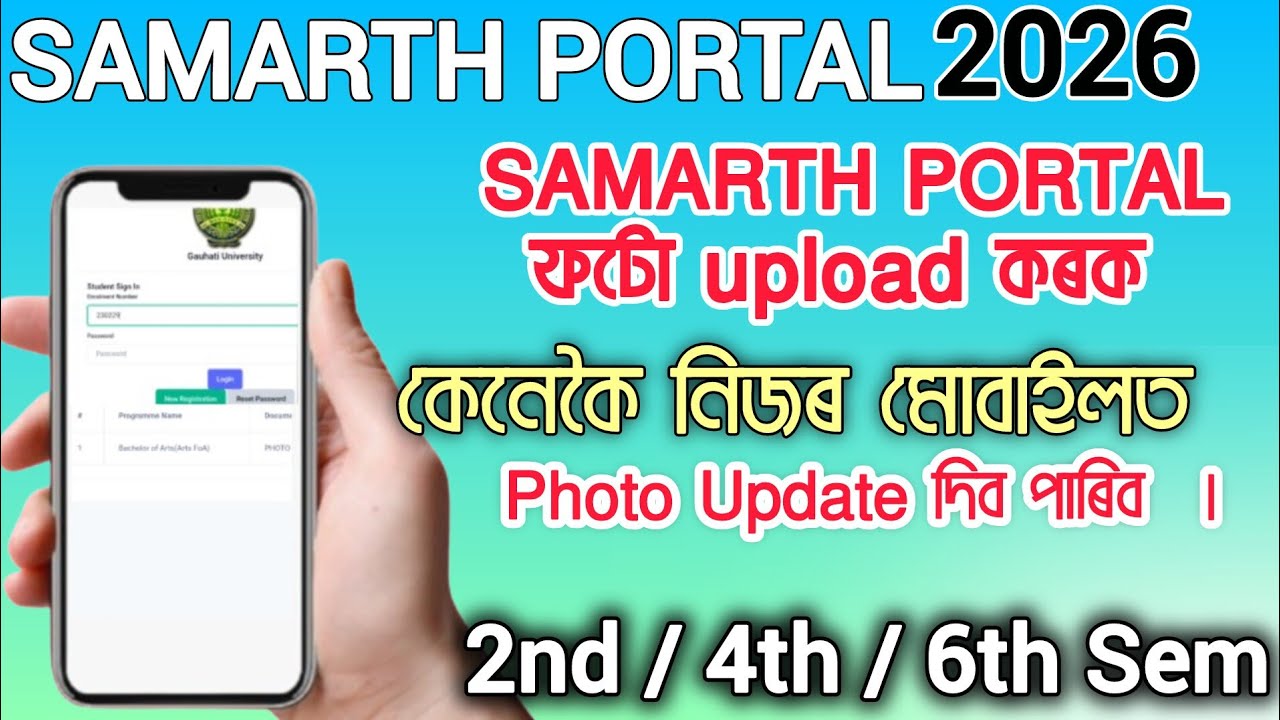
G.U Samarth Portal Photo Upload 2026 || How to Upload Photo in SAMARTH Portal Mobile (BA/BSc/BCom)
Автор: Es Assam Paper
Загружено: 2026-02-21
Просмотров: 11277
Описание:
G.U Samarth Portal Photo Upload 2026 | How to Upload Photo in SAMARTH Portal Mobile (BA/BSc/BCom)
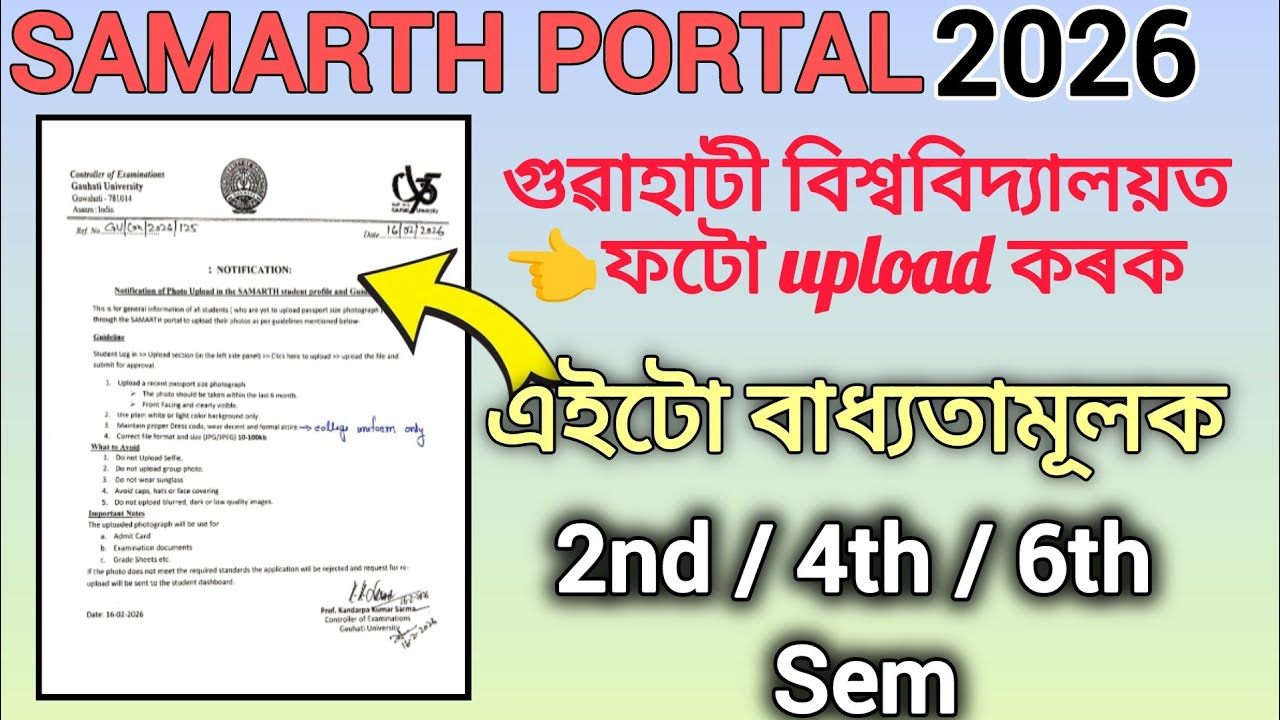
Notice link 👇
https://drive.google.com/file/d/1BVmm...
Gauhati University has released an official notification regarding the mandatory photo upload on the SAMARTH student portal for B.A, B.Sc, and B.Com students. In this video, I explain the step-by-step process of how to upload your passport-sized photo using your mobile phone according to the official guidelines.
______________________________________________
Key Highlights of the Notification:
File Size: 10kb to 100kb.
Format: JPG/JPEG only.
Background: Plain white or light color.
Guidelines: No selfies, no sunglasses, and no caps.
Purpose: This photo will be used for your Admit Card, Grade Sheets, and Exam documents.
Steps to Upload:
Log in to the Samarth Portal.
Go to the "Upload" section on the left sidebar.
Click to upload and submit for approval.
Hashtags
#GauhatiUniversity #SamarthPortal #PhotoUpload2026 #GUExam #AssamEducation #StudentUpdate #SamarthPortalLogin #GUEntrance #GauhatiUniversity #SamarthPortal #PhotoUpload #GU2026 #AssamEducation #FYUGP #GUExtra
Call to Action:
Don't forget to Subscribe for more FYUGP updates and exam preparation materials!
----------------------------------------------------------------------
👉Follow us on Instagram: / es_assam_paper
👉Like us on Facebook / es_assam_paper
👉Subscribe to Es Assam Paper
/ @esassampaper
-----------------------------------------------------------------------
********* THANK YOU FOR WATCH ******
MY YOUTUBE VIDEO
PLEASE 🙏 SUBSCRIBE MY CHANNEL .
Повторяем попытку...

Доступные форматы для скачивания:
Скачать видео
-
Информация по загрузке: