Fast Way to Create Polygon Hair for Character in Maya
Автор: Andor Kollar
Загружено: 2016-05-06
Просмотров: 81131
Описание:
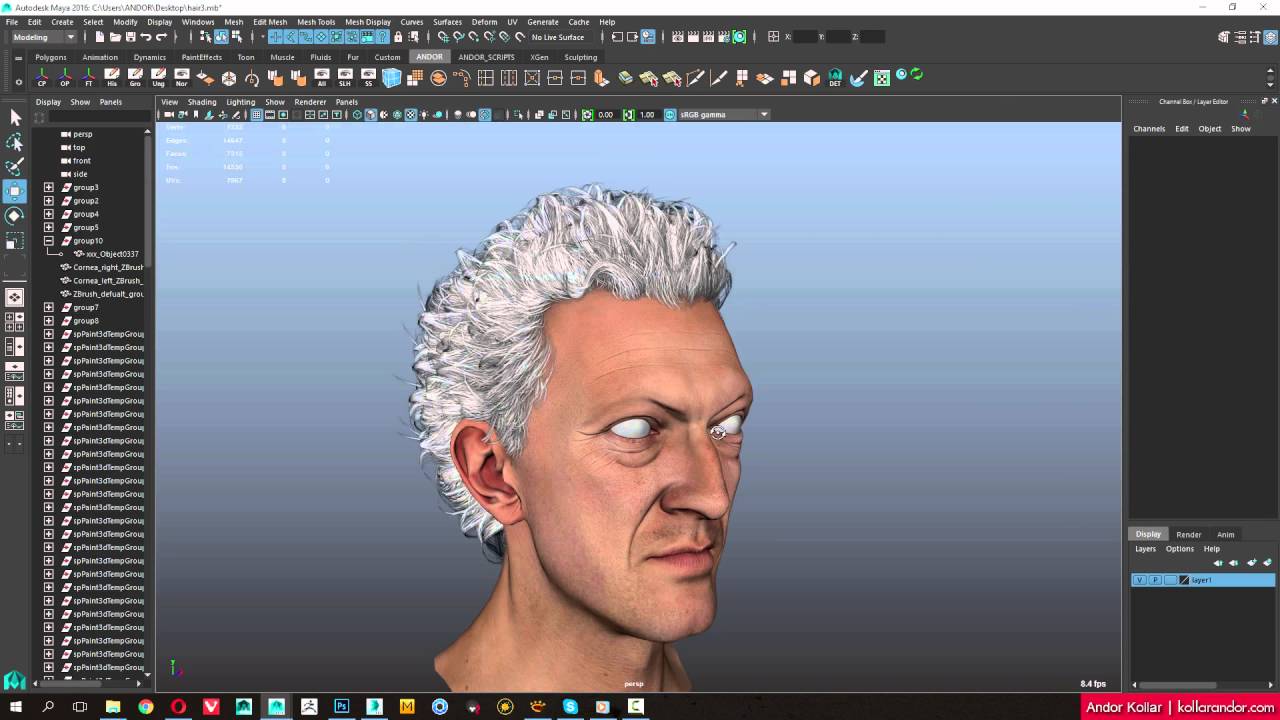
This tutorial shows how you can create fast way 3d polygon hair for a character's head. I'm not recorded the full work process, just I focused to paint random alpha hair planes. I used spPaint3d script in Maya to paint the hair planes quickly. Of course for best result need some manual fine touch.
Other important things:
You should check the brush geometry: set pivot and freeze transformation.
If you choose the "place" paint option you can rotate the mesh with SHIFT key. In the options menu you can set the "Place rotate increment" value to determine the rotate angle.
You can increase the random painting by set the rotate and scale attribute range.
Final renders: http://kollarandor.com/gallery/soviet...
Awsome script from Sebastien Paviot, you can download the script here:
https://www.highend3d.com/maya/script...
Andor Kollar - Character Artist © 2016 | http://www.kollarandor.com
Повторяем попытку...
Доступные форматы для скачивания:
Скачать видео
-
Информация по загрузке: