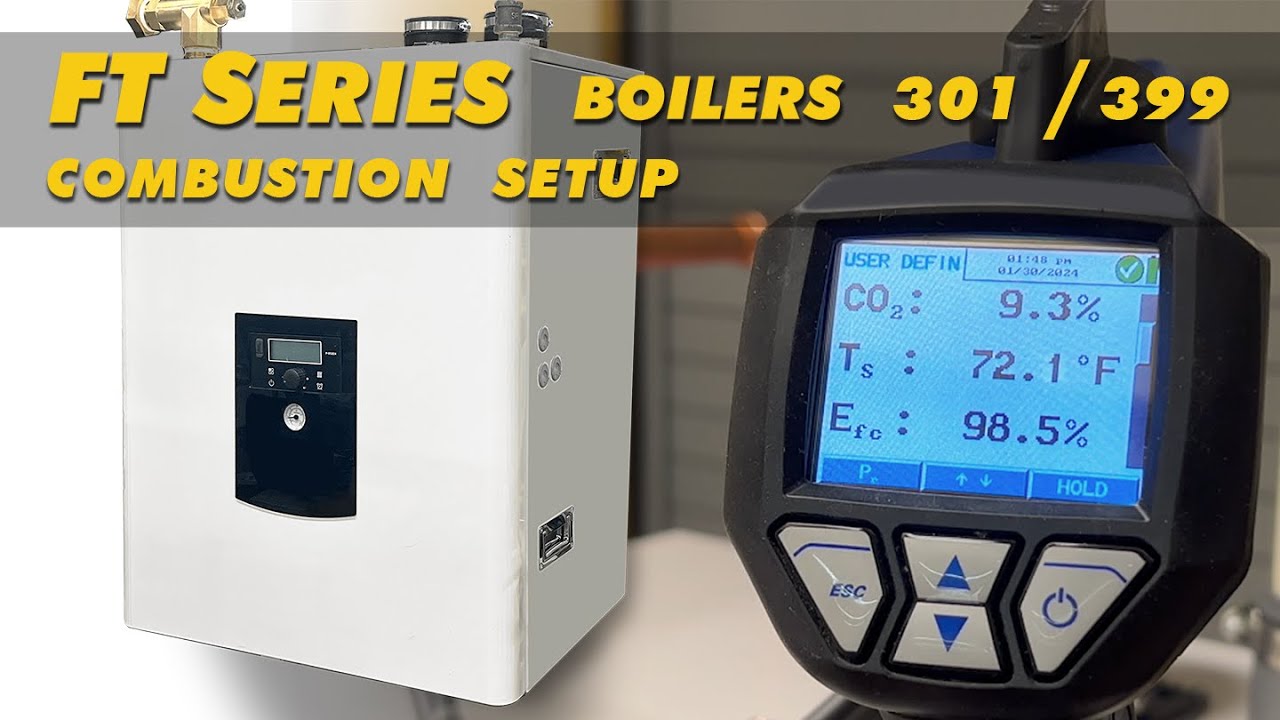
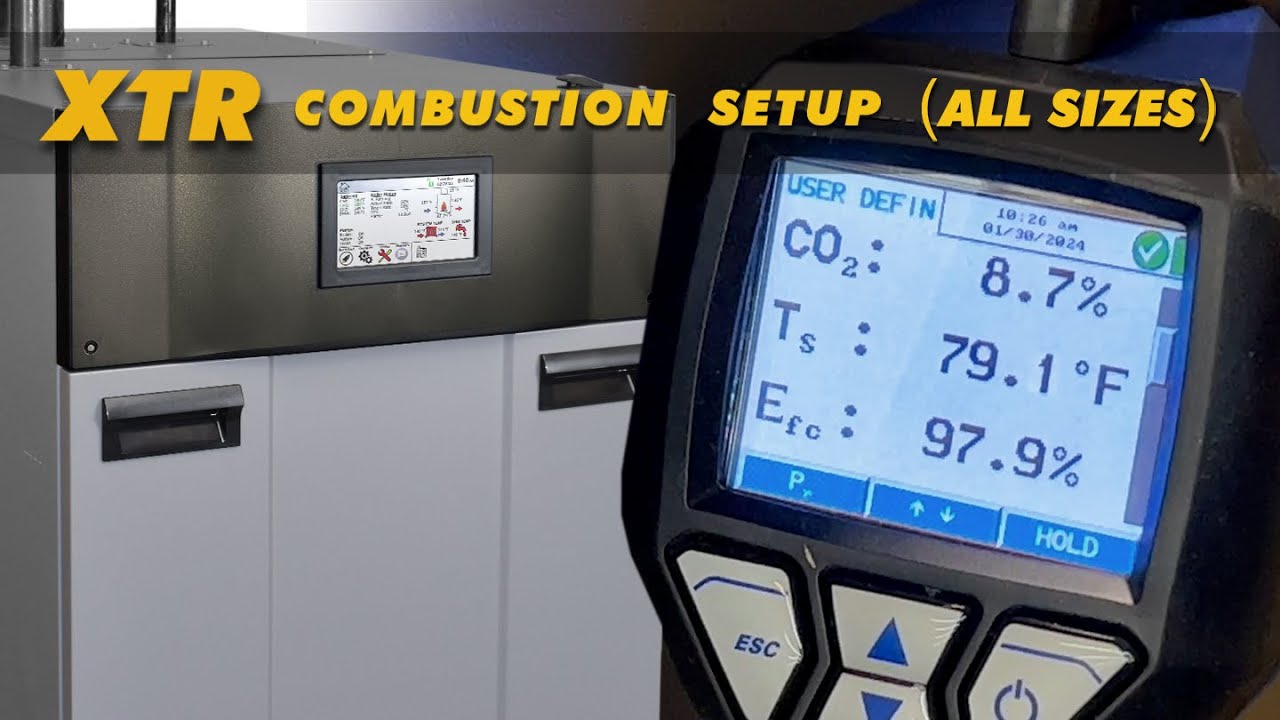
MagnaTherm 20:1 Combustion, Using the AZL.
Автор: Laars Heating
Загружено: 2024-04-24
Просмотров: 998
Описание:
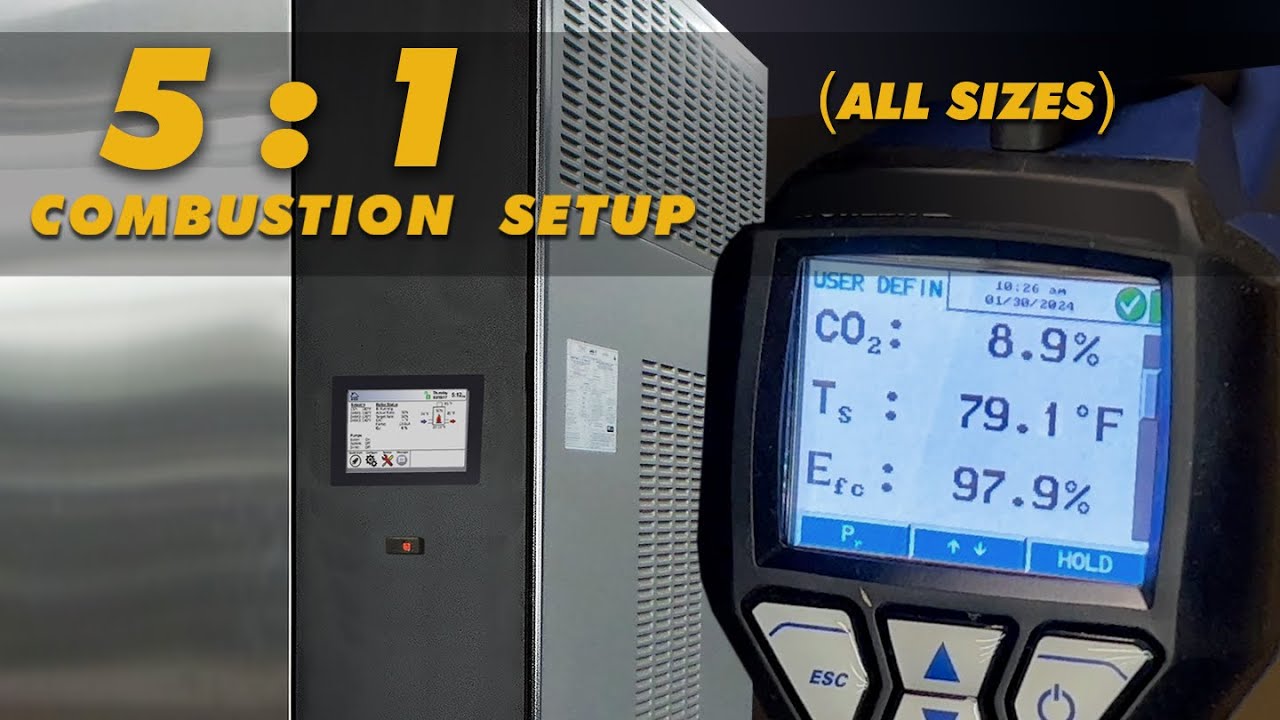
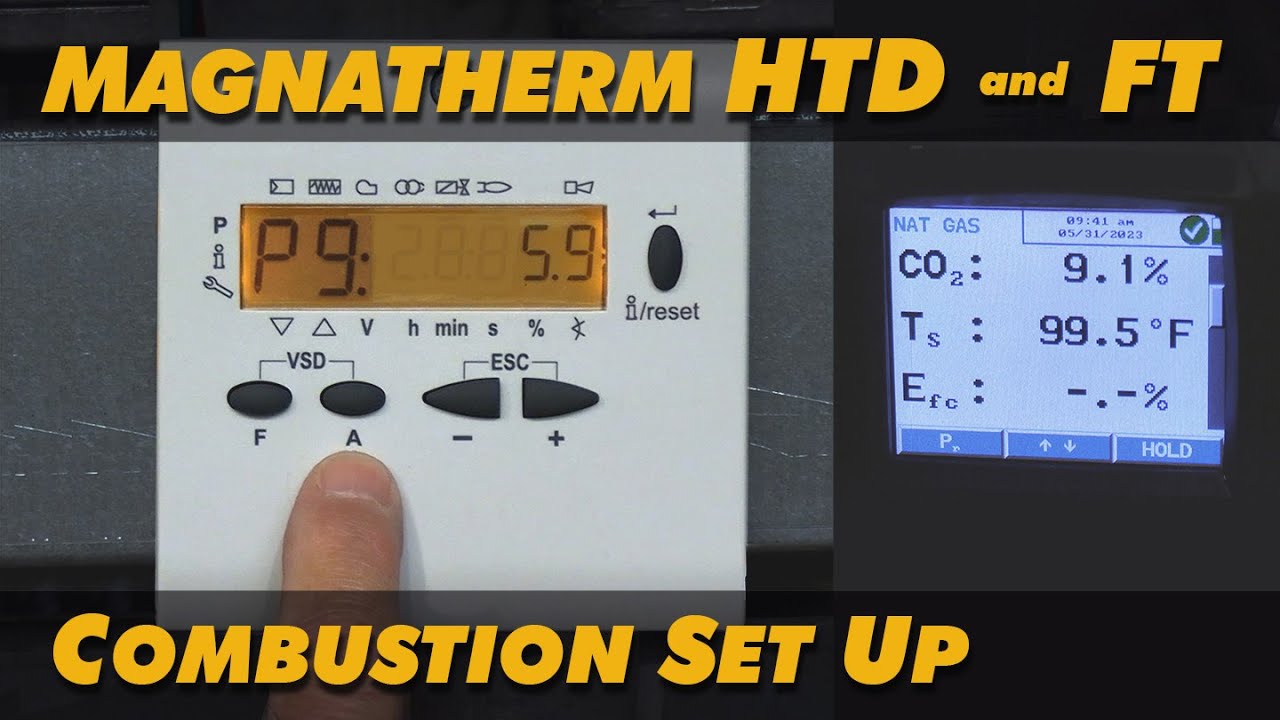
Step by Step. This video shows the qualified installer how to do a 20:1 Combustion Setup using the AZL control on the MagnaTherm FT and/or the MagnaTherm HTD
__________________
00:00 - Introduction.
00:36 - Check Static and Dynamic gas pressure.
01:02 - Log-in and then go to ‘Configuration’.
01:26 - Disable O2 Trim.
02:00 - Elevate CH1 Setpoint.
02:45 - Increase Time Out.
03:36 - Enable Manual Heat Demand.
04:35 - Manual Firing Rate to 100%.
05:25 - Check Combustion at High Fire.
05:50 - Manual Firing Rate to 5% and then check combustion.
06:38 - If High or Low Fire our not within 8.8 - 9.2, then a multiple point set is needed.
07:06 - Check gas manifold pressure at the pressure reg.
08:09 - Log into the AZL control.
09:54 - Go to P-Zero to adjust gas pressure.
11:25 - Start at P-9.
12:15 - Check and adjust combustion at each point.
13:48 - P-7 is good!
14:33 - P-2 is lo, so,, Air Remove.
15:25 - To exit out of the AZL control.
15:44 - Disable the Manual Heat Demand.
17:10 - Reduce CH1 back to 140.
17:55 - Disable Manual Firing Rate for the Last time.
18:10 - Done.
Повторяем попытку...
Доступные форматы для скачивания:
Скачать видео
-
Информация по загрузке: