MuleSoft Anypoint DLB – Step-by-Step Demonstration | Networking Tutorial (Part V)
Автор: MuleSoft, AI & Agentforce – Zero to Hero Academy
Загружено: 2020-10-29
Просмотров: 8640
Описание:
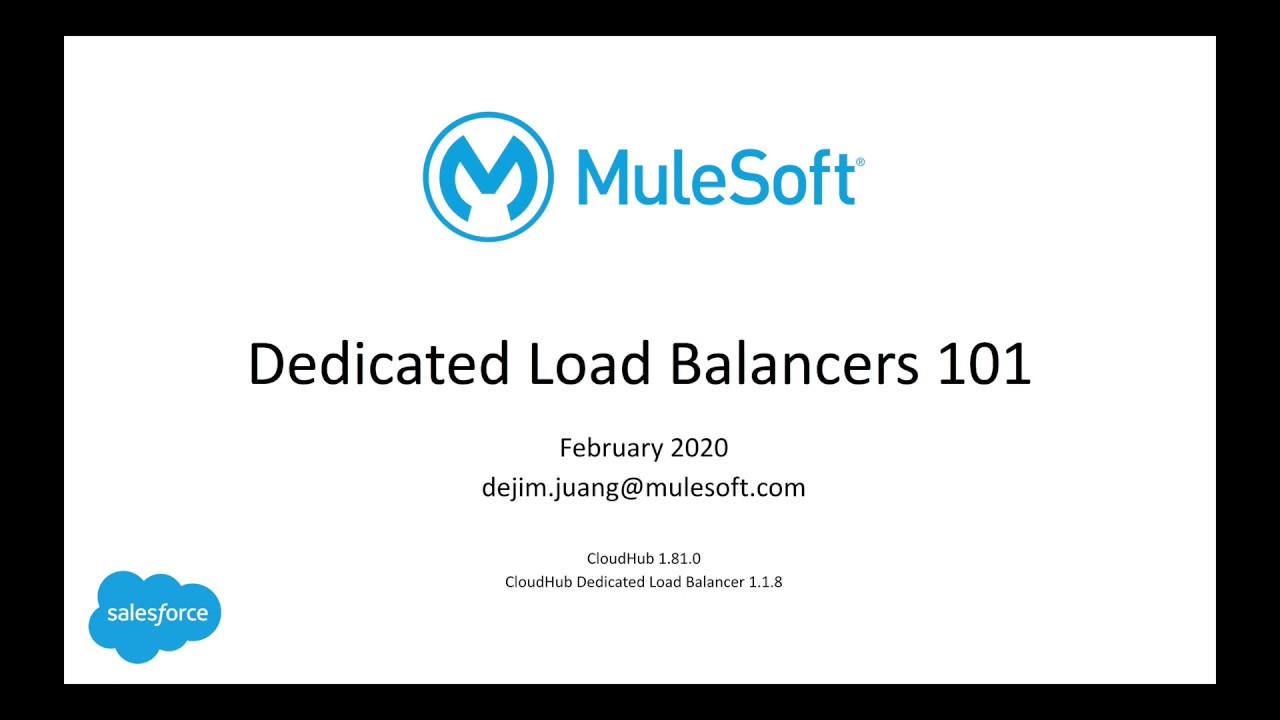
This is the fifth video in the MuleSoft 4 Networking series.
In this session, you will see a step-by-step demonstration of configuring a Dedicated Load Balancer (DLB) in MuleSoft. The tutorial walks through creating, setting up, and managing a DLB for applications deployed on CloudHub and CloudHub 2.0.
What you’ll learn in this video:
How to create and configure a Dedicated Load Balancer
Setting up custom domains and SSL certificates
Managing routing rules and application mappings
Testing and validating DLB configurations
Best practices for using DLB in enterprise-grade deployments
By the end of this tutorial, you’ll be able to deploy and configure a Dedicated Load Balancer in Anypoint Platform to improve scalability, availability, and security for your MuleSoft applications.
If you find this tutorial helpful, please like, share, and subscribe for more videos on MuleSoft 4, Anypoint VPC, DLB, VPN, and networking best practices.
Повторяем попытку...

Доступные форматы для скачивания:
Скачать видео
-
Информация по загрузке: