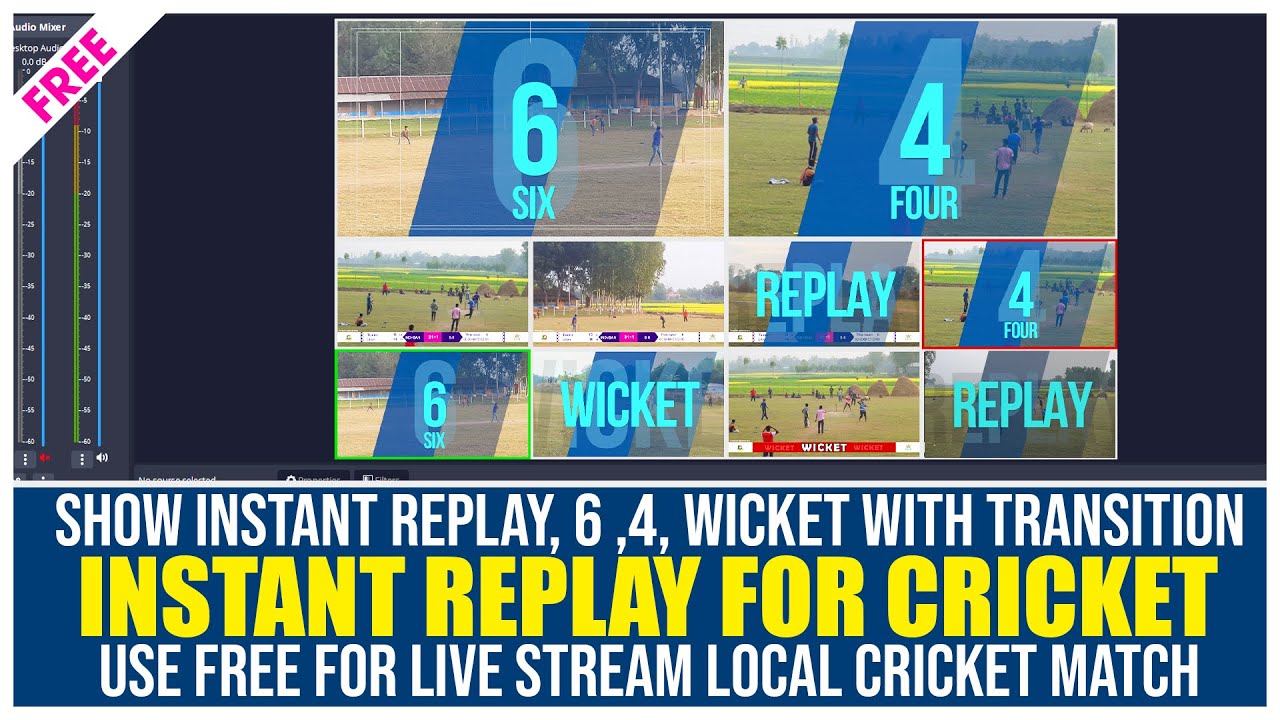
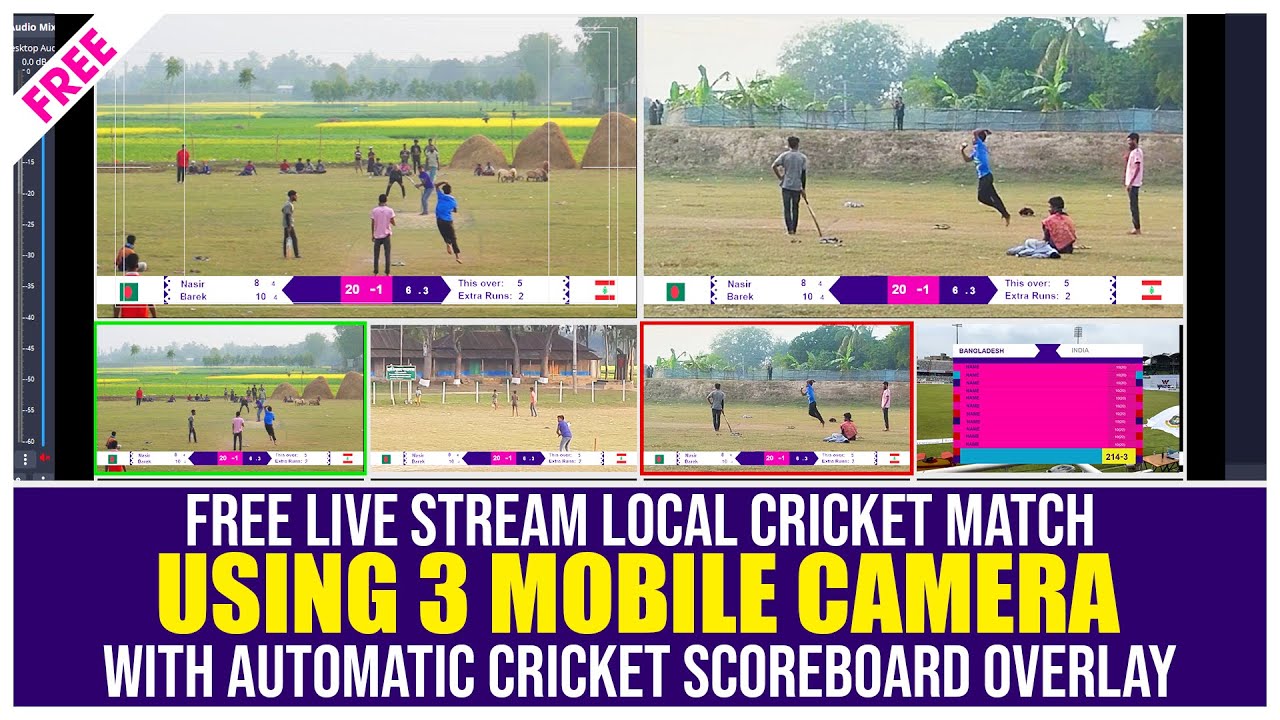
How To Setup Instant Replay In OBS Studio | Instant Replay Local Cricket Match
Автор: MiZan Basic IT
Загружено: 2024-03-03
Просмотров: 11871
Описание:
io#obsreplay #instantreplay #obsreplaybuffer #obsstudio
Video Chapters:
0:00 Introduction
0:07 Replay Software Download & Setup
01:54 OBS Scenes
02:22 Replay Camera Add
03:54 Replay Camera-1 Configure
08:26 Replay Camera-2 Configure
09:30 Replay Camera-3 Configure
10:36 Replay Hotkey Setup
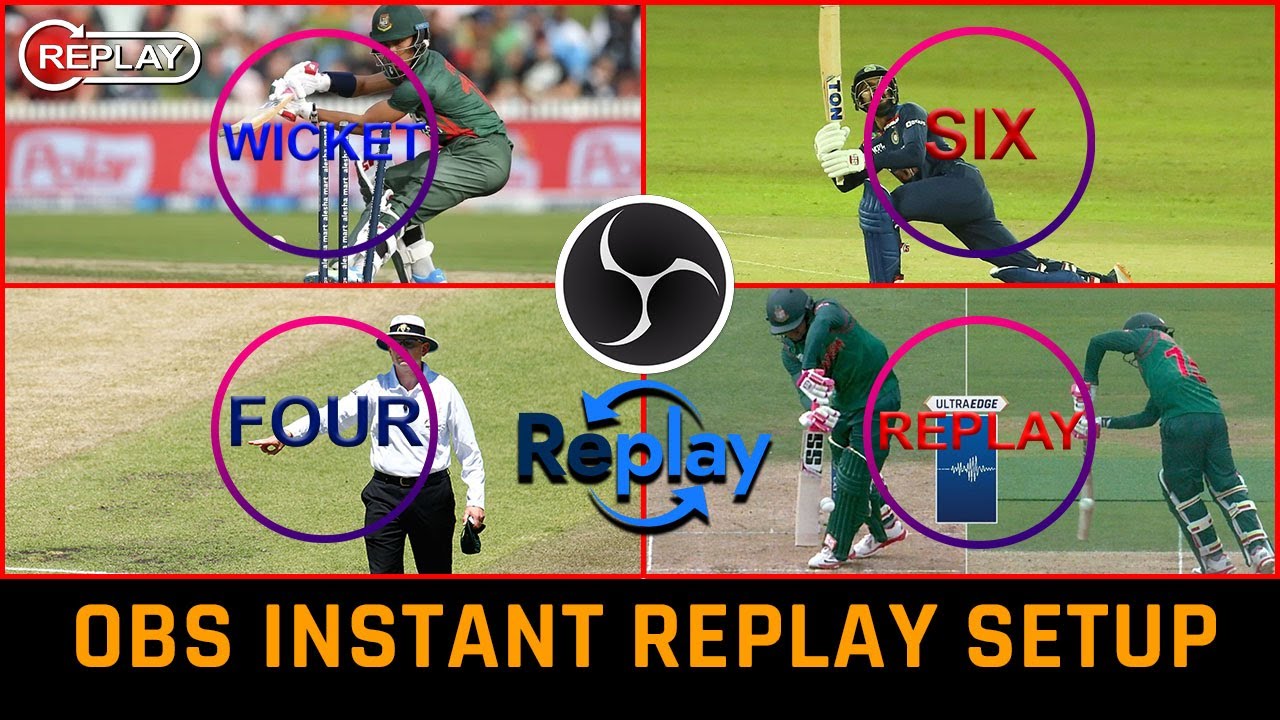
14:49 Replay Wicket Four Six Stinger Setup
20:15 Switch Scenes
22:53 Final Check
25:09 Outro
OBS Plugin: https://obsproject.com/forum/resource...
Stinger: https://mega.nz/folder/Y80CzSYS#Acumk...
Thanks to the hard work of volunteers on OBS Studio, it now includes the powerful functionality of scripting. More on that here. This has enabled a very cool feature: Instant Replays. This guide will go over how to setup an instant replays It can be setup in the same scene as your gameplay or main video, or even configured to be used in a separate scene for cool instant replay scene transitions.
Requirements:
1. Open the OBS Studio settings, go to output, and check the box "Enable Replay Buffer"
Set the length to your desired time. Note: Longer replay buffers require more memory. For this guide we'll use 10 seconds.
2. In the general settings, check the box to Automatically start replay buffer when streaming.
3. In the Hotkey settings, set a hotkey for saving the replay buffer. For this guide, we'll use Ctrl+Shift+S.
Using this hotkey you can still save replays normally, even with Instant Replays setup.
4. Now, close the settings page and start the replay buffer by clicking on "Start Replay Buffer" towards the bottom right of OBS Studio.
5. Add a new media source to the current scene, we'll call it "Instant Replay" for this guide, and select the Replay buffer file.
By default it will be located in the “Videos” folder and the file name will start with Replay.
6. At the top of OBS Studio, click on tools, then scripts and select “instant-replay.lua”
7. From the Media Source drop down menu, select the media source you just added to the scene. Then hit close.
If the media source is not appearing, click on the refresh icon to the left.
8.Open up the OBS Studio settings again and go to the Hotkeys section. There will be a new hotkey, called "Instant Replay".
For this guide, we'll set the hotkey to Ctrl+Shift+R.
9. Now your Instant Replay feature is ready. Simply press the hotkey combination you just chose, and the last 10 seconds will play in the media source. You can now resize the source and move it around.
If you have a control device such as a Stream Deck, you can create a hotkey action, set the hotkey to the same as in OBS Studio, and then you have the power of instant replay at the press of a button.
This product is copyright of MiZan Basic IT. "MiZan Basic IT" is the most popular Bengali language tutorial Youtube channel in Bangladesh. This video shows how to work on TV channel, what software is used to broadcast TV channel and here is training people through video.
Also Find us:
Page : / mizanbasicit
vMix Group : / vmixuser
Telegram : https://t.me/vmixuser
Twitter : / infomizan10
Instagram : / infomizan_10
Linkedin : / fomizan10
____ANTI-PIRACY WARNING____
This content is Copyright to MiZan Basic IT. Any unauthorized reproduction, redistribution or re- upload is strictly prohibited of this material. Legal action will be taken against those who violate the copyright of the following material presented! All rights reserved by MiZan Basic IT . This Visual and Audio Element is Copyrighted Content of MiZan Basic IT. Any Unauthorized Publishing is Strictly Prohibited.
_____ DISCLAIMER________
All rights reserved by MiZan Basic IT. Video is for Educational purpose only.
This Visual and Audio Element is Copyrighted Content of MiZan Basic IT.
Any Unauthorized Publishing is Strictly Prohibited.
Повторяем попытку...
Доступные форматы для скачивания:
Скачать видео
-
Информация по загрузке:


![Scoreboard para OBS [ + 14 GRAFICOS GRATIS EN PNG Y PSD] FREE](https://imager.clipsaver.ru/hasr0W3v99s/max.jpg)