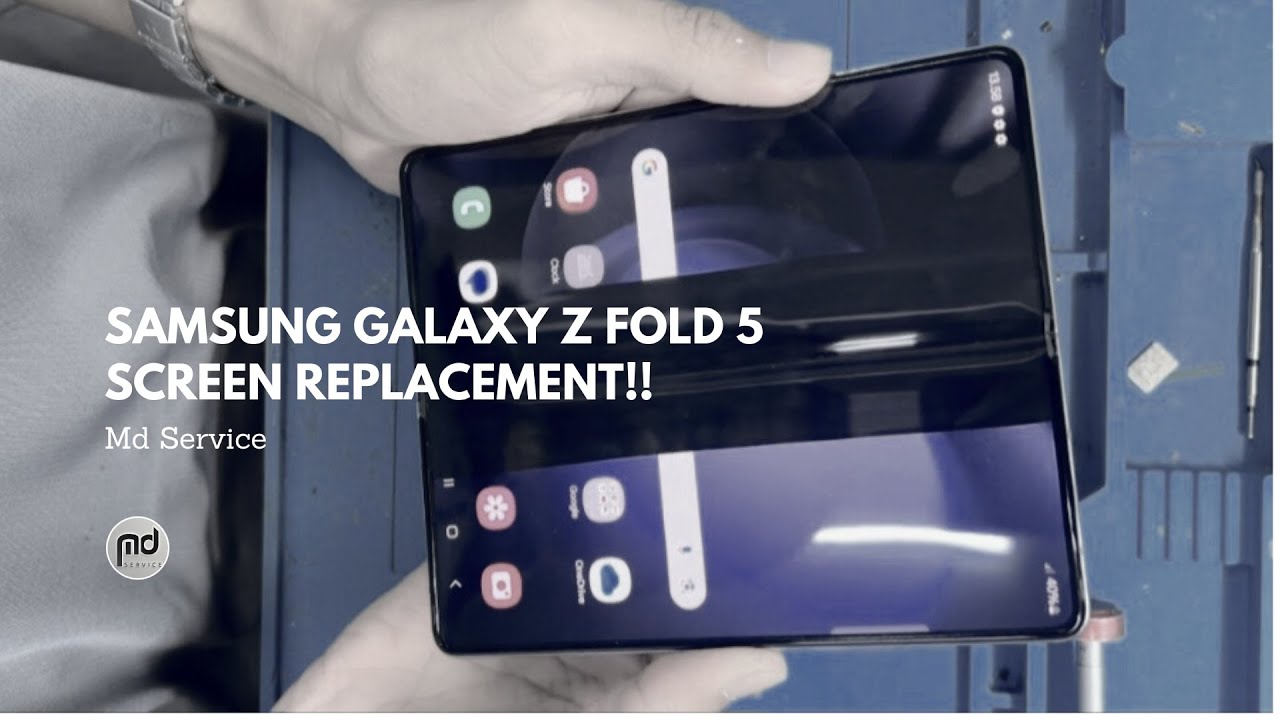
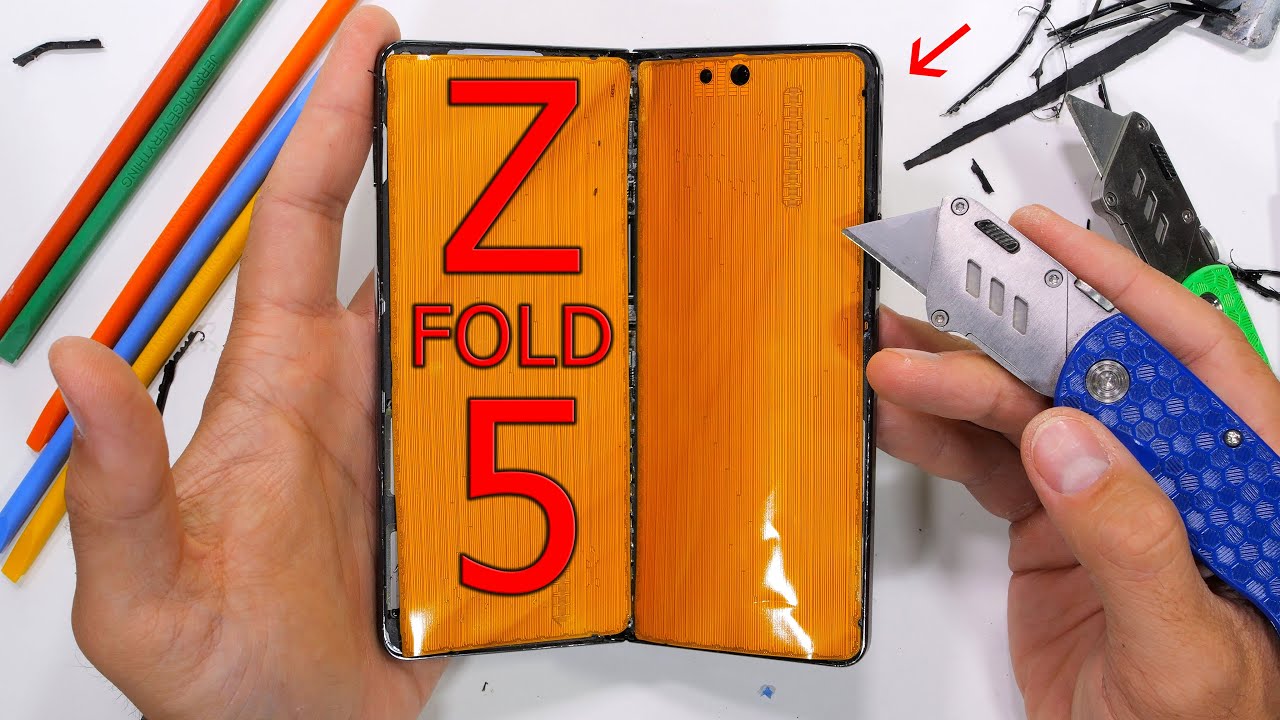
samsung Z Fold 5 Lcd Screen Replacement DIY Guide Save 💶
Автор: sanhaji tech
Загружено: 2025-06-16
Просмотров: 273
Описание:
samsung Z Fold 5 Inner Screen Replacement DIY Guide Save 💶
🔧 Step-by-Step Replacement Guide
1. Preparation
Backup Data: Prevent data loss during repair.
Discharge Battery: Fully drain the battery to avoid short circuits 1.
Remove SIM Tray: Essential to prevent device damage 112.
Workspace: Clean, well-ventilated area with ESD mat (if possible).
2. Back Cover Removal 112:
Heat the heating bag to ≤65°C (microwave, per instructions).
Apply the bag to the back cover edges for 3 minutes.
Attach suction cup and use a metal opening pick to create a small gap.
Gently lift the cover with the suction cup.
Remove adhesive tapes with tweezers.
3. Internal Component Access 1:
Disconnect Battery: Use an opening pick to unplug the battery connector.
Remove Screws: 7 screws on the upper rear cover (PH0 screwdriver).
Disconnect Flex Cables: 8 connectors from the main board.
Extract Components:
Wireless charging module (2 connectors + adhesive).
Charging port (3 screws + 2 connectors).
Front camera (heat adhesive, remove resin with SIM tool).
4. Inner Screen Replacement 19:
Heat Screen Edges: Apply heating bag (≤65°C) to all 4 edges for 3 minutes each.
Create Gap: Use suction cup + metal pick on the left edge, then switch to plastic pick for other edges.
Lift Screen: Gently separate the screen using suction.
Disconnect Cable: Remove the cover screen's cable connector with tweezers.
Clean Residue: Remove all adhesive traces from the frame.
Install New Screen:
Apply new adhesive tape to the frame.
Connect the new screen's cable.
Align and press firmly.
5. Reassembly 112:
Reattach components in reverse order (front camera, main board, charging port).
Use new screws and adhesives (critical for water/dust resistance).
Press edges for 30 seconds to secure the back cover.
⚠️ Critical Risks & Limitations
Warranty Void: DIY repairs aren't covered by Samsung's warranty 19.
Screen Protector: The inner screen's factory protector cannot be self-replaced—visit authorized centers 1014.
Complex Components: Sub-board and main board require professional tools 9.
Water Resistance: Not guaranteed after DIY repair 12.
/ sanhajite
https://sanhajitech.blogspot.com/
/ khgsm1
/ khouia
/ khouia1
/ techphone5g
[email protected]
روابط قوائم التشغيل link playlist
قائمة acer
• How to Fix Acer Laptop Won't Turn On, NOT ...
قائمة play list Repair computer
play list • How to Fix Acer Laptop Won't Turn On, NOT ...
قائمة play list hp compaq
• HP Recovery How to reset HP Probook Noteb...
قائمة play list lenovo
• How To Factory Reset Lenovo ideapad 110 La...
قائمة play list mobile problem charging
• mobile problem charging
قائمة play list Battery Replacement
• Battery Replacement
Повторяем попытку...

Доступные форматы для скачивания:
Скачать видео
-
Информация по загрузке: