I Fixed Samsung's Tablet Charging Issue
Автор: ML ElecTroniX LTD
Загружено: 2025-11-26
Просмотров: 75
Описание:
📱 Samsung Tab A7 Repair – Battery, Charging Port & Back Cover Replacement
In today’s video, I’m working on a Samsung Tab A7 that came in for a full repair. I’ll be replacing the battery, the charging port, and the back cover.
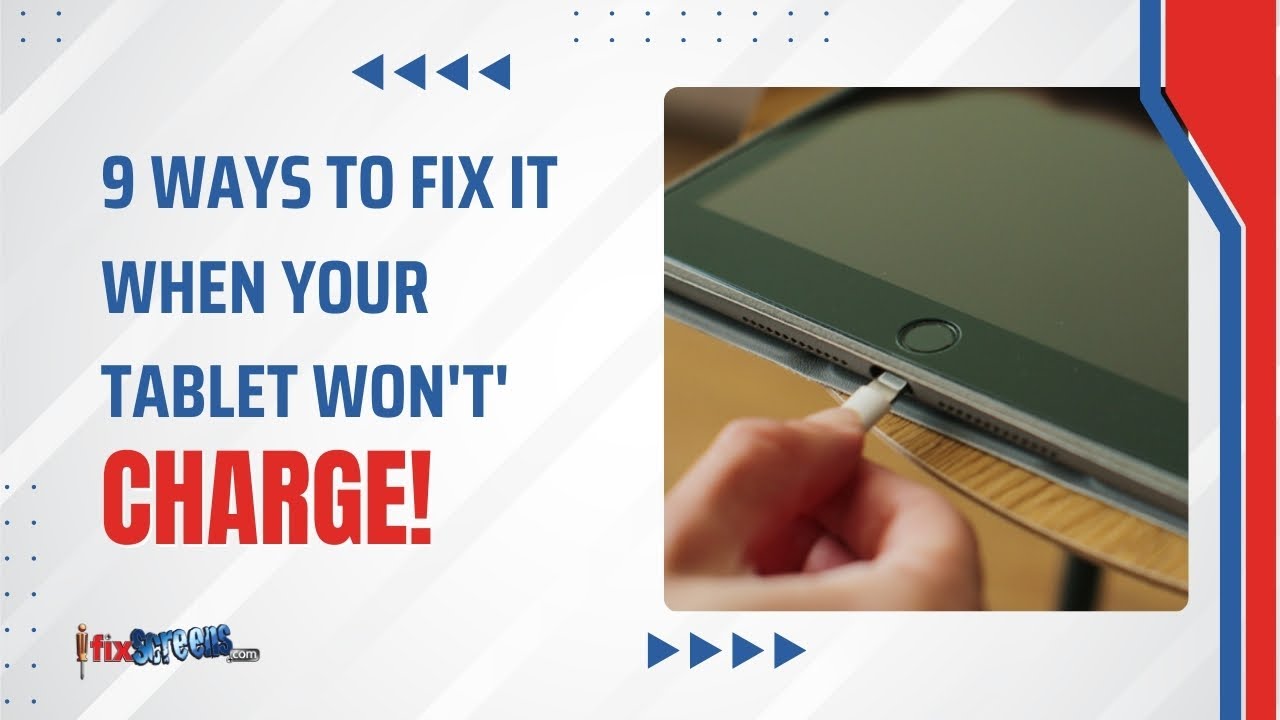
This tablet has definitely been through a lot—it’s scratched all over. Another issue is that when it’s plugged in, it behaves strangely, which usually points to a faulty charging port or a dying battery.
In this repair guide, I’ll walk you through all 24 steps of the process to be able to repair any tablet.
If you find this video helpful, please like, comment, and subscribe for more repair content.
Thank for you support!
00:00 - Intro
01:09 - Step 1: Removing the Display
02:48 - Step 2: Disconnect the Battery
03:19 - Step 3: Removing the Bottom Shield
03:58 - Step 4: Removing the Charging Port
04:41 - Step 5: Removing the Battery
05:13 - Step 6: Removing Sim Slot
05:27 - Step 7: Removing Sim Slot Module
06:26 - Step 8: Removing the Top Shield
06:45 - Step 9: Removing the Motherboard
07:27 - Step 10: Add Bottom Flex Connector
08:30 - Step 11: Add the Motherboard
08:48 - Step 12: Glue Back Camera Glass
09:28 - Step 13: Add the Top Plastic Shield
09:40 - Step 14: Add the Jack Port
10:05 - Step 15: Add the Sim Module
10:14 - Step 16: Reconnect most of the Connectors
10:27 - Step 17: Add the New Charging Port
10:38 - Step 18: Add the right-side shield
10:59 - Step 19: Add the left-side shield
11:12 - Step 20: Tighten The Screws Back
11:21 - Step 21: Add the New Battery
11:56 - Step 22: Apply Glue to the Edges
12:11 - Step 23: Reattaching the Screen Display
12:50 - Step 24: Securing the Tablet in Vices
13:07 - Final Results
#tabletrepair #samsungtablet #repairguide
Повторяем попытку...

Доступные форматы для скачивания:
Скачать видео
-
Информация по загрузке: