Making Outdoor Kitchen - Live Home 3D for iOS / iPadOS Tutorials
Автор: Live Home 3D
Загружено: 2025-03-27
Просмотров: 1766
Описание:
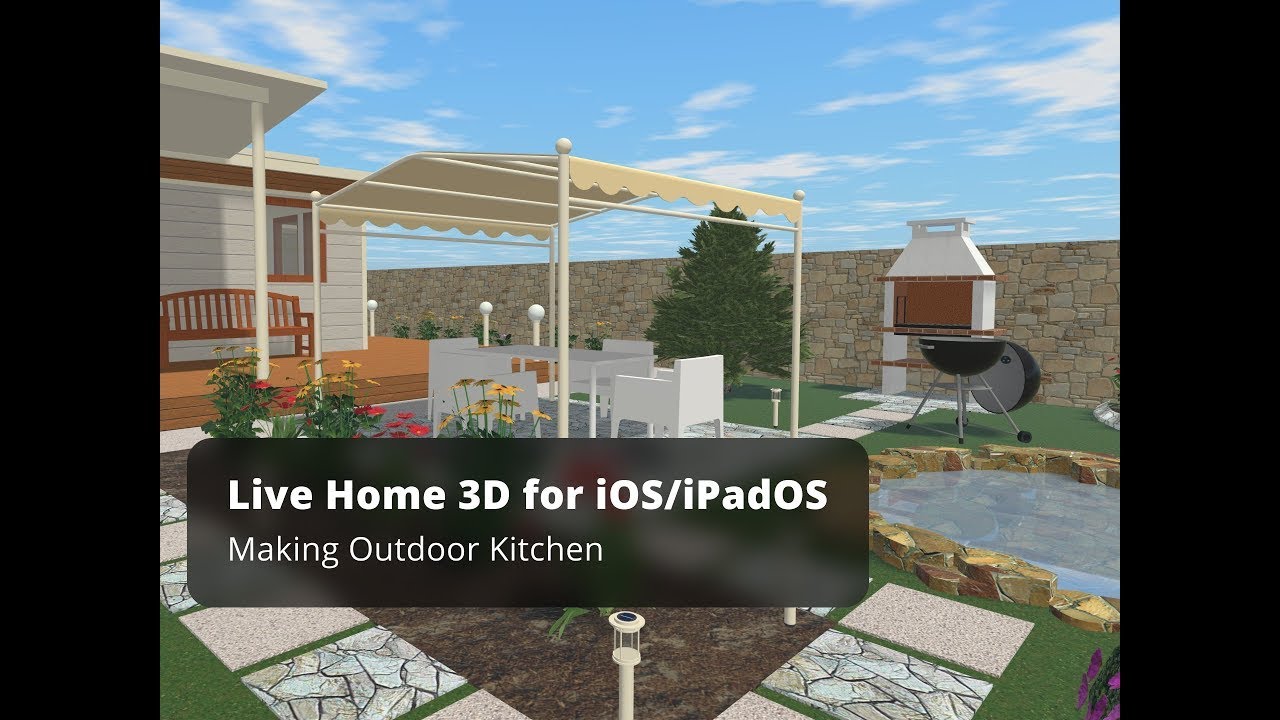
In this video you will learn to create an outdoor kitchen in the iOS version of Live Home 3D.
Here’s the step-by-step instruction:
open the 2D view;
draw four walls using the Room or Straight Wall tool
select these walls and assign to them Loft type properties using the Object Properties tab of the Inspector;
add a roof on the current story;
set the roof elevation using the Inspector/ Object Properties tab;
create big openings in the walls;
add beams, as shown in the video;
add kitchen items from the Object Library or Trimble 3D Warehouse;
the final touch is to paint the back part of each unit by applying the necessary material from the Material Library.
You may also use Garden Pavilion from the program Library or even download the whole kitchen model from Trimble 3D Warehouse, but in this case you are limited only to available models. There is no much room for creativity in such case.
To learn more about Live Home 3D for iOS / iPadOS, go to:
https://www.livehome3d.com/ios/live-h...
Timecodes:
0:00 Intro
0:08 The step-by-step instruction: open the 2D view, draw four walls, assign to them Loft type properties;
0:32 Add a roof and set the roof elevation
0:54 Create big openings in the walls, change level of the foundation height
2:18 Add beams
3:29 Add kitchen items
3:48 Use Garden Pavilion from the program Library
Повторяем попытку...
Доступные форматы для скачивания:
Скачать видео
-
Информация по загрузке: