POCO M8 Pro 5G – How to Add Face Unlock
Автор: TUTORIAL_info
Загружено: 2026-01-23
Просмотров: 4
Описание:
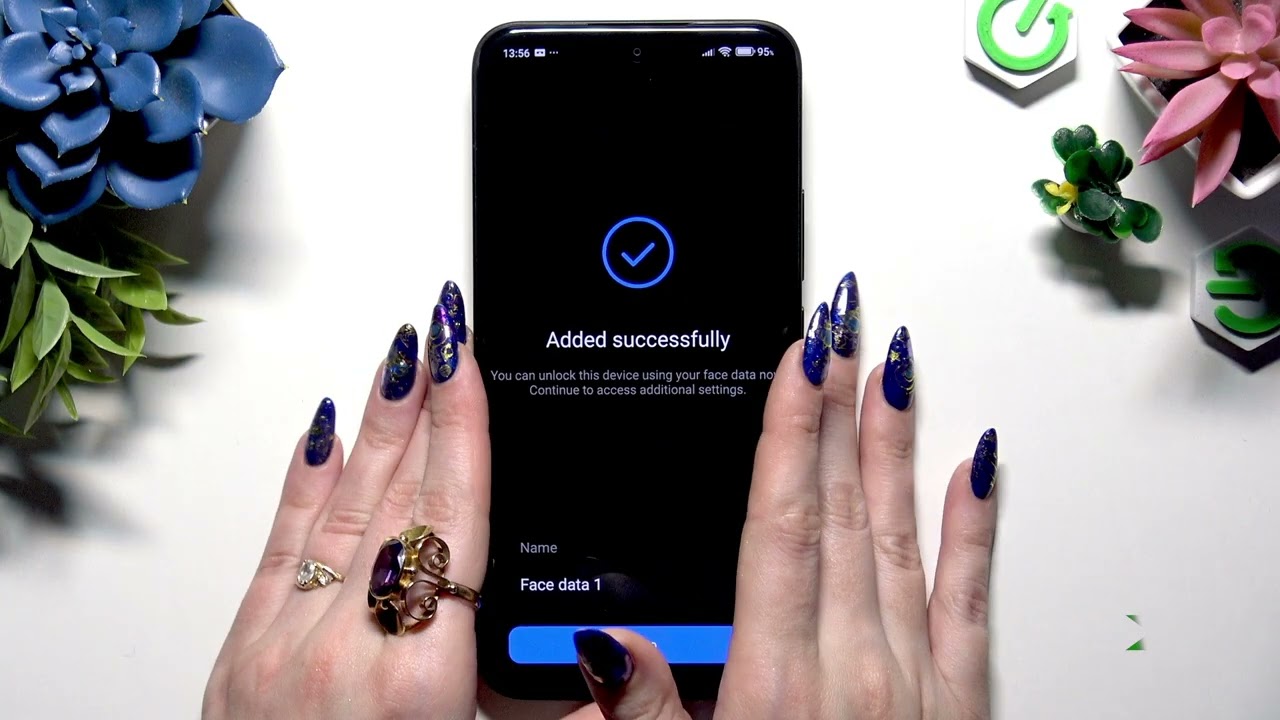
Learn how to quickly set up Face Unlock on your POCO M8 Pro 5G. In this short, clear video you'll see exactly where to find the Face Unlock option, how to register your face, name the profile, and enable the unlock switch so your phone unlocks with your face. This guide walks you through Settings → Fingerprints, face data and screen lock, selecting Face Unlock, entering your current PIN/password, following the on-screen scan and confirming the Attention pop-up. Works on stock MIUI for POCO devices and is perfect for new users or anyone switching to biometric unlock methods.
How to add face unlock on POCO M8 Pro 5G?
How to enable face unlock on POCO M8 Pro 5G?
Where is Face Unlock setting on POCO M8 Pro 5G?
0:00 Intro — What we'll show in this video
0:07 Open Settings → Fingerprints, face data and screen lock
0:21 Select Face Unlock and enter your current login method
0:30 Tap Start and confirm the Attention pop-up
0:41 Keep your face in frame and follow on-screen instructions
0:54 Name your face data and save it
1:04 Turn on the switch next to "Unlock using face data"
1:11 Test Face Unlock by locking and looking at the phone
1:25 Outro — Like, comment and subscribe
#POCOM8Pro5G #FaceUnlock #POCO #AndroidSecurity
Find out more:
https://www.hardreset.info/devices/po...
Follow us on Instagram ► / hardreset.info
Like us on Facebook ► / hardresetinfo
Tweet us on Twitter ► / hardreseti
Support us on TikTok ► / hardreset.info
Use Reset Guides for many popular Apps ► https://www.hardreset.info/apps/apps/
Повторяем попытку...
Доступные форматы для скачивания:
Скачать видео
-
Информация по загрузке: