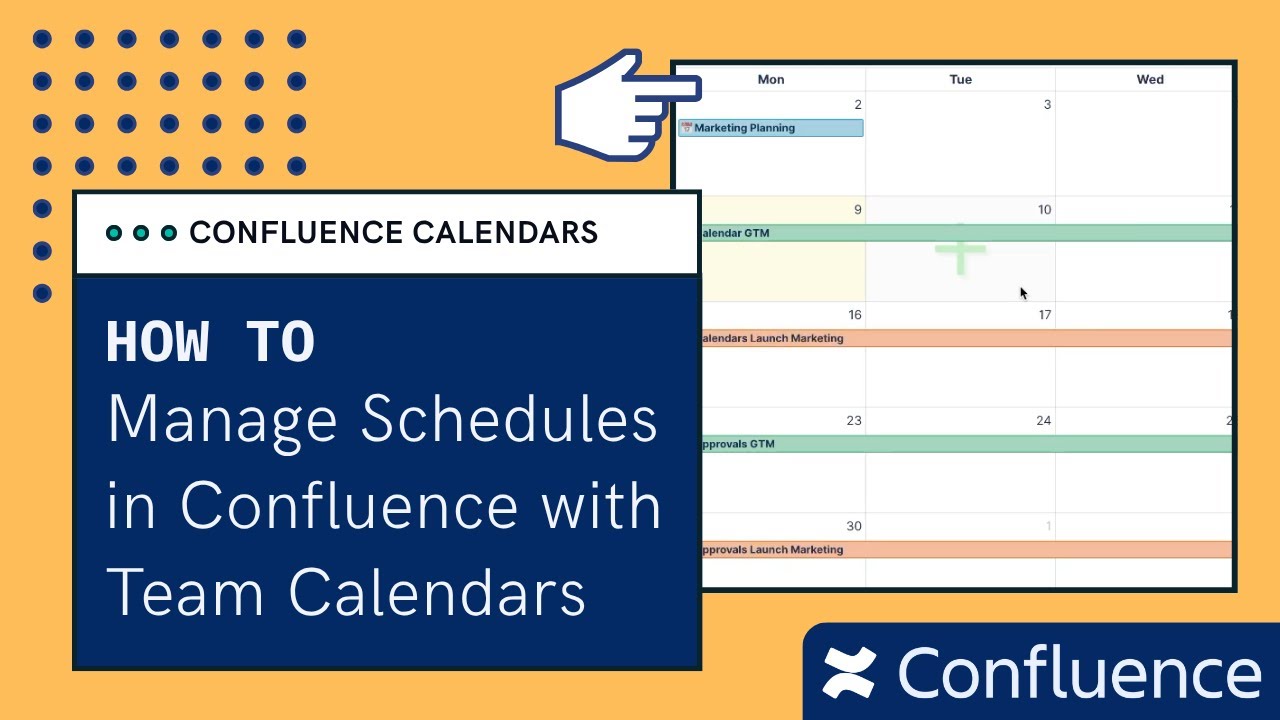
Schedule in Confluence with Team Calendars
Автор: Capable | Atlassian, Solved.
Загружено: 2025-06-10
Просмотров: 1825
Описание:
Say goodbye to siloed calendars and disconnected schedules. In this tutorial, you'll learn how to use Capable Calendars for Confluence to manage events, campaigns, launches, and more—all from within your Confluence space.
Whether you're in marketing, product, legal, or operations, you'll discover how to:
1. Create and configure team calendars
2. Add, tag, and categorize events
3. Embed calendars into pages
4. Filter by team or category
5. Automatically pull dates from Confluence pages
6. Keep your whole team aligned without leaving your wiki
This is the easiest way to bring visibility to your team’s activities—right where collaboration happens.
Get Calendars for Confluence as part of the Capable for Confluence All-in-One suite
https://marketplace.atlassian.com/app...
Get Calendars for Confluence on it's own
https://marketplace.atlassian.com/app...
🕐 Chapters
00:00 – Intro: Calendar tracking inside Confluence
00:20 – Which apps support calendars (Capable or Calendars for Confluence)
00:33 – Example use case: Marketing space & campaign events
00:54 – Opening the Capable calendar in a Confluence space
01:20 – Creating a new space calendar
01:46 – Calendar setup: views, timezones, colors, tags
02:31 – Creating your first event (GTM example)
03:23 – Event options: time zones, links, users, colors, descriptions
03:50 – Hover & click for full event details
04:00 – Rescheduling with drag & drop
04:16 – Extending event duration easily
04:31 – Populated calendar example + multiple view modes
04:43 – Using tags to categorize events
05:13 – Creating and managing tags
05:47 – Applying tags to events
06:06 – Filtering calendar events by tag
06:37 – Use case: master calendar with team-specific filters
06:59 – Embedding a calendar into a Confluence page
07:26 – Using the Capable Calendar macro
07:46 – Enabling in-page editing and customizing macro options
08:13 – Embedded calendar is fully functional
08:40 – Advanced: pulling dates directly from pages
09:15 – How to structure tasks with date fields
09:52 – Page-driven events displayed on calendar
10:14 – Making page-sourced dates show in the global calendar
10:45 – Linking page events with marketing calendar
11:13 – Live hover preview and click-through to pages
11:34 – Flexible management of calendars and events
12:01 – Recap: space-level and page-level event syncing
12:10 – Try Capable Calendars + help us improve!
🧭 Try Capable Calendars today inside your Confluence site and simplify your team's scheduling, tracking, and coordination.
#Confluence #CapableCalendars #Productivity #TeamManagement #ConfluenceTutorial #Scheduling
Повторяем попытку...
Доступные форматы для скачивания:
Скачать видео
-
Информация по загрузке: