How to Connect Facial Tracker to VRChat for PC VR (Quick Tutorial)
Автор: HTC VIVE
Загружено: 2025-05-03
Просмотров: 11169
Описание:
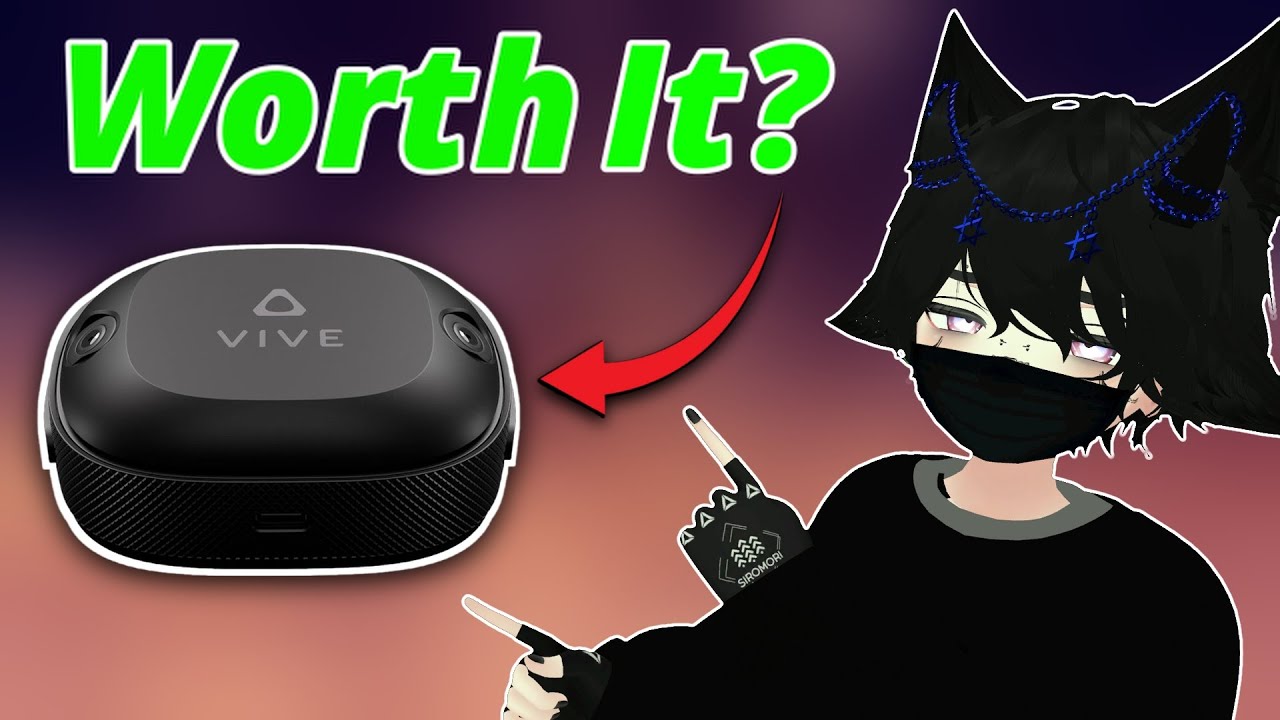
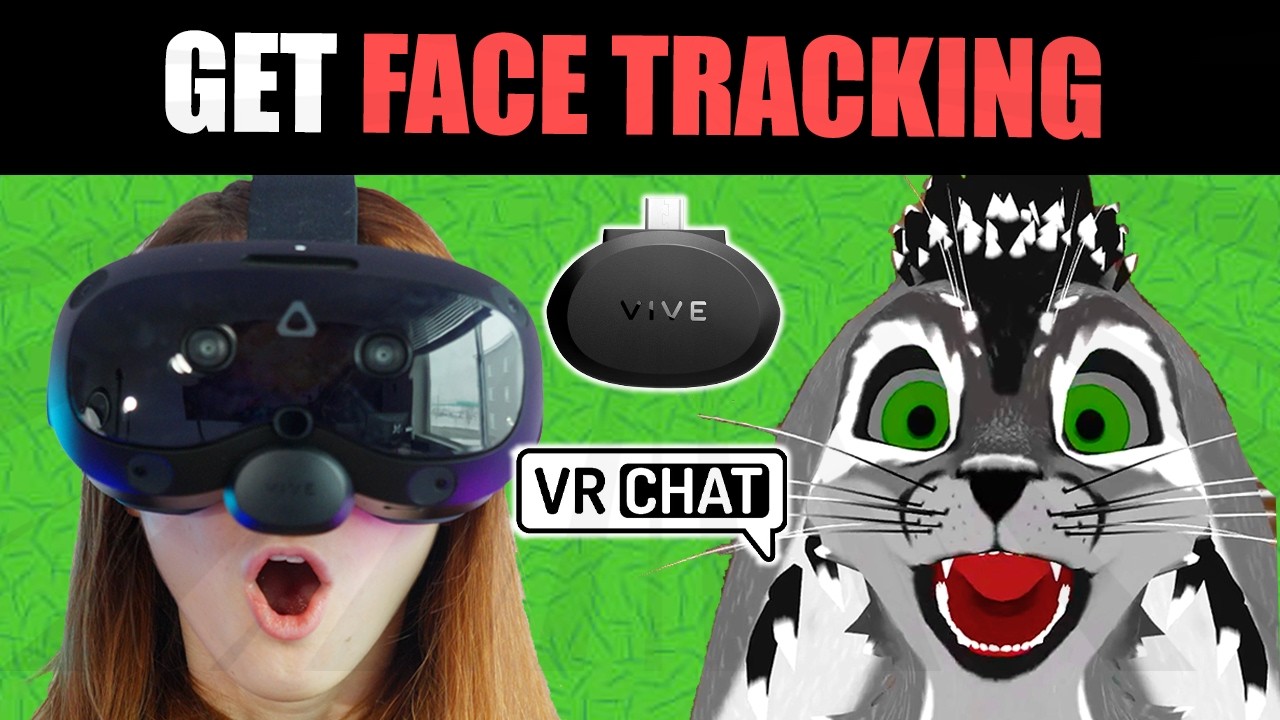
Get face tracking in VRChat by setting up the Facial Tracker for VIVE Focus Series using PC VR! This is a step-by-step tutorial on how to connect your face tracker to VIVE Focus Vision.
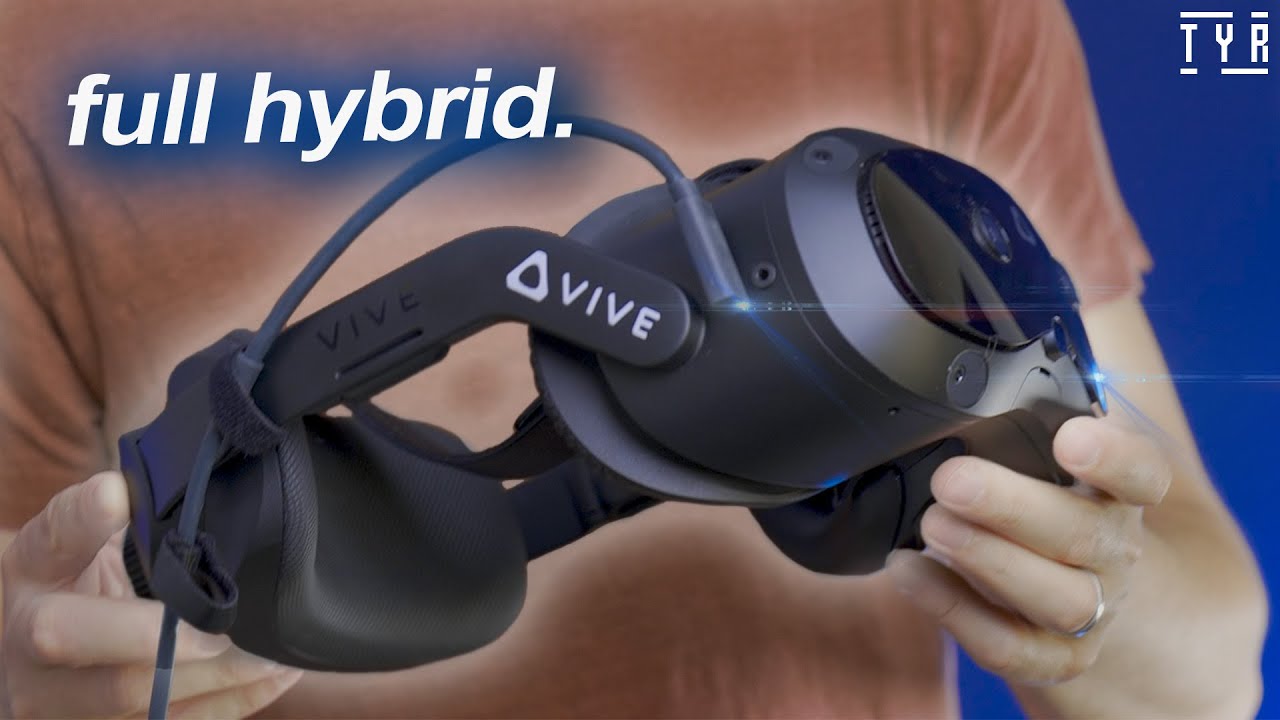
1️⃣ Once you get your facial tracker, plug it into the front part of your VIVE Focus Vision. The tracker is nice and small and fits perfectly.
Make sure your facial tracker is on, go to the settings - inputs - facial tracker, and turn on your facial tracker.
You also want to make sure your eye tracking is working to get the full experience. For calibrating your eye tracking, go to inputs - eye tracking and turn that on. Click calibrate.
You will then look as straight as you can forward, make sure your head is level and let it do its thing.
Then you will stare at the blue dot so that the auto-IPD system can calculate the distance between your eyes.
You can follow the blue dot with your eyes and then look at each dot to make sure the eye tracking is working correctly.
After getting your headset set up, you will want to download VIVE Hub online and connect your headset to your PC.
Let’s download VIVE Hub!
2️⃣ Download and set up VIVE Hub. Go to https://www.vive.com/us/vive-hub/down... and download the app. Walk through the setup steps and name your computer. You will have to connect your headset by making sure you have your headset connected to the same network as your PC.
After that, you will see your PC as an option to connect to under the Computer Connections. Once you select it, you will have to capture a QR code on your PC that you want to connect to in order to finalize the connection.
You also want to make sure that you have eye and facial Tracking data turned on in the VIVE Hub app on PC. This can be found in the VIVE Streaming Tab under Input and by scrolling all the way to the bottom and turning the switch on.
3️⃣ Set up VRC Face Tracking by going here: https://docs.vrcft.io/docs/intro/gett....
In this current video you will have to navigate to Git Hub and download “VRCFaceTracking_5.2.3.0 x64.msix”. However, it may be a different process after the release of this video. Create a new folder to export the file into. If you don’t know how to export, you can download 7-Zip here: https://www.7-zip.org/.
Then you can run VRCFaceTracking.exe. Make sure to go to Module Registry and download ViveStreamingFaceTracking. Make sure VRCFaceTracking is running while VRChat is running any time you want to use your face tracking with the VIVE Focus Vision and Facial Tracker for VIVE Focus Series.
Then you want to launch VRChat, go into the settings, and select an avatar that has face tracking capabilities. Open the bigger settings menu and go to avatar, scroll all the way to the bottom, and turn on OSC. Next open your radial menu and navigate to expressions and make sure that your avatar’s VRCFaceTracking capabilities are turned on.
𝐂𝐡𝐚𝐩𝐭𝐞𝐫𝐬 📝
00:00 How to Connect Facial Tracker to VRChat for PC VR
00:06 Step 1: Plug Facial Tracker into VIVE Focus Vision
01:11 Step 2: Download & Set Up VIVE Hub
03:12 Step 3: Set Up VRC Face Tracking
🔗 𝐋𝐢𝐧𝐤𝐬 𝐌𝐞𝐧𝐭𝐢𝐨𝐧𝐞𝐝 𝐢𝐧 𝐓𝐡𝐢𝐬 𝐕𝐢𝐝𝐞𝐨
Hardware:
VIVE Focus Vision: https://htcvive.co/4cJ0qVo
Facial Tracker for VIVE Focus Series: https://htcvive.co/3RtmbPr
VIVE Ultimate Tracker: https://htcvive.co/3RsBXtQ
Software:
VIVE Hub: https://htcvive.co/3RsBXtQ
VRCFaceTracking: https://htcvive.co/3GlWu0G
🎥 𝐄𝐱𝐩𝐥𝐨𝐫𝐞 𝐭𝐡𝐞 𝐕𝐈𝐕𝐄𝐏𝐎𝐑𝐓 𝐕𝐑 𝐚𝐩𝐩 𝐬𝐭𝐨𝐫𝐞 → https://htcvive.co/4jqukjW
🎮 𝐉𝐨𝐢𝐧 𝐨𝐮𝐫 𝐃𝐢𝐬𝐜𝐨𝐫𝐝 → / discord
💙📝 𝐀𝐛𝐨𝐮𝐭 𝐇𝐓𝐂 𝐕𝐈𝐕𝐄 📝💙
HTC VIVE connects people with high-quality immersive experiences. Through innovation in technologies like VR, MR, 5G, and blockchain, HTC VIVE brings the physical and virtual worlds together to push the boundaries of what humanity can do.
#vr #virtualreality #valveindex
Повторяем попытку...
Доступные форматы для скачивания:
Скачать видео
-
Информация по загрузке: