How to Identify and Highlight Unique Values or Differences Between Lists
Автор: Beyond Excel
Загружено: 2022-05-16
Просмотров: 4161
Описание:
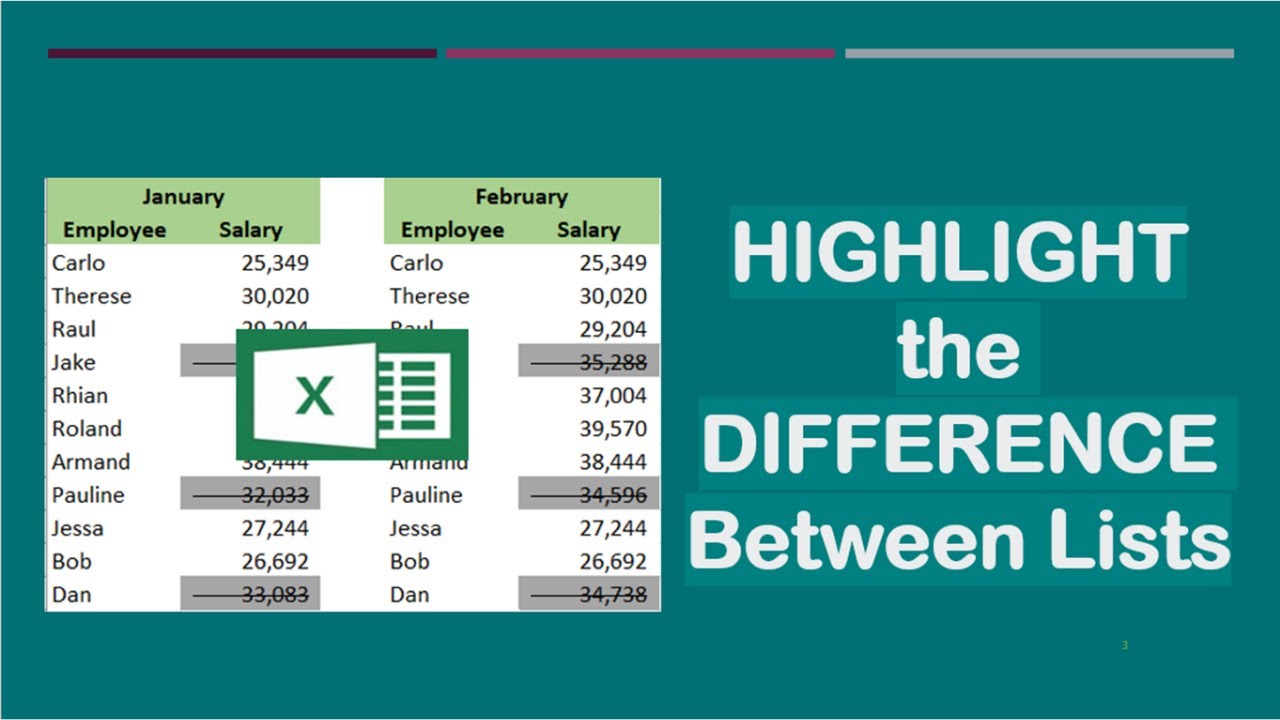
There are different ways to identify differences between lists. This video shows a method that will not only identify differences but will also format the differences or the unique values found. This can be quickly done even if the lists contain large amounts of data.
The Excel function presented here is Conditional Formatting under the Home tab. This is useful when you want to identify any changes, like if you want to know the employees who were given salary increase in a particular month. With the use of Conditional Formatting New Rule, you can easily get this information. And there’s a keyboard shortcut that can quickly bring you to the New Formatting Rule window.
Watch this video for a complete guide.
Title: How to Identify and Highlight Unique Values or Differences Between Lists
#differencebetweenlists
#identifyandhighlightchanges
#identifydifferencesbetweenlists
#highlightdifferencesbetweenlists
#highlightuniquevalues
#conditionalformatting
#conditionalformattingnewrule
#formatonlyuniquevalues
#howtoidentifyandhighlightdifferencesbetweenlists
#shortcutkeys
#keyboardshortcuts
Повторяем попытку...
Доступные форматы для скачивания:
Скачать видео
-
Информация по загрузке:





