iMac 2011 LCD Deep Clean--Removing Haze from LCD Interior Layers
Автор: Video Dumping Ground
Загружено: 2023-05-16
Просмотров: 1838
Описание:
**Actual work begins at 9:06.**
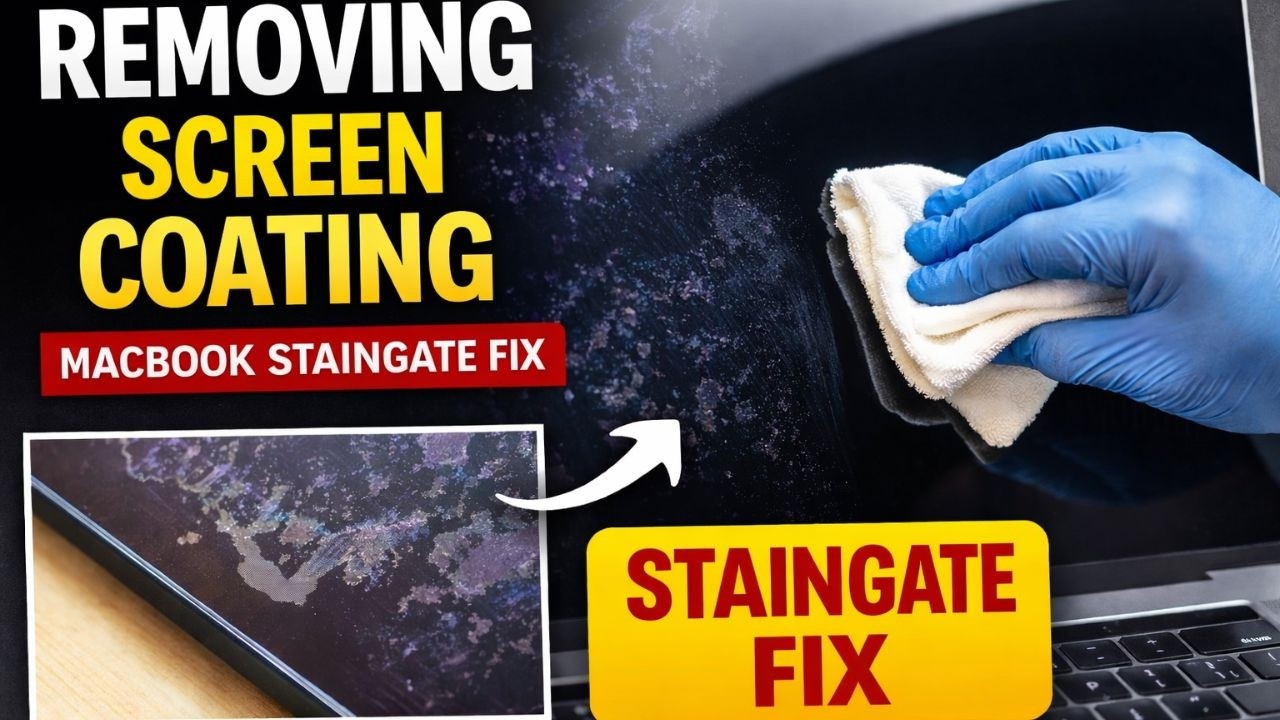
Dust between the layers of the LCD panel accumulates so slowly. If you're like me, you didn't realize how the screen dimmed as much as it did until you plugged in another monitor with more clarity and brighter whites that put the native panel to shame, looking like a murky haze settled in at best, and sometimes odd patterns that created splotchy areas and streaks at worst.
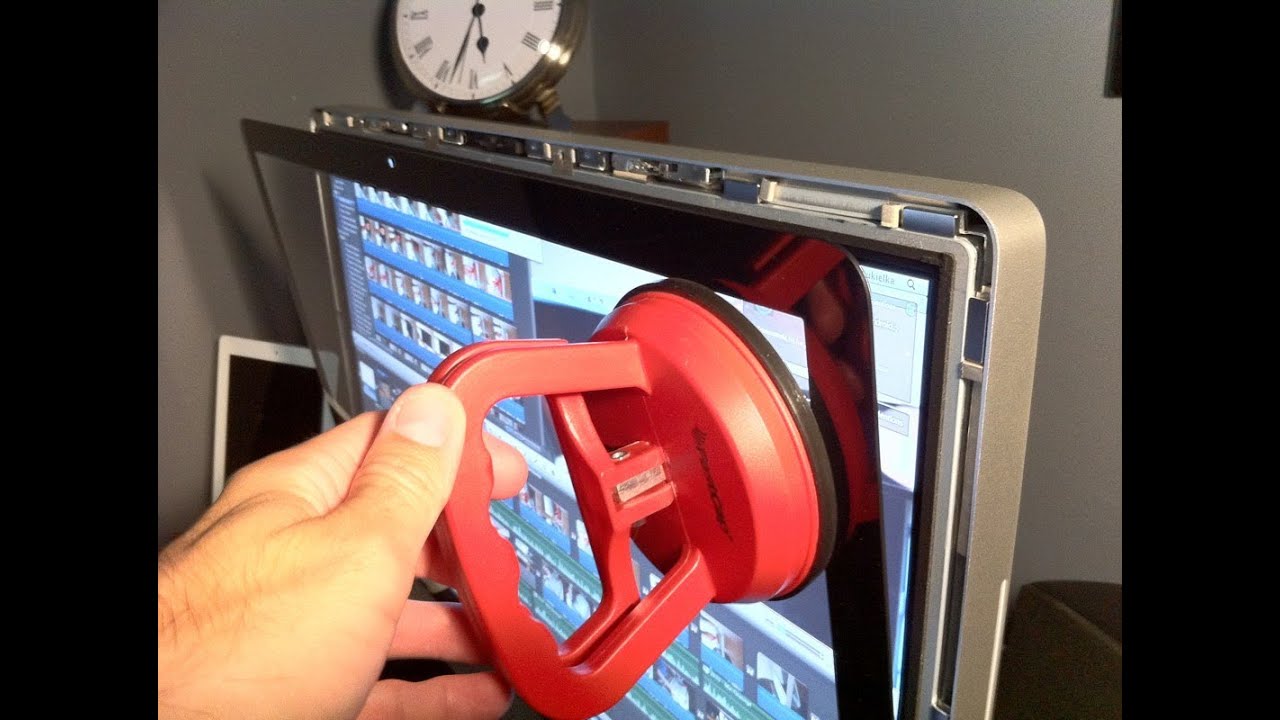
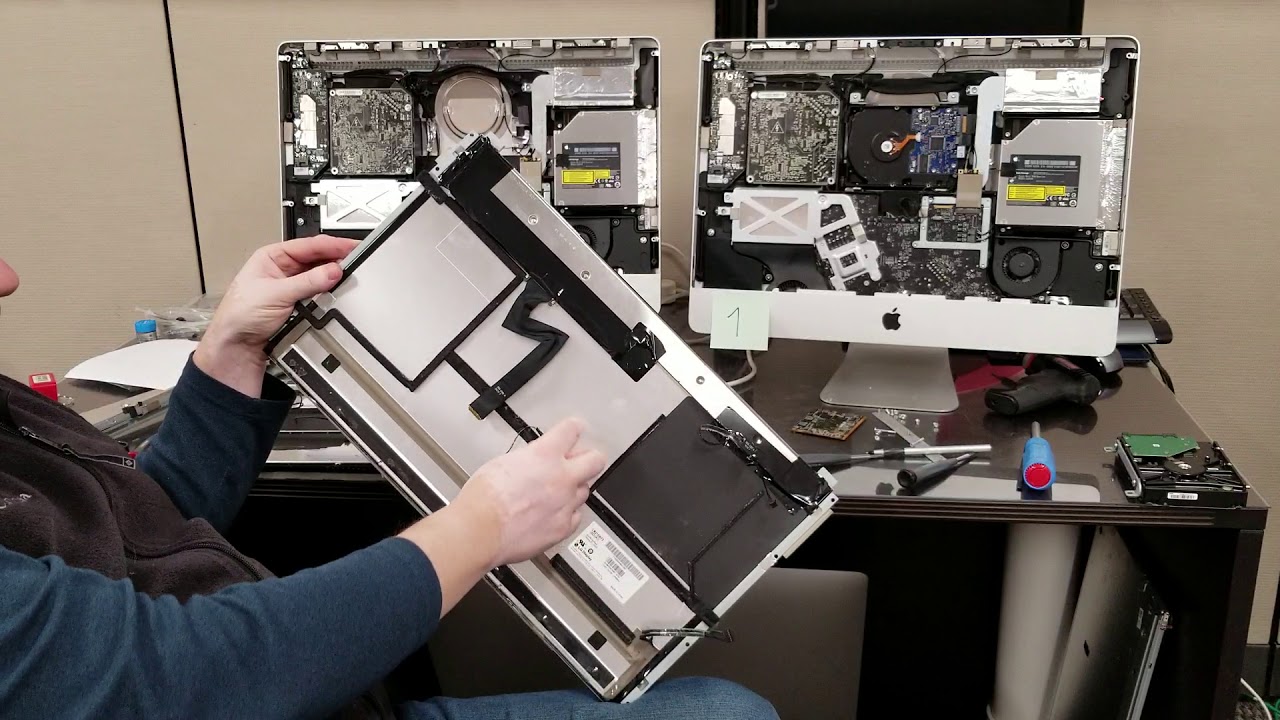
This demonstrates the process of taking the LCD apart to get in there and wipe that gunk out, and to test and then apply foil tape to seal it all up again, and better than Apple did it at the factory.
What's left is a far brighter screen that is clear and feels like new again. If that is what you want, you can do it for a few bucks by just having foil tape, some super basic computer tools, and some microfiber cloths. It's just a matter of being patient and careful. Even when Apple would do anything about a screen issue, it would be expensive and needlessly wasteful, and with this model being a dozen years old, it's something they won't even touch.
iMac, Apple Computer, 2011, Steve Jobs era, monitors, maintenance, DIY repair, right to repair, LCD clouding, LCD ghosting.
This video is based on one done by Billy Simkins some years back, which I consulted to do this process twice on my iMacs. I tried to hold the camera more steady then he did. Hah.
• IMAC 27 LCD CLOUDING • FIXED
Повторяем попытку...
Доступные форматы для скачивания:
Скачать видео
-
Информация по загрузке: