ycliper

Популярное

Музыка Кино и Анимация Автомобили Животные Спорт Путешествия Игры Юмор

Интересные видео

2025 Сериалы Трейлеры Новости Как сделать Видеоуроки Diy своими руками

Топ запросов

смотреть а4 schoolboy runaway турецкий сериал смотреть мультфильмы эдисон
Скачать

How to set up Post Relationships using Toolset in WordPress

Автор: Toolset

Загружено: 2020-12-15

Просмотров: 1951

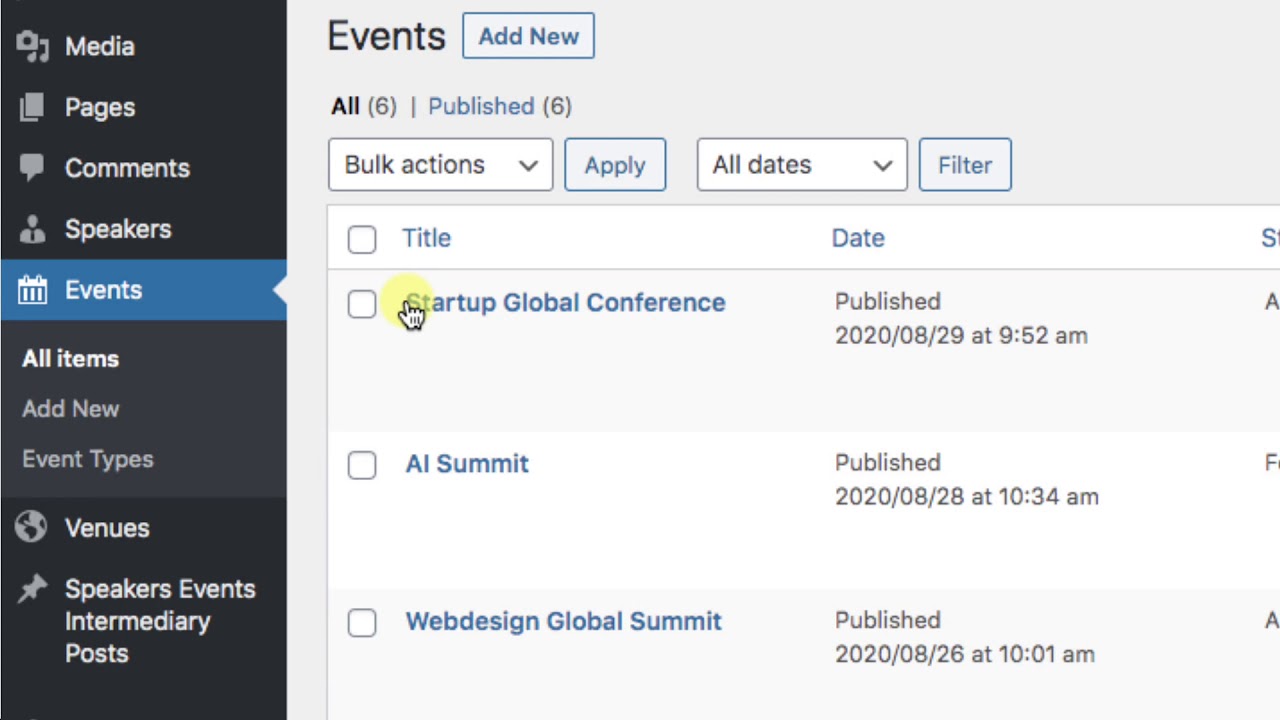
Описание: Toolset allows you to connect different types of posts in WordPress. Then, when you're displaying one post/page, you can easily display any information coming from the connected post. For example, if you connect events and speakers, you can easily display a list of all speakers on the single event page.

In this video, we show how to create relationships between two post types in WordPress, and how to then connect posts belonging to those post types.

This video is a part of the whole lesson about displaying form data in WordPress. You can find the whole lesson with more details here:
https://toolset.com/course-lesson/how...

Also, check out our free courses at https://toolset.com/course/ and learn how to build whole advanced sites like directory, listing, membership, and business sites.

The entire courses are free. You can follow them without installing anything. Simply use Toolset's free, online sandbox system here:
https://discover-wp.com/

Не удается загрузить Youtube-плеер. Проверьте блокировку Youtube в вашей сети.
Повторяем попытку...
How to set up Post Relationships using Toolset in WordPress

Поделиться в:

Доступные форматы для скачивания:

Скачать видео

  • Информация по загрузке:
Скачать аудио

Похожие видео

Build Dynamic Sites with WordPress Block Editor

Build Dynamic Sites with WordPress Block Editor

What are Post Relationships and how they Work in WordPress

What are Post Relationships and how they Work in WordPress

Display Dynamic Sources in all WordPress Text Blocks Using Toolset

Display Dynamic Sources in all WordPress Text Blocks Using Toolset

Toolset Forms

Toolset Forms

Toolset and Custom Post Types and Fields in WordPress

Toolset and Custom Post Types and Fields in WordPress

How to Create Custom Fields Using Toolset in WordPress - Free Course

How to Create Custom Fields Using Toolset in WordPress - Free Course

Turcja się rozpada: gigantyczne linie uskokowe widoczne z orbity

Turcja się rozpada: gigantyczne linie uskokowe widoczne z orbity

Claude Opus 4.6 First Impressions & More AI News You Can Use

Claude Opus 4.6 First Impressions & More AI News You Can Use

ATLÉTI SHOW! CZTERY DO PRZERWY, ZAGUBIONA BARCA PYTA KTÓRĘDY DO SZATNI! TO PARTIDO MIAŁO WSZYSTKO

ATLÉTI SHOW! CZTERY DO PRZERWY, ZAGUBIONA BARCA PYTA KTÓRĘDY DO SZATNI! TO PARTIDO MIAŁO WSZYSTKO

How to display related posts using Toolset in WordPress

How to display related posts using Toolset in WordPress

6 вакансий с обучением и предоставлением оборудования | Открыты вакансии для удаленной работы | Р...

6 вакансий с обучением и предоставлением оборудования | Открыты вакансии для удаленной работы | Р...

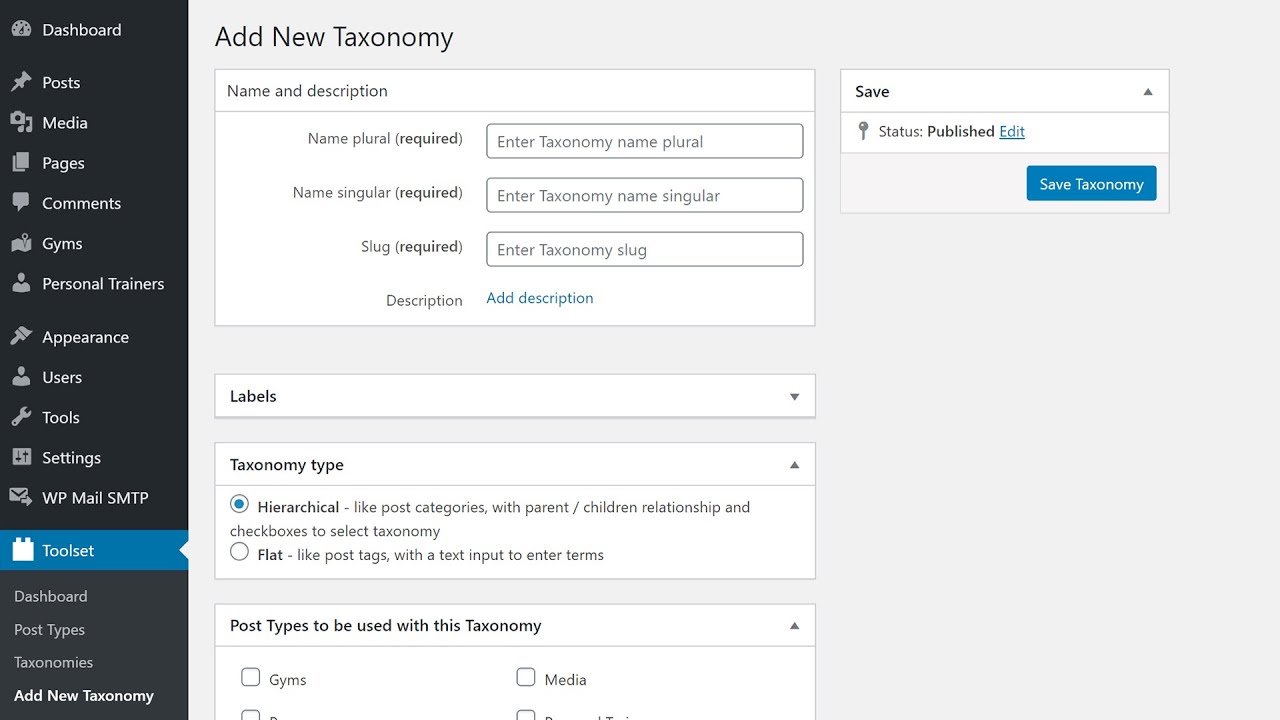
Creating a Custom Taxonomy Using Toolset in WordPress

Creating a Custom Taxonomy Using Toolset in WordPress

Как расширения для браузера воруют файлы cookie 🍪

Как расширения для браузера воруют файлы cookie 🍪

Вот это запуск😄😄

Вот это запуск😄😄

How to Build Real Estate WordPress Sites - Free Course Introduction

How to Build Real Estate WordPress Sites - Free Course Introduction

Full Site Editing in WordPress 5.9 - Overview

Full Site Editing in WordPress 5.9 - Overview

Toolset 1.5 - Build Custom WooCommerce Sites

Toolset 1.5 - Build Custom WooCommerce Sites

Процедурные текстурные эффекты в AFFINITY 3, о которых вы даже не подозревали.

Процедурные текстурные эффекты в AFFINITY 3, о которых вы даже не подозревали.

Opus Performance Without the Opus Bill

Opus Performance Without the Opus Bill

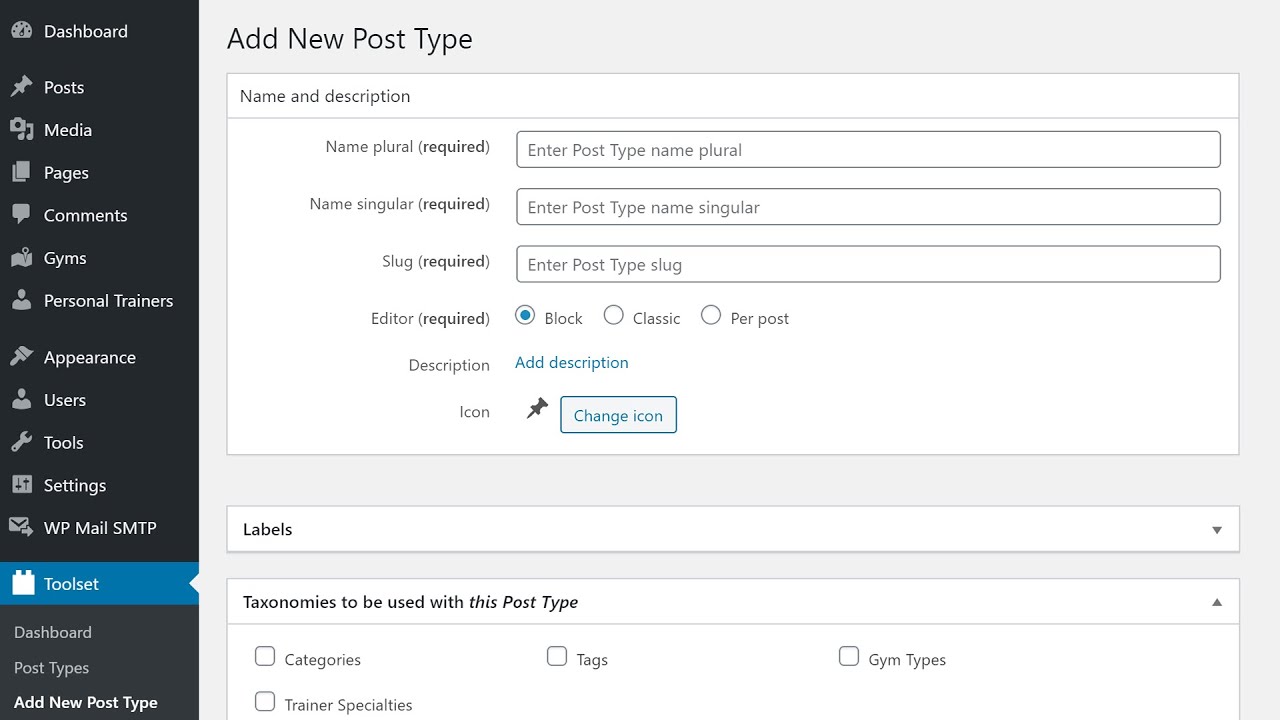
Creating a Custom Post Type Using Toolset in WordPress

Creating a Custom Post Type Using Toolset in WordPress

© 2025 ycliper. Все права защищены.


  • Контакты
  • О нас
  • Политика конфиденциальности


Контакты для правообладателей: [email protected]