How to Create Location-Based AR for Museums & Attractions with Immersal VPS
Автор: Zappar
Загружено: 2025-04-11
Просмотров: 2598
Описание:
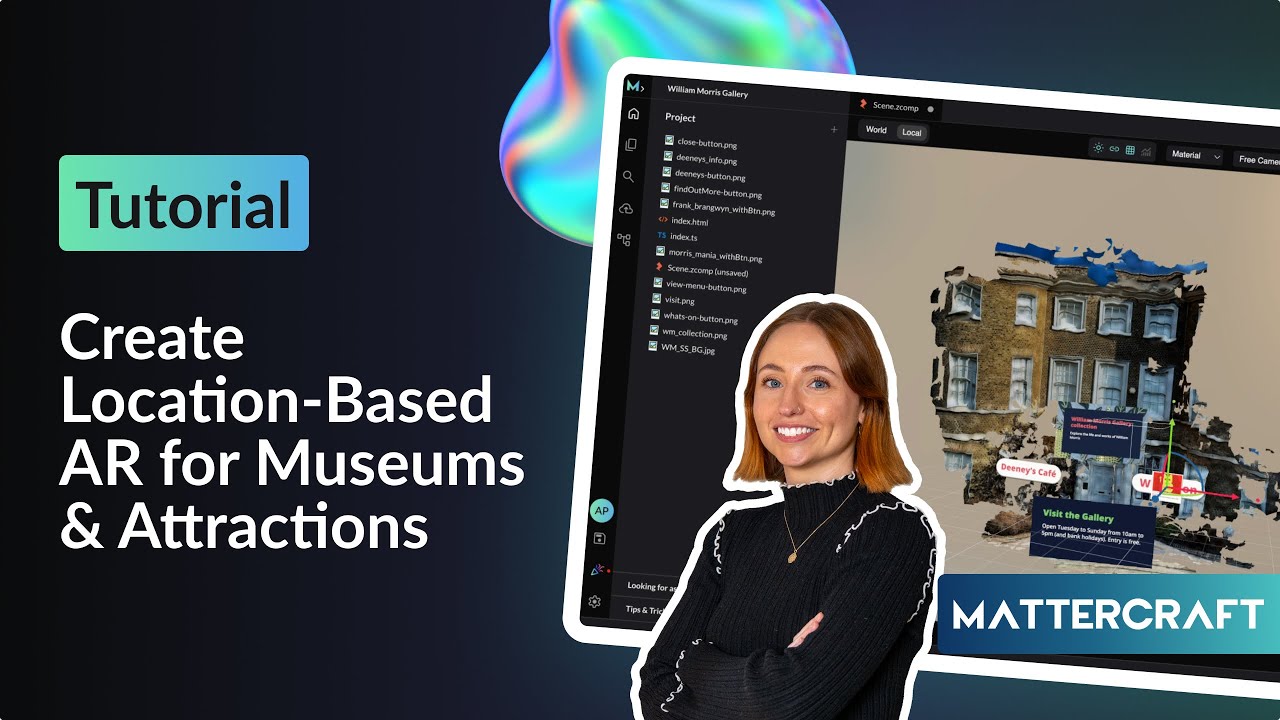
Want to build interactive, location-based AR experiences for museums, galleries, or public attractions? In this tutorial, Abbie shows you how to create an immersive visitor experience for the William Morris Gallery in London using Immersal VPS and Mattercraft – no code required.
🧠 You'll learn how to:
– Map real-world spaces with the Immersal Mapper App
– Integrate 3D assets and interactive UI in Mattercraft
– Use developer tokens and map IDs to anchor your AR content
– Animate popups, launch URLs, and preview your experience live
Whether you're an AR designer, developer, or creative technologist, this walkthrough will give you the tools to bring your physical spaces to life.
📌 Chapters
00:00 – Intro: AR at the William Morris Gallery
00:29 – Scanning the Real World with Immersal Mapper
01:05 – Starting the Project in Mattercraft
01:34 – Setting Up the Immersal VPS Anchor
02:30 – Importing the Gallery Scan and Assets
03:12 – Creating UI Buttons and Layout
04:20 – Adding Informational Content & Branding
06:00 – Animating Interactions and Popups
10:30 – Launching External URLs from Buttons
12:00 – Creating Close Buttons and Behaviours
14:15 – Setting Up Animation Timelines
16:00 – Final Preview & Publishing
17:30 – Testing the AR Experience On-Device
18:00 – Wrap Up: Real-World AR in Just a Few Steps
🛠️ Tools Used:
– Immersal Mapper: https://immersal.com/
– Mattercraft: https://zap.works/mattercraft
– William Morris Gallery assets (for demo purposes)
#augmentedreality #VPS #WebAR #AR #locationbasedAR #immersal
Check us out at:
Zappar: http://www.zappar.com/
Zapworks: https://zap.works
Zapworks 14 day trial: https://my.zap.works/register
Zapworks enterprise: https://zap.works/enterprise/
Повторяем попытку...
Доступные форматы для скачивания:
Скачать видео
-
Информация по загрузке: