From Paper to Digital
Автор: Crystal Clear Life
Загружено: 2021-09-17
Просмотров: 3339
Описание:
Published on September 17, 2021
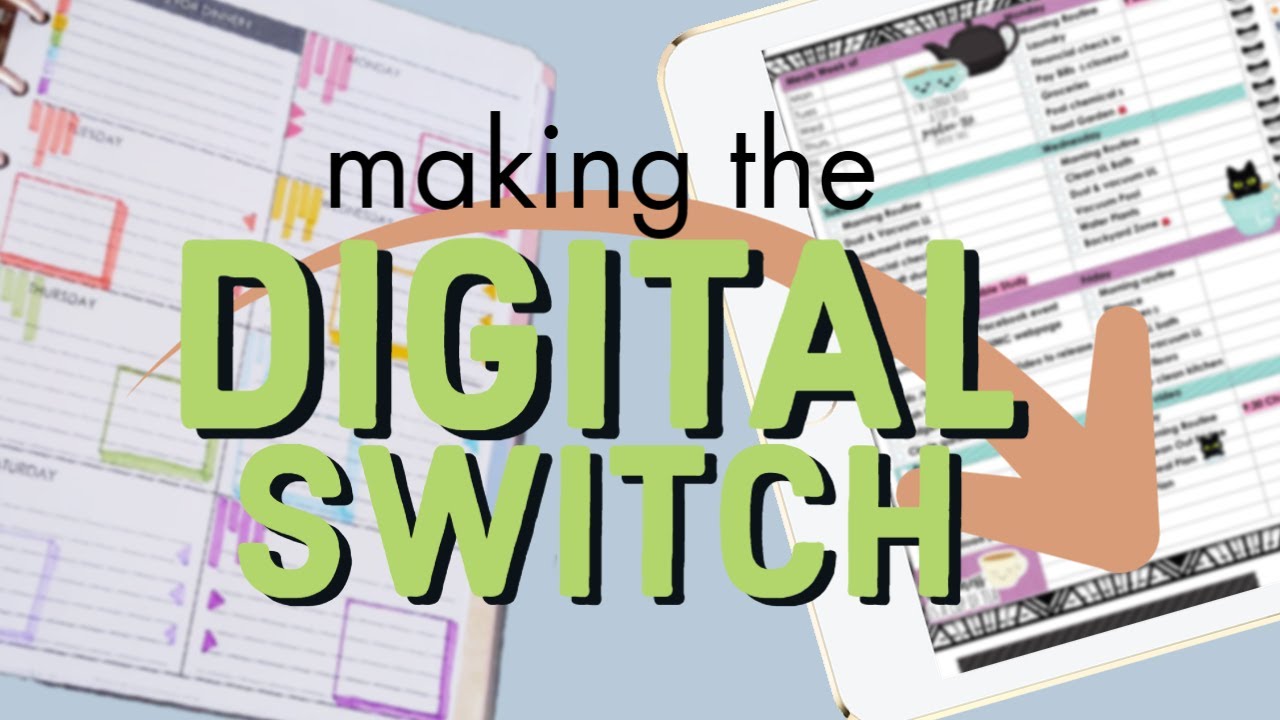
Do you have a paper plan layout that you absolutely love, but want to try your hand at digital. Today I want to show you how to use OneNote to create a digital version of that paper planner page that is customizable to fit your needs. This is a longer video, but I try to walk you through each step so you can do it yourself.
What is your favorite paper planner? Are you willing to give digital planning a try?
Using the desktop version of OneNote 365 to create the tables, checklists and colorful boxes for all of pages for each month works great. Today I want to show you how it is done.
Using the iPad with the Apple Pencil works great for using the planner pages on a daily basis to check off completed items and record notes and tasks. The variety of colors for the pens is super helpful in the journaling as well. I love using OneNote as my digital planner!
Hi, I’m Crystal. Welcome to a Crystal Clear Life where we talk about planning, organizing and living a more simplified life. I use Microsoft OneNote 365 to create functional and decorative planners and notebooks to help keep my life organized. OneNote is awesome because it crosses all platforms so I can use it on my desktop PC, my iPad and my Android phone. That way I am never without my planner or notebooks. When traveling, it is great to have all of this information with me on my phone or iPad. So convenient!
Primarily I use my desktop to create notebooks and pages. I use my iPad to update and plan on a daily basis and I use my phone when I am on the go.
Chapters
0:00 - Introduction From Paper to digital planner page
0:35 - Why digital planning?
2:08 - My Favorite Daily Planner Page Layout - Day Designer
4:30 - Making a digital daily page template
6:40 - Inserting a PDF file in OneNote
8:00 - Set Picture as the background
9:10 - Creating a digital daily page using Tables
12:25 - Adding rows to a table in OneNote
12:40 - Adjusting Table cell width in OneNote
15:05 - Table shading of rows in OneNote
16:05 - To Do Tags in OneNote
17:35 - Drawing a line in OneNote
18:30 - Adjusting Tables *
21:10 - Using PDF printout as planner page
23:50 - Customizing the digital daily page
29:20 - Adding a row using the tab key and shading
30:50 - Saving the current page as a page template
34:15 - Using the iPad and apple Pencil for the daily PDF page
39:00 - Using the iPad and apple pencil on the digital page
39:30 - iPad pinch to zoom feature
40:35 - Conclusion OneNote Planning is So Flexible!
If you learn something new or get some inspiration from this video, please hit the thumbs up 👍. You can look for more of these videos once a week, so please subscribe if you would like to see more.
🐈⬛ Subscribe link
:: Products used in this video::
• All backgrounds, tables and drawings were created using OneNote.
• Day Designer Free Printable https://daydesigner.com/pages/try-our...
🐈⬛ Crystal Clear Life is a community of learning, encouragement and inspiration. All comments should be considerate and kind. Any mean spirited negative comments will be deleted and any future comments will be blocked. Let’s lift each other up as we learn new skills.
Production Music: - "Take Your Time” - Dan Lebowitz
Microsoft OneNote 365 Icon Used with permission from Microsoft
#digitalplanning
#OneNote
#CrystalClearLife
Повторяем попытку...
Доступные форматы для скачивания:
Скачать видео
-
Информация по загрузке: