Setting up Gemini in Xcode's Coding Agent
Автор: Peter Friese
Загружено: 2026-06-22
Просмотров: 352
Описание:
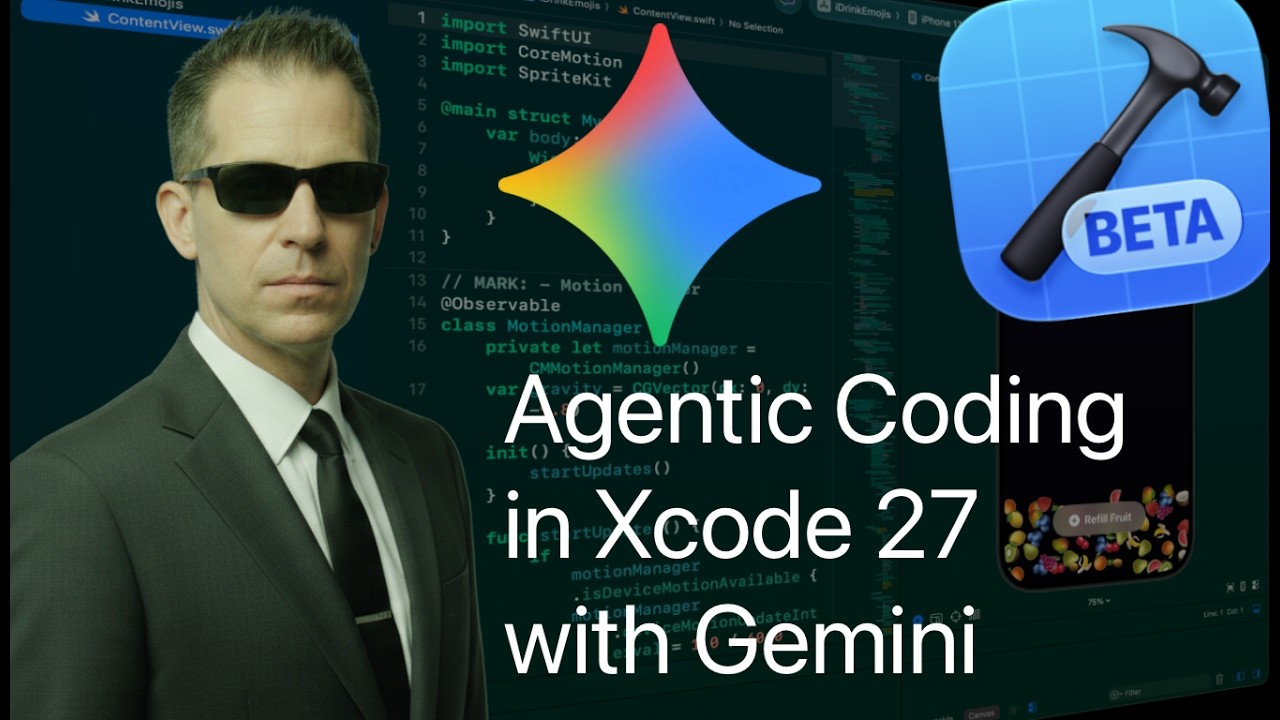
Xcode 27 is here, and with it comes a massive upgrade to agentic coding!
In this video, I'll show you how to set up Gemini as your primary coding agent in Xcode 27 using Google AI Studio. We’ll walk through the entire setup process—from installation to API key management—and then put the agent to the test by rebuilding a nostalgic classic: the iBeer app, but with a modern, fruit-themed twist using SpriteKit and Swift UI.
Whether you're looking to streamline your workflow or explore the creative side of AI-powered development, this guide has you covered.
Chapters:
0:00 What’s New in Xcode 27
0:24 Installing Gemini in Xcode
1:21 Getting your API Key from Google AI Studio
3:35 Choosing the right Gemini model
3:50 Demo: Rebuilding the iBeer app
4:15 Using /plan mode with Gemini
6:38 Build mode
8:10 Testing on a physical device
9:11 Iteration: fixing orientation
11:34 Final demo: the fruit-drinking app
12:06 Next steps
#Xcode27 #GeminiAI #SwiftUI #iOSDevelopment #AIProgramming #SpriteKit #AppleIntelligence #CodingAgent
Повторяем попытку...
Доступные форматы для скачивания:
Скачать видео
-
Информация по загрузке: