How to Make 4K Easier to Read
Автор: gazbel
Загружено: 2026-01-16
Просмотров: 50
Описание:
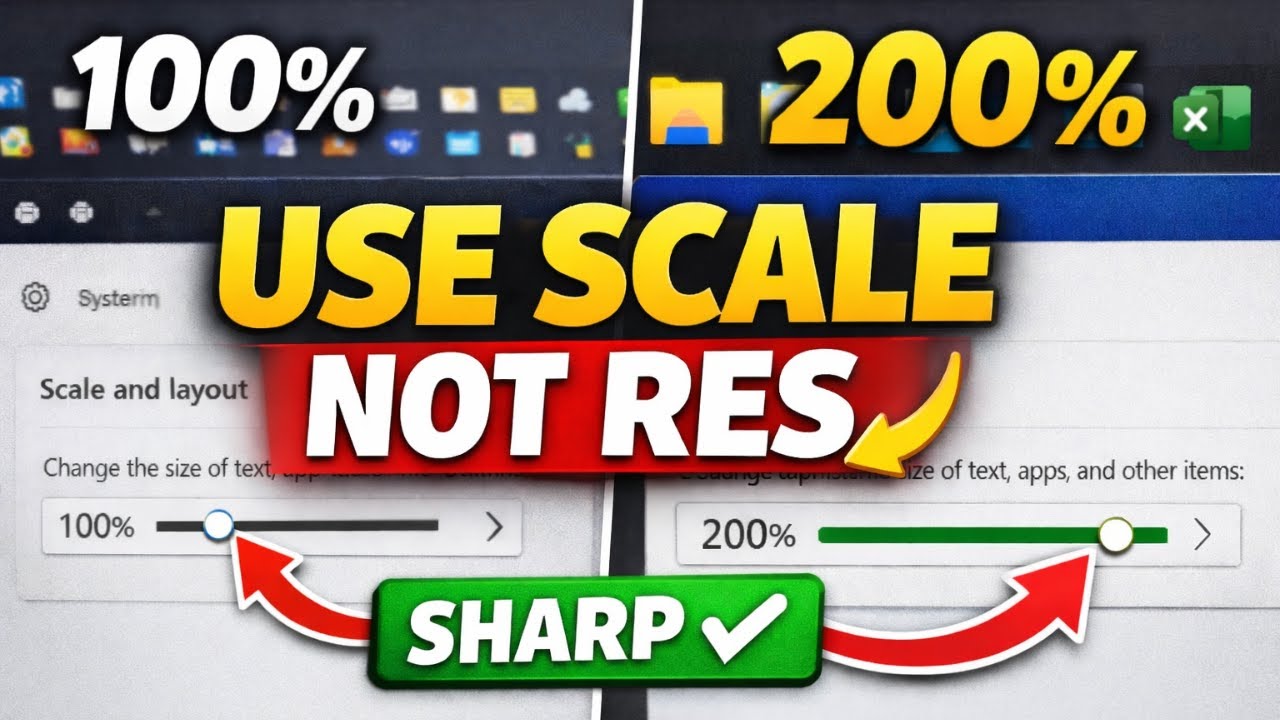
If your 4K monitor looks blurry after switching to 1920×1080 (or 2560×1440), you’re not alone—and you’re not doing it the best way. The fix isn’t changing resolution… it’s changing Display Scaling (DPI) so everything stays sharp.
In this video I show you exactly where to go in Windows Display Settings and what to change so your text, icons, and apps look bigger without losing clarity.
✅ The right settings:
Settings → System → Display
Keep Display resolution at your monitor’s native (ex: 3840×2160 / 4K)
Adjust Scale (ex: 150% = great balance, 200% = big + sharp)
If an app looks weird, restart the app and it usually fixes scaling
My workflow example:
150% for daily use (easier to read)
100% when I need maximum screen real estate (ex: DaVinci Resolve / scopes / color page)
200% when recording screen demos so everything looks bigger and cleaner on video
If this helped, drop a comment with your monitor size + resolution and what scale you ended up using, I love to know that I'm not the only one using a 4k screen as a 1080.
#windowstips #4kmonitor #techtips #pcsetup
Повторяем попытку...
Доступные форматы для скачивания:
Скачать видео
-
Информация по загрузке: