How to Offset Sketch & Toon Stroke Draw On Animations in Cinema 4D
Автор: eyedesyn
Загружено: 2015-05-21
Просмотров: 27381
Описание:
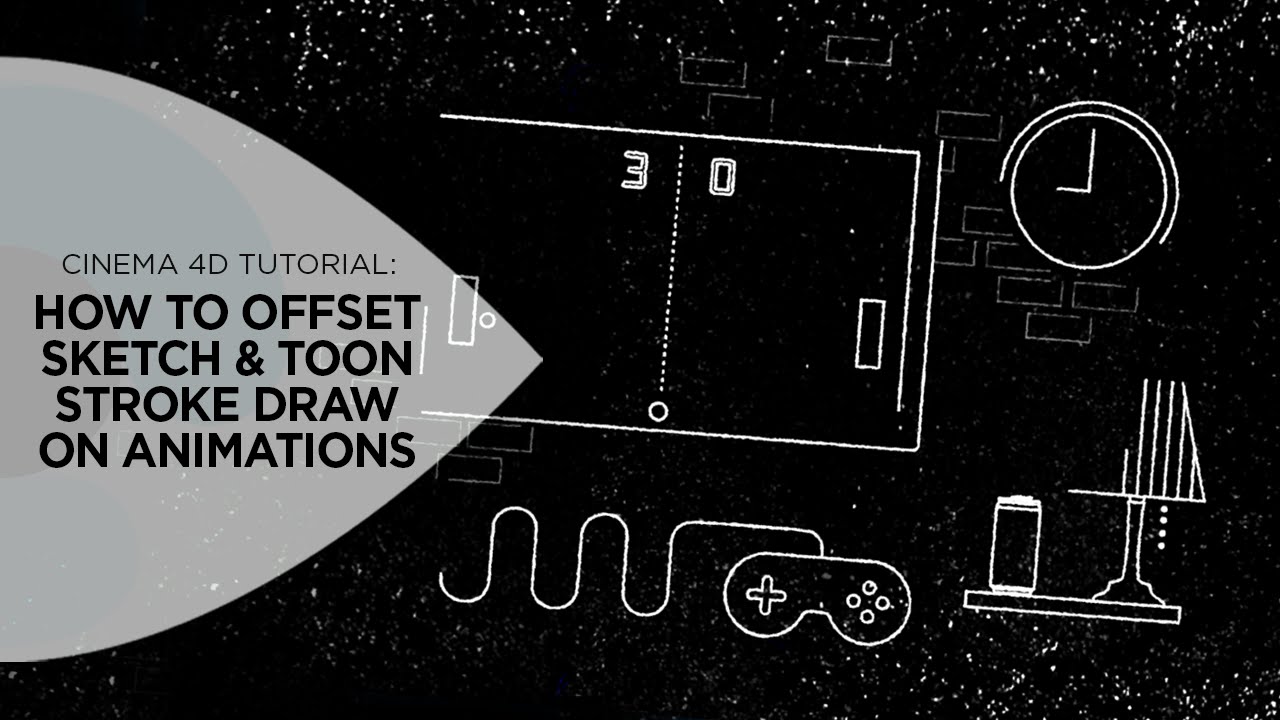
In this tutorial I'll be covering a quick, easy, and keyframeless way to offset the animating on of all the strokes applied to your 3D objects using Cinema 4D's Sketch and Toon. First I'll go over all the different Draw options for animating S&T strokes on and things to keep in mind when it comes to animating strokes on. Then I'll demonstrate how you can offset the line art strokes so it's not a uniform draw on like many of the standard Draw options. I'll show some of the things you need to know to have full control over how they draw on as well as providing a few tips on how to avoid lines randomly popping on and off during the animation.
Here's a previous tutorial going over the general Draw options in Sketch & Toon:
http://eyedesyn.com/drawing-on-sketch...
If you make something, be sure to share it! Only one way to get better at your craft and that's to keep on creating!
Watch the full tutorial here:
eyedesyn.com/drawing-on-sketch-toon-lines-in-cinema-4d/
Follow me on Twitter: twitter.com/eyedesyn
Check out my other tutorials at eyedesyn.com
Sign up for the Eyedesyn Newsletter here: bit.ly/1e22BRG
Повторяем попытку...
Доступные форматы для скачивания:
Скачать видео
-
Информация по загрузке:







![УЧЕБНОЕ ПОСОБИЕ C4D | Плавные динамические оснастки для камер [Cinema 4D]](https://imager.clipsaver.ru/QHcb1pqa8Bs/max.jpg)