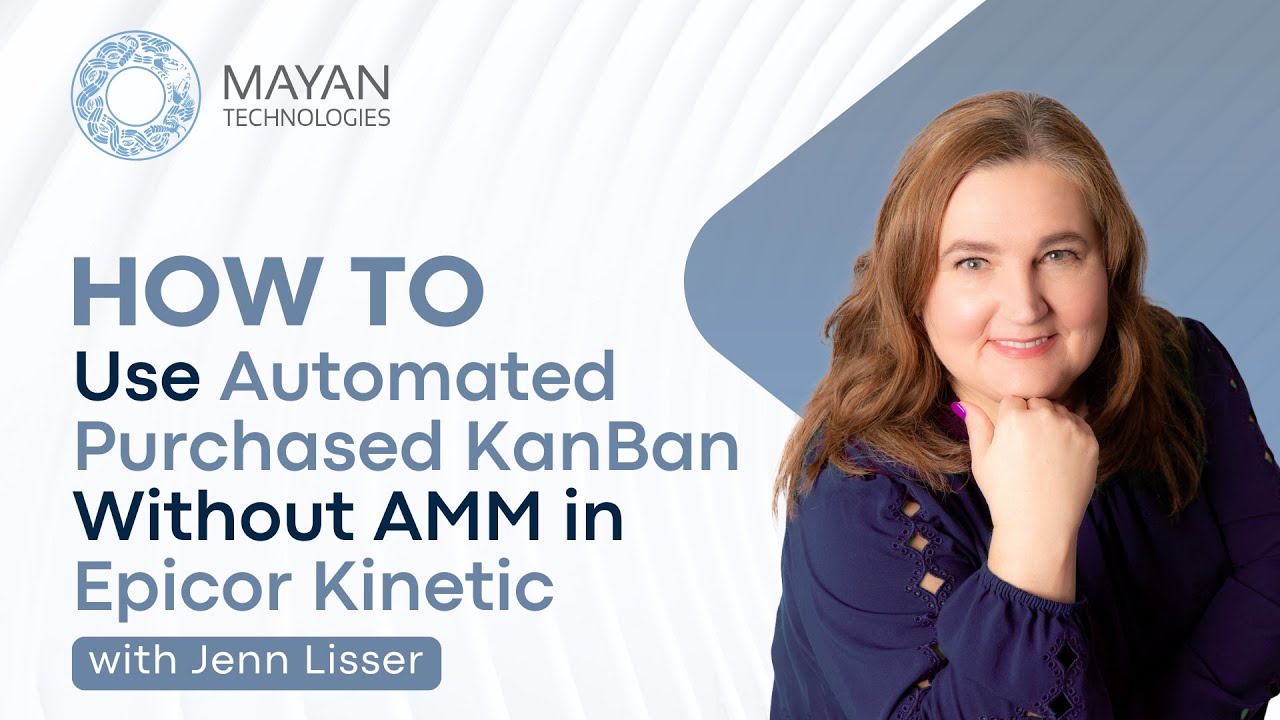
How To Use Automated Purchased Kanban Without AMM in Epicor Kinetic
Автор: Mayan Technologies
Загружено: 2025-09-16
Просмотров: 238
Описание:
Welcome to another video from Mayan Technologies! In this tutorial, Jenn Lisser walks through how to set up and use Automated Purchased Kanban in Epicor Kinetic. This process allows you to automatically generate purchase order releases, removing the need for Kanban cards, requisitions, or manual buyer intervention.
If you’d like more information on these topics, reach out to us at https://www.mayantechs.com/lets-talk.
Jenn demonstrates the setup using a real-world example, showing how to configure the part, warehouse, Kanban type, and auto-replenishment buyer, plus how the system handles receiving, issuing material, and generating new releases automatically.
Whether you are new to Kanban in Epicor or looking to optimize your purchasing workflow, this video will guide you through the essentials.
Chapters:
0:00 Introduction
0:17 Purpose of Automated Purchased Kanban
0:40 Example: Stainless steel mesh gloves
1:28 Warehouse-level configuration and auto-replenishment buyer
2:25 Creating a purchase order for seed inventory
3:50 Setting up the Purchase Kanban type
5:45 Linking purchase order to Kanban setup
5:55 Receiving the initial purchase order
7:35 Triggering replenishment below minimum on hand
9:53 Setting up mass print and scheduling releases
11:09 Receiving replenishment stock
12:30 Issuing more material and generating another release
13:30 Closing
Don't forget to subscribe to our channel for more expert-led content on ERP solutions, and be sure to connect with us on social media:
🔹LinkedIn: / mayantechs
🔹Facebook: / 318800254967754
🔹X (Twitter): / mayantechs
🔹Instagram: / mayantechnologies
For more information about us, visit our website: https://www.mayantechs.com.
Thank you for watching! Stay tuned for more valuable content.
Повторяем попытку...
Доступные форматы для скачивания:
Скачать видео
-
Информация по загрузке: