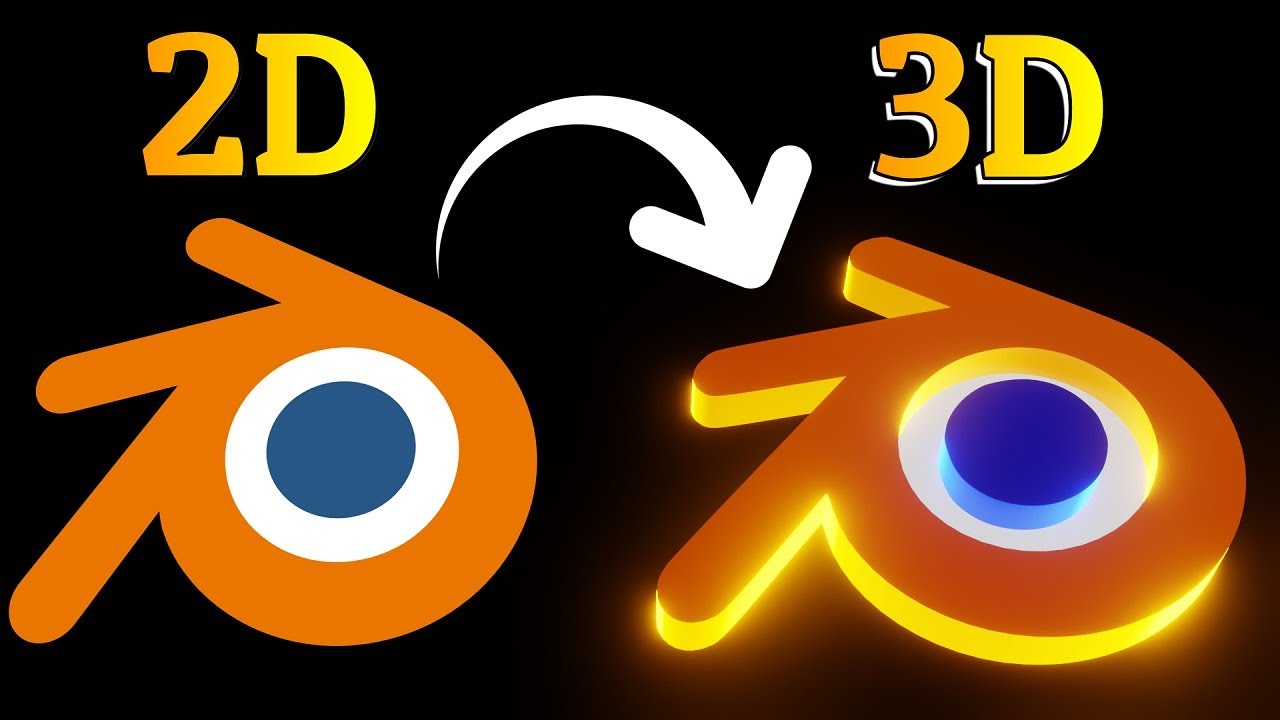
From 2D to 3D Logo in Blender The Ultimate Beginner’s Guide
Автор: V_Ibely
Загружено: 2025-09-03
Просмотров: 325
Описание:
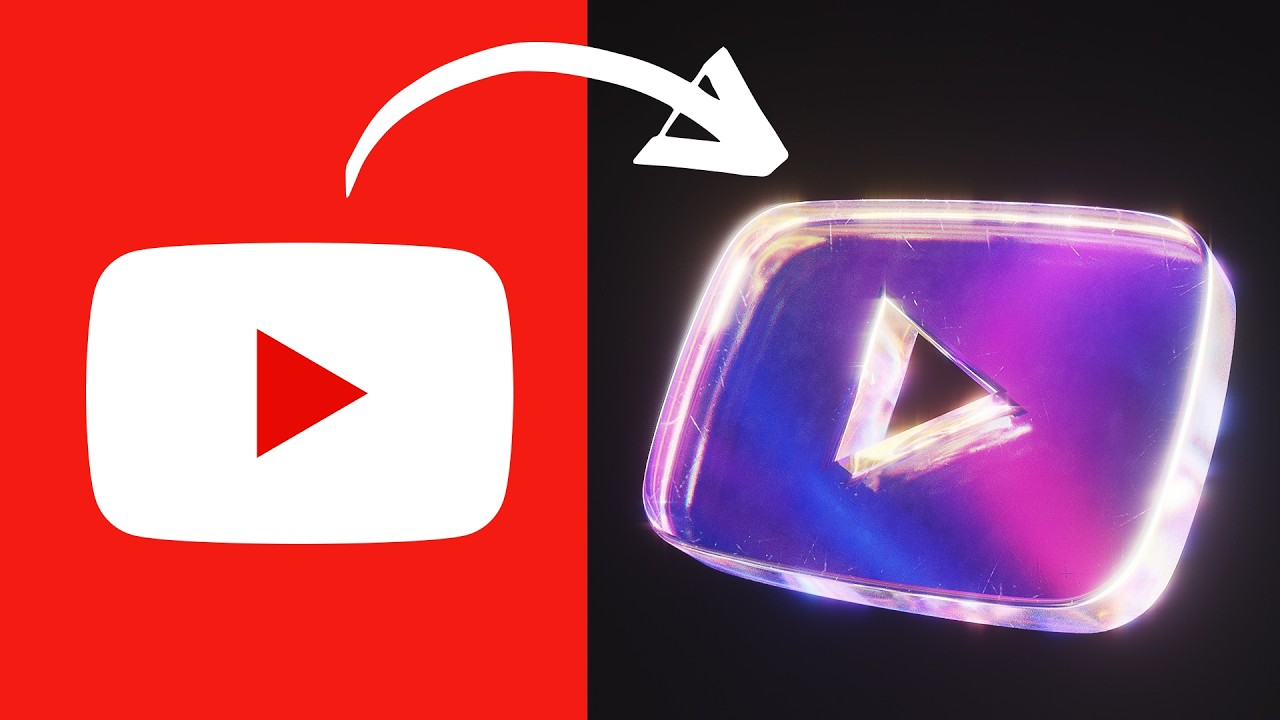
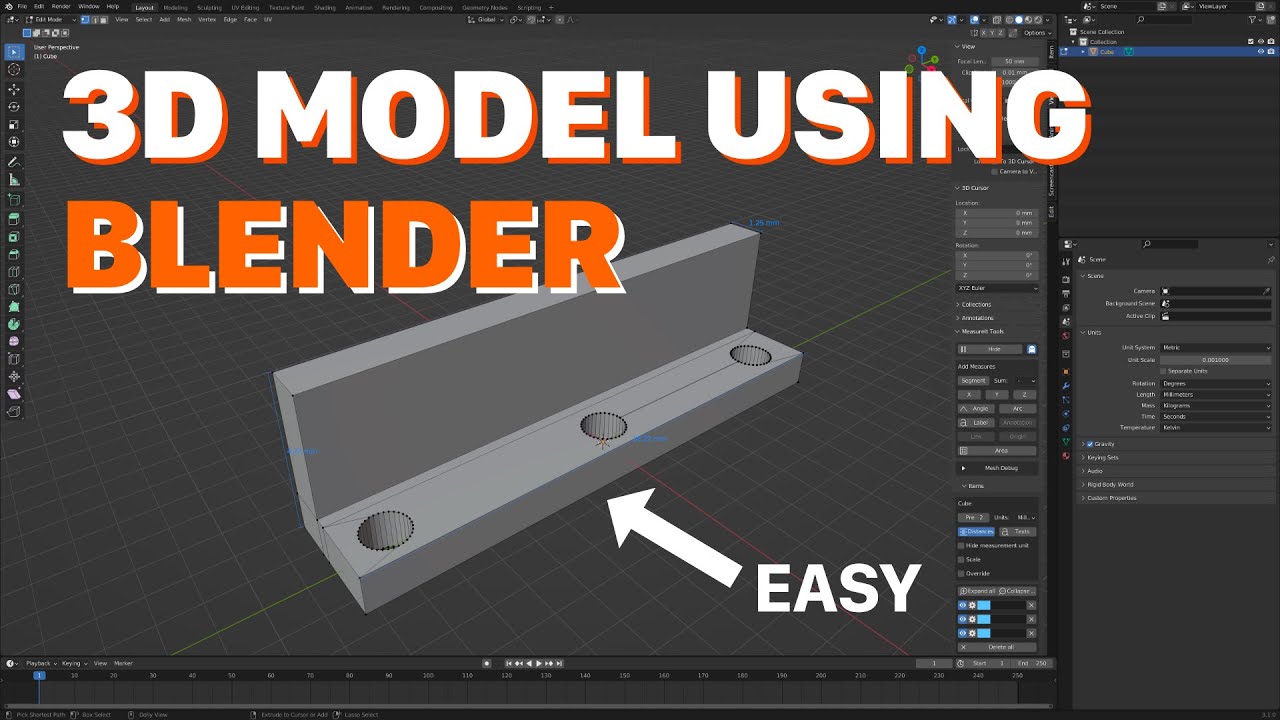
In this tutorial, I’ll show you step by step how to turn any 2D logo or icon into a stunning 3D model in Blender. Perfect for animated intros, renders, or even 3D printing!
The most important part: preparing your logo before importing it into Blender.
Always save your logo as an SVG file.
If you only have a PNG or JPG, no problem! You can easily convert it into SVG using free tools (links below).
Make sure the background is removed for best results.
Use a black & white version of your image to avoid messy details.
Multiple colors = multiple shapes = more work inside Blender.
✅ Bonus: ChatGPT can also help you prepare your images better for example, by simplifying designs, cleaning shapes, or even generating custom SVG logos directly!
📌 Links:
Remove background: https://www.remove.bg/upload
Convert to black & white: https://pinetools.com/threshold-image
Convert to SVG: https://www.freeconvert.com/svg-conve...
#3d #blender #tutorial #design #logo #blendertutorial #blendertips
#annimation #3danimation
Chapters:
0:00 - 0:15 - Intro
0:16 - 1:12 - Preparing the logo
1:13 - 2:04 - Importing the logo
2:05 - 5:14 - Extrude the logo
5:15 - 5:29 - Add Materials
5:30 - 5:42 - Outro
Повторяем попытку...

Доступные форматы для скачивания:
Скачать видео
-
Информация по загрузке: