DJI Osmo Nano Cinematic Motion Blur
Автор: Jhoward Francisco
Загружено: 2026-02-03
Просмотров: 164
Описание:
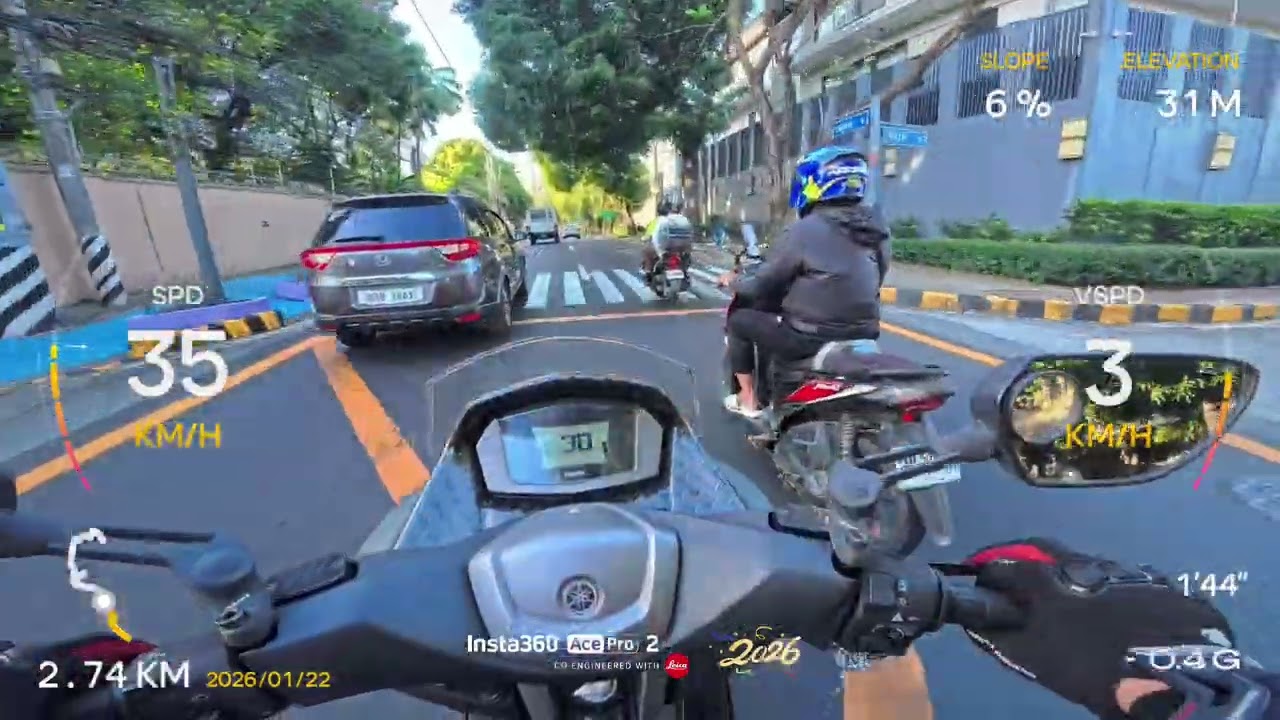
"Morning traffic! This is why I seldom use a motorcycle to go to work!"
It’s a sentiment every Muntinlupeño knows too well. Whether you're stuck on the Alabang-Zapote Road or crawling along the SLEX West Service Road, the daily grind is more than just a commute—it’s a test of patience.
The Golden Rule: The 180° Shutter Rule
For motion blur to look "natural" to the human eye, your Shutter Speed should be double your Frame Rate (FPS).
If shooting at 24fps: Set shutter to 1/50.
If shooting at 30fps: Set shutter to 1/60.
If shooting at 60fps: Set shutter to 1/120.
The Problem: In bright Philippine sunlight (especially around Alabang or Filinvest), setting your shutter to 1/50 will make your video completely white (overexposed).
The Solution: ND Filters
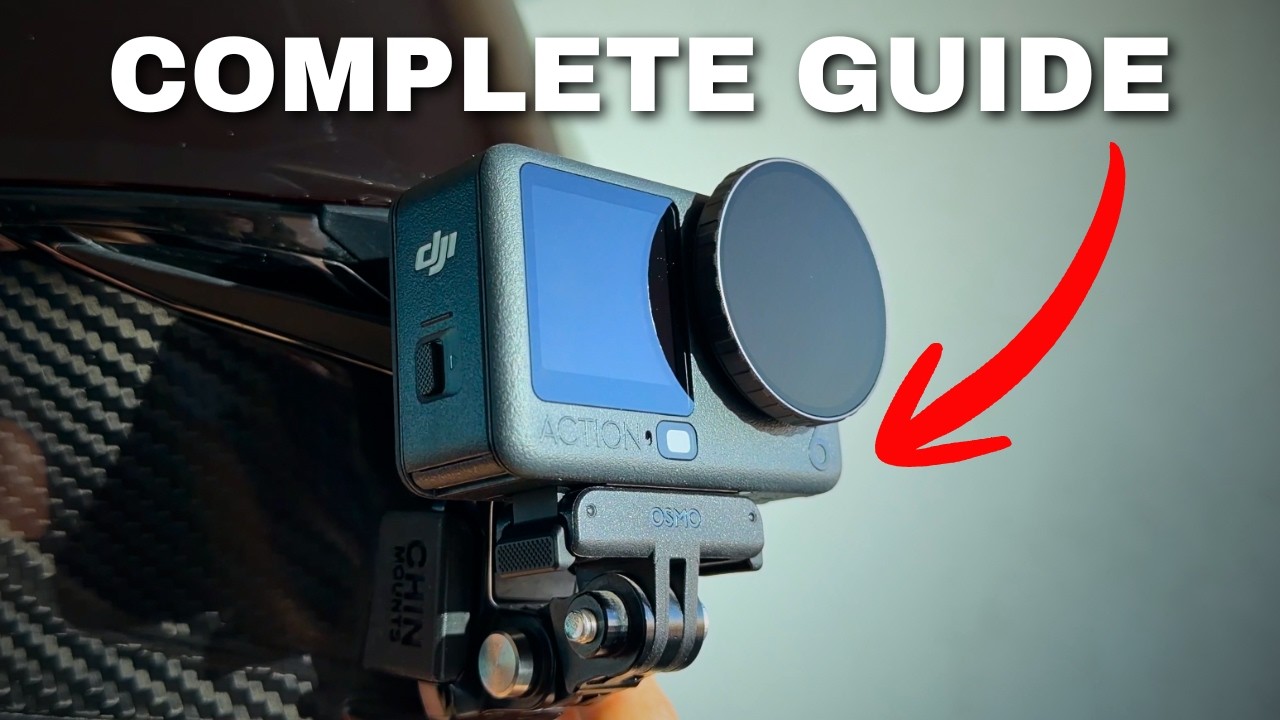
Since you can't change the aperture on the Osmo Nano, you need "Sunglasses" for your lens—ND (Neutral Density) Filters.
ND16/ND32: Best for "Golden Hour" or cloudy days in Tunasan.
ND64: Necessary for high-noon brightness on the SLEX.
Why? The filter cuts the light, allowing you to keep that 1/50 shutter speed without blowing out the highlights.
link for ND FILTERS
https://s.shopee.ph/8AQMmtTysB
DJI OSMO NANO
https://s.shopee.ph/1gCt2zVeXH
action cam mounts
https://s.shopee.ph/2Vm02Y3xHk
https://s.shopee.ph/3fxxQj4kuA
https://s.shopee.ph/2Vm02b47Og
#dji #osmonano #actioncam #waytowork #traffic #motorcycle #muntinlupacity
Повторяем попытку...

Доступные форматы для скачивания:
Скачать видео
-
Информация по загрузке: