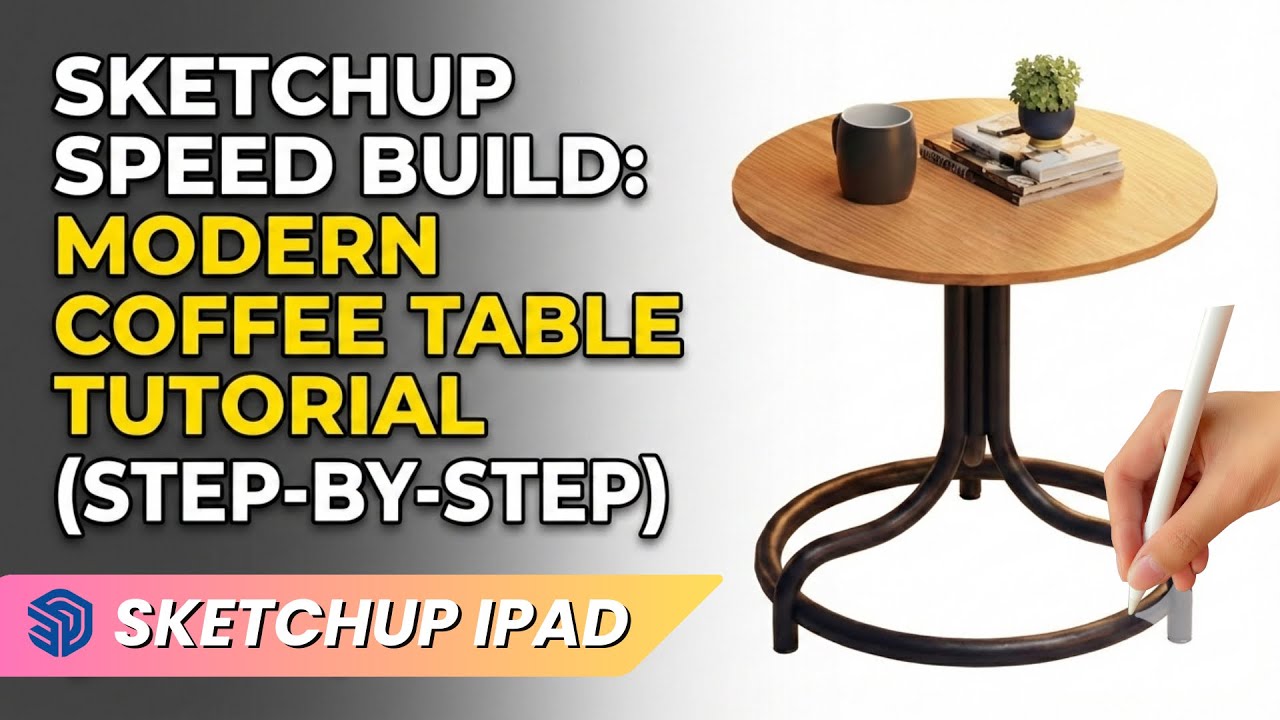
SketchUp Speed Build: Modern Coffee Table Tutorial (Step-by-Step)
Автор: DesignGoRhythm
Загружено: 2026-02-19
Просмотров: 82
Описание:
In this video, we are diving into SketchUp to model a sleek, modern coffee table from scratch! Whether you are an interior design student or a 3D enthusiast, this tutorial will walk you through essential tools like Follow Me, Parallel Projection, and Radial Arrays to create complex geometry easily.
By the end of this tutorial, you’ll have a fully modeled, textured, and staged piece of furniture ready for your interior scenes.
In this video, you will learn:
• How to use the Follow Me tool for circular paths and tubes.
• Setting up Parallel Projection for precise elevation drawings.
• Using the Rotate Tool to create perfect copies (Arrays).
• Applying materials and adding assets from the 3D Warehouse for a photorealistic look.
⏱️ Timestamps:
0:00 - Intro & Preview
0:30 - Creating the Base Ring (Follow Me Tool)
1:15 - Modeling the Vertical Legs
2:30 - Creating the Center Hub & Assembly
3:15 - Building the Table Top
4:00 - Applying Wood Textures & Shadows
4:45 - Staging with 3D Warehouse Assets
Tools Used:
• SketchUp (Desktop/iPad)
• Follow Me Tool
• Push/Pull Tool
• 3D Warehouse
About DesignGoRhythm:
Welcome to DesignGoRhythm! This channel is dedicated to helping you master interior design workflows, 3D modeling, and rendering techniques. Subscribe for more tutorials on SketchUp, Vastu tips, and design software guides.
👇 Drop a comment below:
What furniture piece do you want to see modeled next?
#SketchUp #InteriorDesign #3DModeling #FurnitureDesign #DesignGoRhythm #SketchUpTutorial #Architecture
Повторяем попытку...
Доступные форматы для скачивания:
Скачать видео
-
Информация по загрузке: