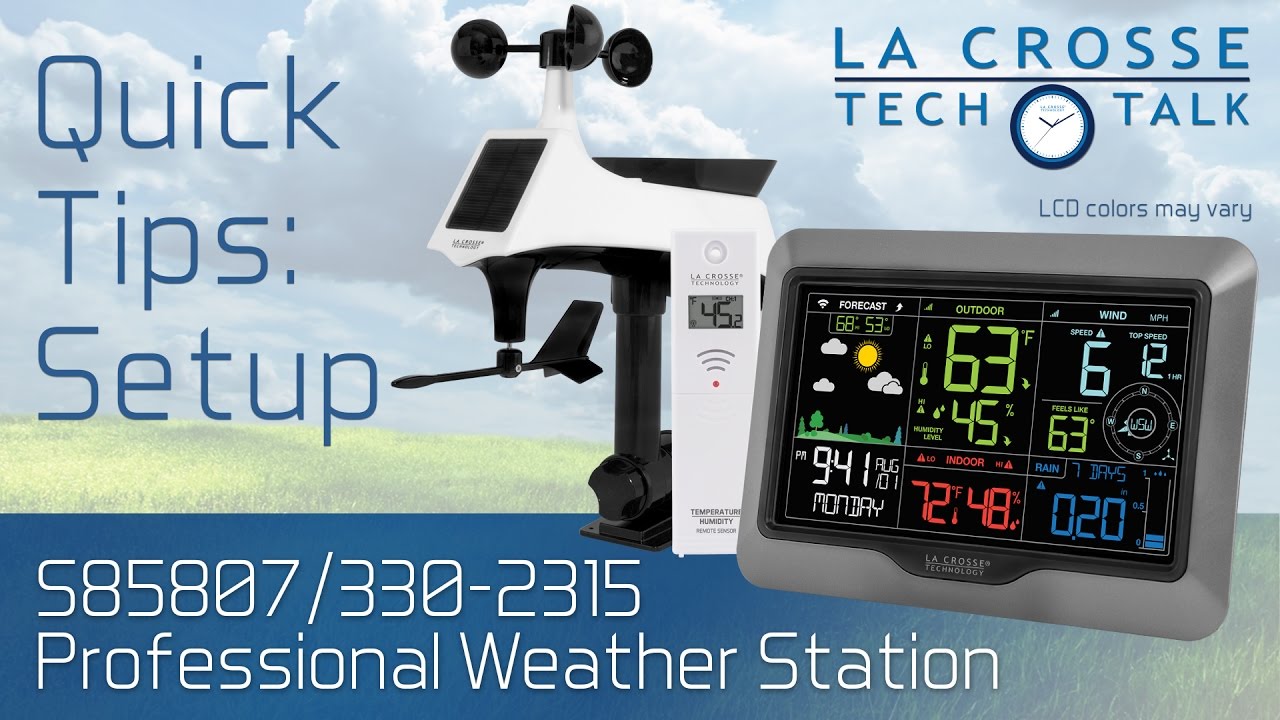
S85807/330-2315 Quick Tips: Setup
Автор: La Crosse Technology
Загружено: 2016-12-19
Просмотров: 138637
Описание:
In this video we walk you through the basic steps to get your S85807 or 330-2315 weather station up and running correctly. The later part of the video focuses on getting the display connected to the Internet via our Weather Connect app, to show its data on Weather Underground. It should, however, be noted that these specific weather station models have since been retired and are not compatible with our newer La Crosse View platform.
Use the clickable links below to jump directly to that spot in this video:
0:00 - Introduction
1:01 - Step 1) Insert 2 "AA" batteries into the TH Sensor
1:11 - Step 2) Insert three "AA" batteries into the Multi-Sensor
1:20 - Step 3) Power up the weather station
1:38 - Step 4) Check the sensors' connection & wait at least 15 minutes for them to sync with the station
2:02 - Step 5) Mount the outdoor sensors
3:51 - Step 6) Configure your basic settings
7:39 - Step 7) Position your station for the best viewing angle
7:54 - Step 8) Connect the station to the Internet & Weather Underground
12:45 - Connect with us!
Free Weather Connect App Download:
Apple App Store (iPhone/iPad):
https://itunes.apple.com/us/app/weath...
Google Play Store (Android):
https://play.google.com/store/apps/de...
Free Weather Underground Mobile App
Apple App Store (iPhone/iPad):
https://itunes.apple.com/us/app/weath...
Google Play Store (Android):
https://play.google.com/store/apps/de...
Product Information:
https://www.lacrossetechnology.com/pr...
Product Manual:
http://bit.ly/s85807_manual
FAQs:
http://bit.ly/s85807_faq
Join the conversation!
YouTube:
http://bit.ly/LaxTech_YouTube
Facebook:
http://bit.ly/LaxTech_Facebook
Instagram
http://bit.ly/LaxTech_Instagram
Twitter:
http://bit.ly/LaxTech__Twitter
Website:
http://www.lacrossetechnology.com
Повторяем попытку...
Доступные форматы для скачивания:
Скачать видео
-
Информация по загрузке: