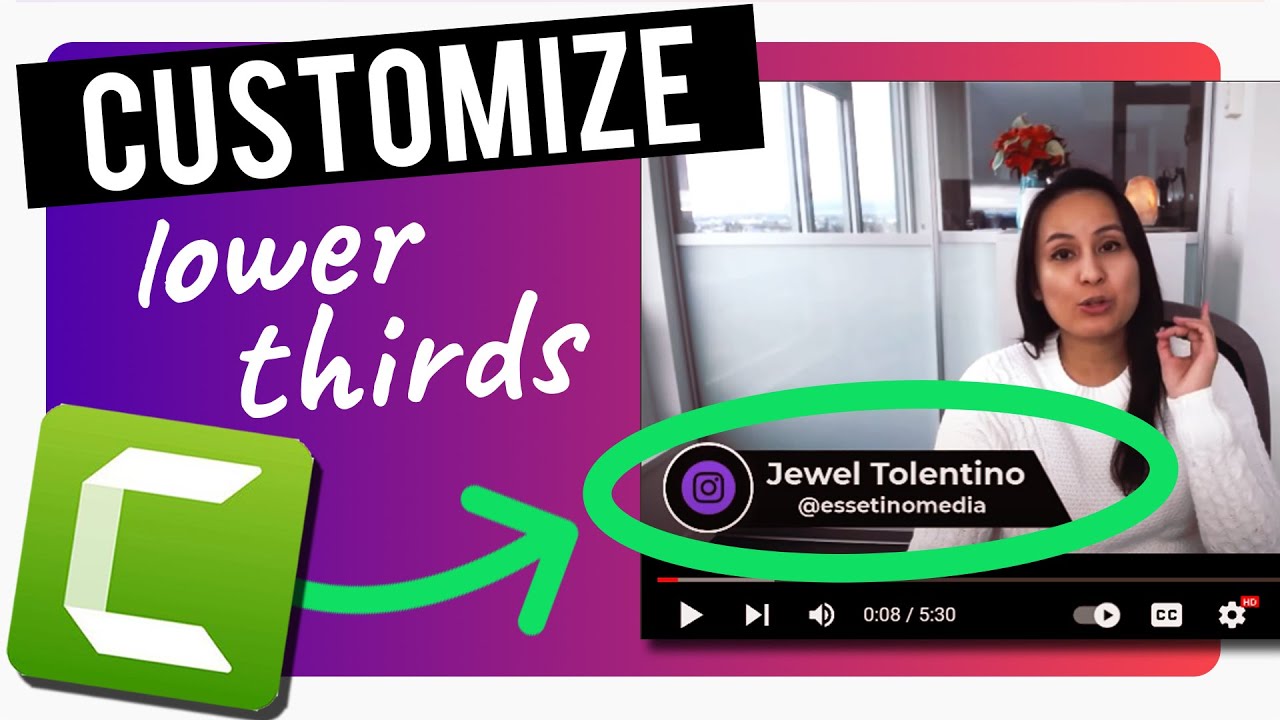
Camtasia 2021 Tutorial - Customize Lower Thirds To Your Branding
Автор: Essetino Media - Create Profitable Content
Загружено: 2022-03-16
Просмотров: 1612
Описание:
🟢 Get your FREE "Profitable Content" Newsletter Here: http://www.createprofitablecontent.com
💎 When you subscribe, you get access to:
✔ The latest tips on building an audience, monetizing your expertise & increasing revenue.
✔ Exclusive 30min video training on how we used YouTube to grow our business to 6-figures.
------------------------------
Camtasia 2021 Tutorial // Here's how to customize the lower thirds from Camtasia's library to your own branding.
🎵 Get an Additional 2 Months FREE with your Artlist.io Subscription:
https://artlist.io/artlist-70446/?art...
🎯 Upgrade to Camtasia 2021 Here: http://techsmith.pxf.io/c/1246911/347...
✦ Get LIFETIME Access to The Complete Camtasia Course for a ONE Time Fee: https://www.theprofitablechannel.com/...
----------------------------------
🎓 ➤ GET BETTER AT YOUTUBE: 👇
🤑 [FREE 1hr TRAINING] How we make over $10,000/month with our Youtube Channel
https://www.theprofitablechannel.com/...
🟣 [THE PROFITABLE CHANNEL COURSE] Create more income from your channel regardless of your niche or audience size: https://www.theprofitablechannel.com/...
✦ [Mentoring] Get Personal Step by Step Guidance on Starting & Growing your YouTube channel: https://essetinoartists.com/youtube-c...
------------------------------
🎥 ➤ OUR FILMING GEAR:
✦ Cameras:
1. DSLR Camera: Canon M50
***Amazon USA: https://amzn.to/39aOb1V
***Amazon Canada: https://amzn.to/374ajcK
2. Webcam Camera: Logitech c930e
***Amazon USA: https://amzn.to/2L96ybQ
***Amazon Canada: https://amzn.to/2NbFVnz
✦ Microphones:
1. USB Mic: Fifine Technology
***Amazon USA: https://amzn.to/2GFsMmp
***Amazon Canada: https://amzn.to/2UWH5ak
2. Lapel Mic: PowerDeWise
***Amazon USA: https://amzn.to/3gknXyl
***Amazon Canada: https://amzn.to/2ZAKdhv
-----------------------------
LET'S CONNECT:
• Essetino Media Website - http://www.EssetinoMedia.com/
CONNECT WITH JEWEL:
• Friend Me On Facebook - / jeweljoytolentino
• Email Me - [email protected]
• Follow Me on Instagram - / jewel3tolentino
Thank you for watching this Camtasia 2021 tutorial - customize lower thirds to your branding!
Jewel
Create Profitable Content
Disclaimer: This video may contain affiliate links, which means that if you choose to make a purchase, we will earn a small commission. Please understand that we have experience with these products, and we recommend them because they are helpful and useful, not because of the small commissions we make.
#camtasia2021 #camtasialowerthirdstutorial #essetinomedia
Повторяем попытку...
Доступные форматы для скачивания:
Скачать видео
-
Информация по загрузке:
![Использование матов и создание нижней трети [в Camtasia]](https://imager.clipsaver.ru/HzG-e8xC1KE/max.jpg)



![Make Videos That Wow with Camtasia and Snagit! [A Webinar]](https://imager.clipsaver.ru/v-u2N6dlyWk/max.jpg)



![Создание нового YouTube-канала [Эпизод 2] - Заработал ли я хоть какие-то деньги?](https://imager.clipsaver.ru/rvf4igZyobA/max.jpg)