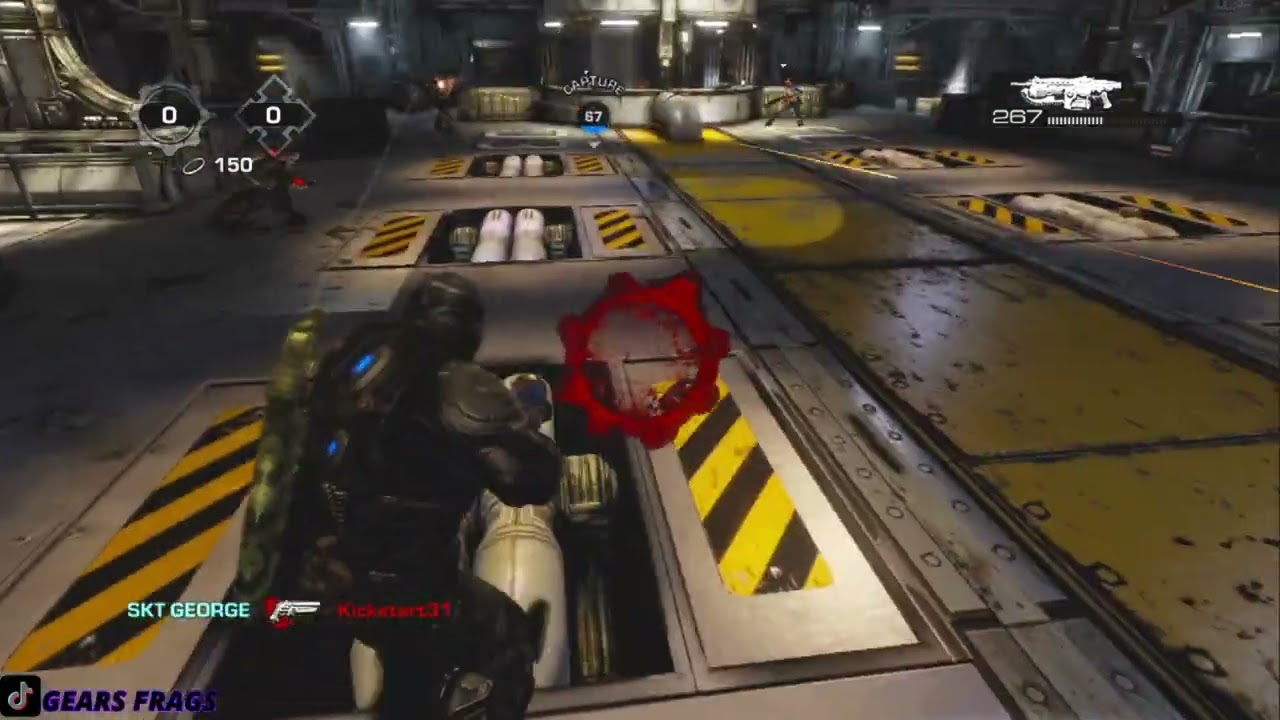
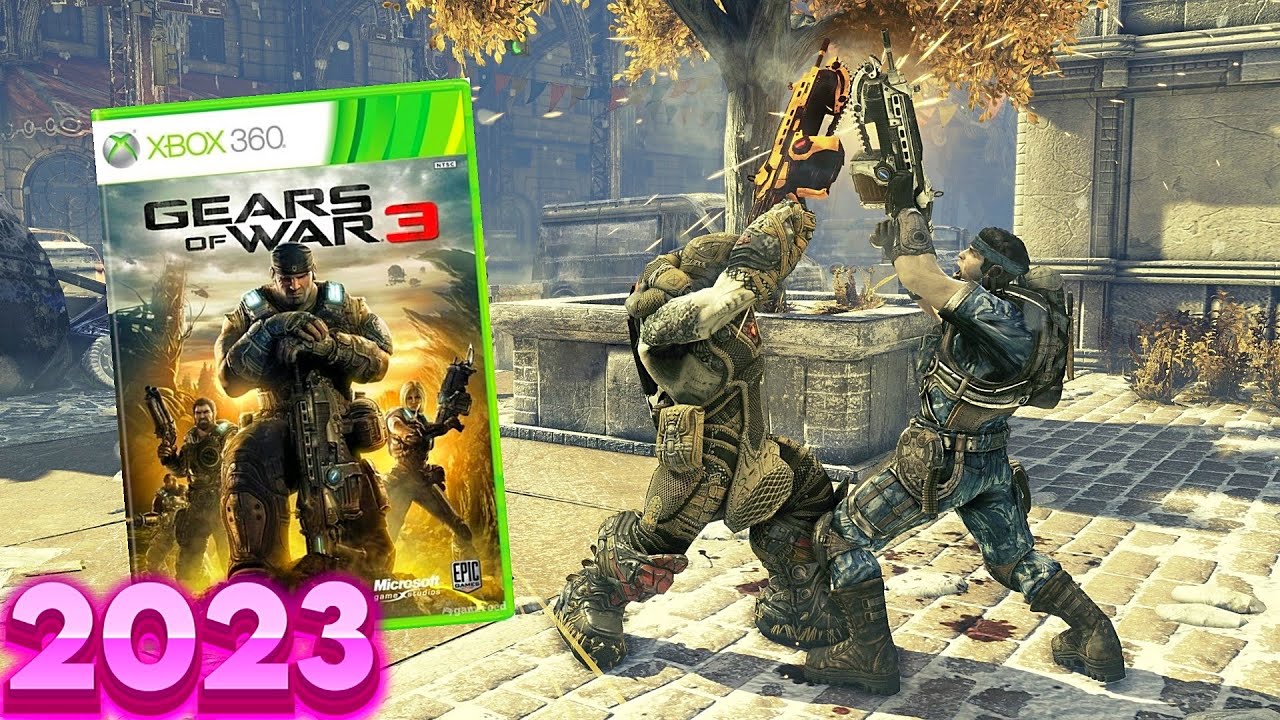
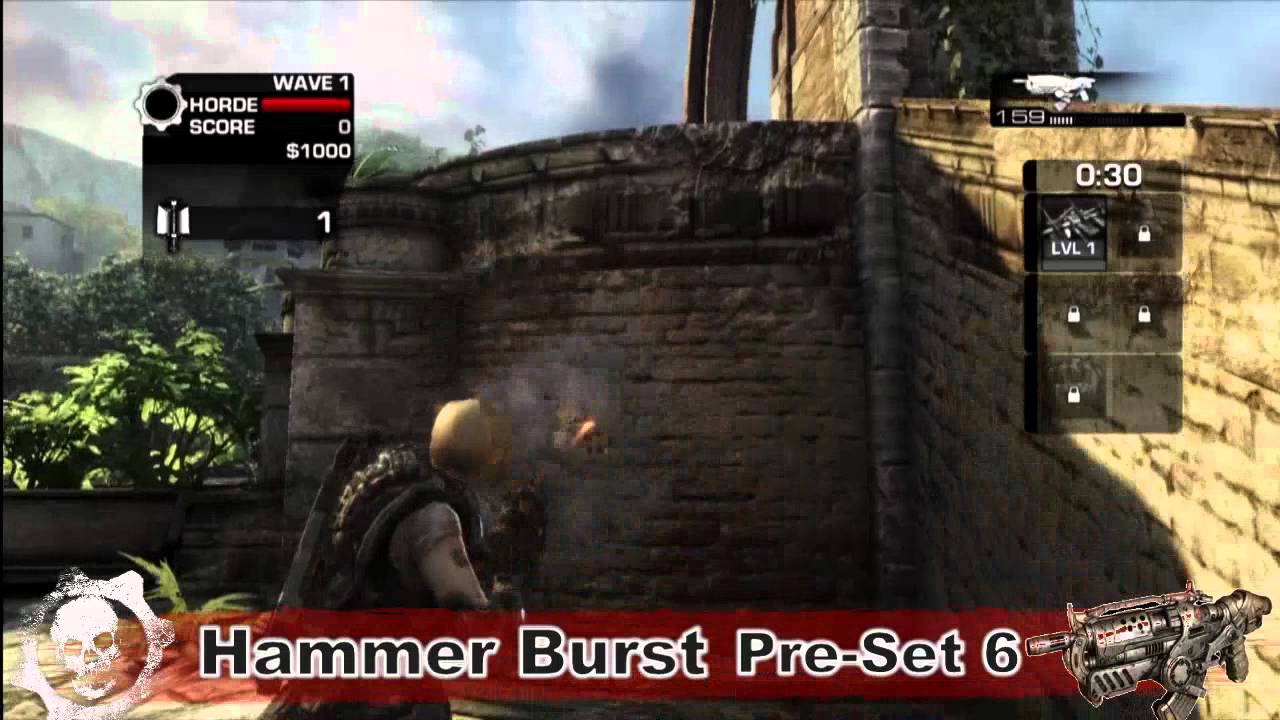
Gears Of War 3 Active Reload - Hammerburst
Автор: forged2play
Загружено: 2011-12-08
Просмотров: 4176
Описание:
ATTENTION GEARS OF WAR© 3 CUSTOMERS
We are proud to announce Active Reload V1.5 included with your Mindforce X360 Controller. Active Reload V1.5 is fully compatible with Gears of War© 1, 2 and 3. The active reload timing can now be individually set and stored in AR5, AR6, AR7 and AR8.
This breakthrough technology allows your Mindforce X360 controller access to user programmable active reload timing for all of your favourite multi-shot weapons. If the timing of a weapon ever changes simply program a new timing for that weapon.
For Gears of War© 1 and 2 simply refer to the enclosed manual and use AR1, AR2, AR3 and AR4 as specified.
In Gears of War© 3, you may still use AR1 for pistols, AR3 for multi-shot shotguns, and AR4 for sniper rifles.
However for Gears of War© 3 you will need to set AR5, AR6, AR7 and AR8 to the timing of your choice for weapons like the Lancer, the Hammerburst, and the Retro Lancer.
Go to www.collectiveminds.ca for our recommended settings.
How to Program Custom Active Reload Timing
Simply press the Active Reload Button until the LED Display reads AR5, AR6, AR7 or AR8. Press and HOLD the Active Reload button for 3 SECONDS to enter programming mode. The Display will FLASH the last known value of the Active Reload Timing. Use the Right Analog Stick to adjust the value of the Active Reload Timing. Move the Right Analog Stick UP to increase the value of the Active Reload Timing. Move the Right Analog Stick DOWN to decrease the value of the Active Reload Timing. Now Press the Active Reload Button again to LOCK in the desired Value.
[EXAMPLE] -- In AR5 mode the LED Display says "AR5". Press and hold the Active Reload Button for 3 seconds. The Display will FLASH "0.88"
Move UP on the Right Analog Stick. The Display will read "0.89"
Move Down on the Right Analog Stick. The Display will read "0.88"
Move Down on the Right Analog Stick again. The Display will read "0.87"
Press the TOP RIGHT SHOULDER BUTTON, and this will activate Active Reload. If a perfect reload is not achieved, press UP or DOWN on the Right Analog Stick until the correct value is reached.
If one Moves and HOLDS the Right Analog Stick UP or DOWN the values will accelerate until the stick is released to the center position.
Press the Active Reload Button to finish and LOCK in the desired Value.
Повторяем попытку...
Доступные форматы для скачивания:
Скачать видео
-
Информация по загрузке: