Lenovo Horizon 2S Back Cover Removal - Tutorial
Автор: PC 911 Computer & iPhone Repair
Загружено: 2020-06-17
Просмотров: 5068
Описание:
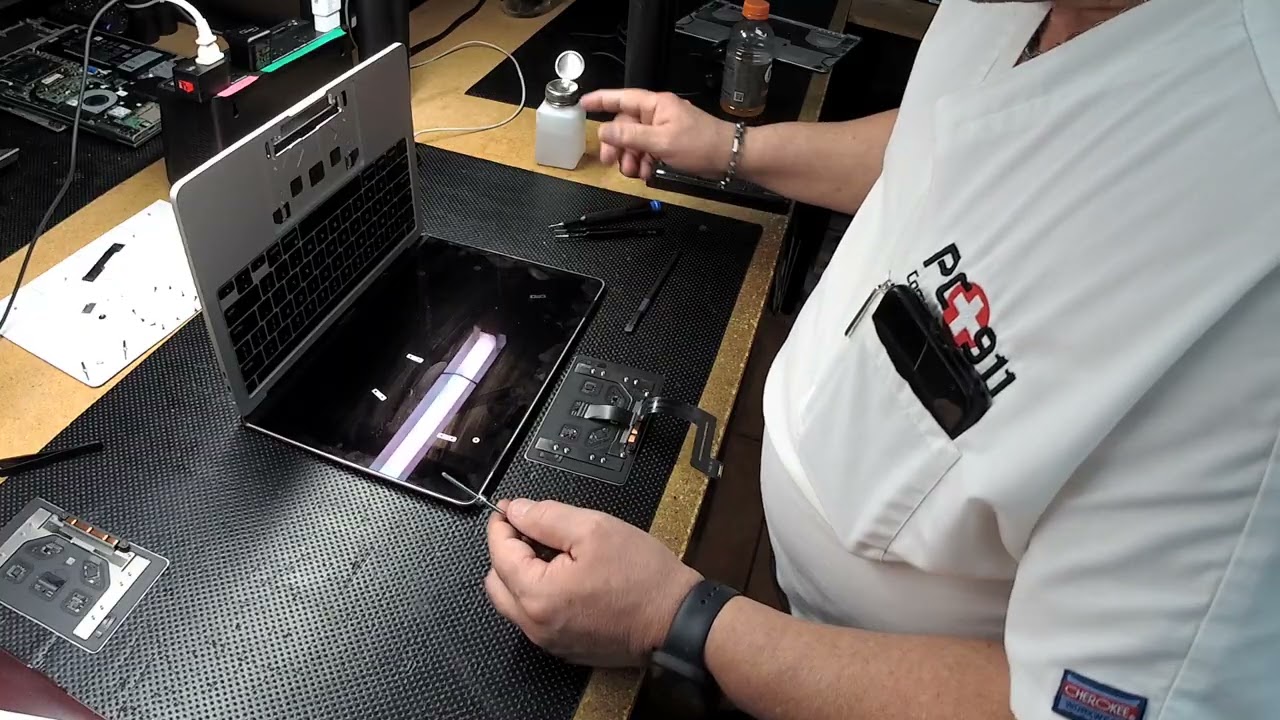
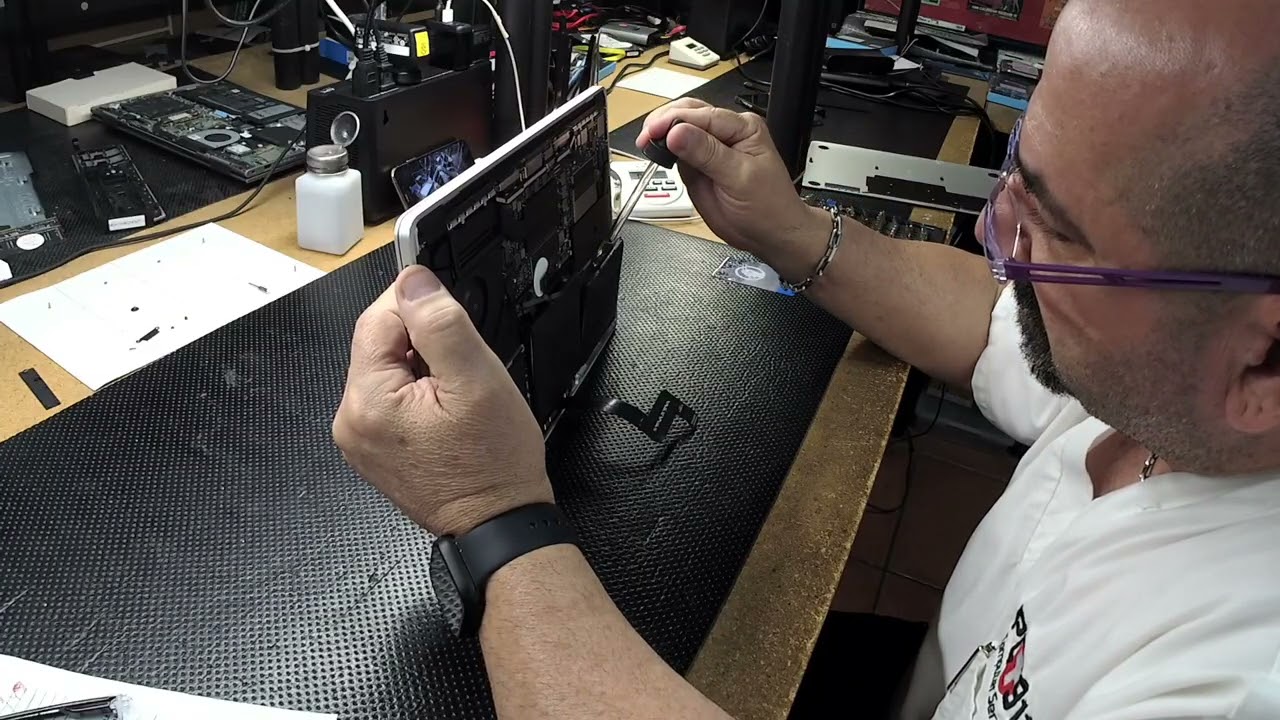
Here at PC 911, we will remove the back cover off a Lenovo Horizon 2S. First, we started by removing one screw under the rubber leg that the back cover has and then with a pry tool in between the LCD and back cover unclip the clips holding it down and the LCD should pop up and with the LCD flex will still be connected to the board from there you may perform anything needed and to put everything back in place the LCD will be placed back on the back cover by sliding the top in first and then clipping the sides and the bottom and screwing in that once screw holding it all together. And that’s what’s going on today at PC 911.
PC 911 Computer & Cell Phone Repair
http://www.PC911247.com
Повторяем попытку...

Доступные форматы для скачивания:
Скачать видео
-
Информация по загрузке: