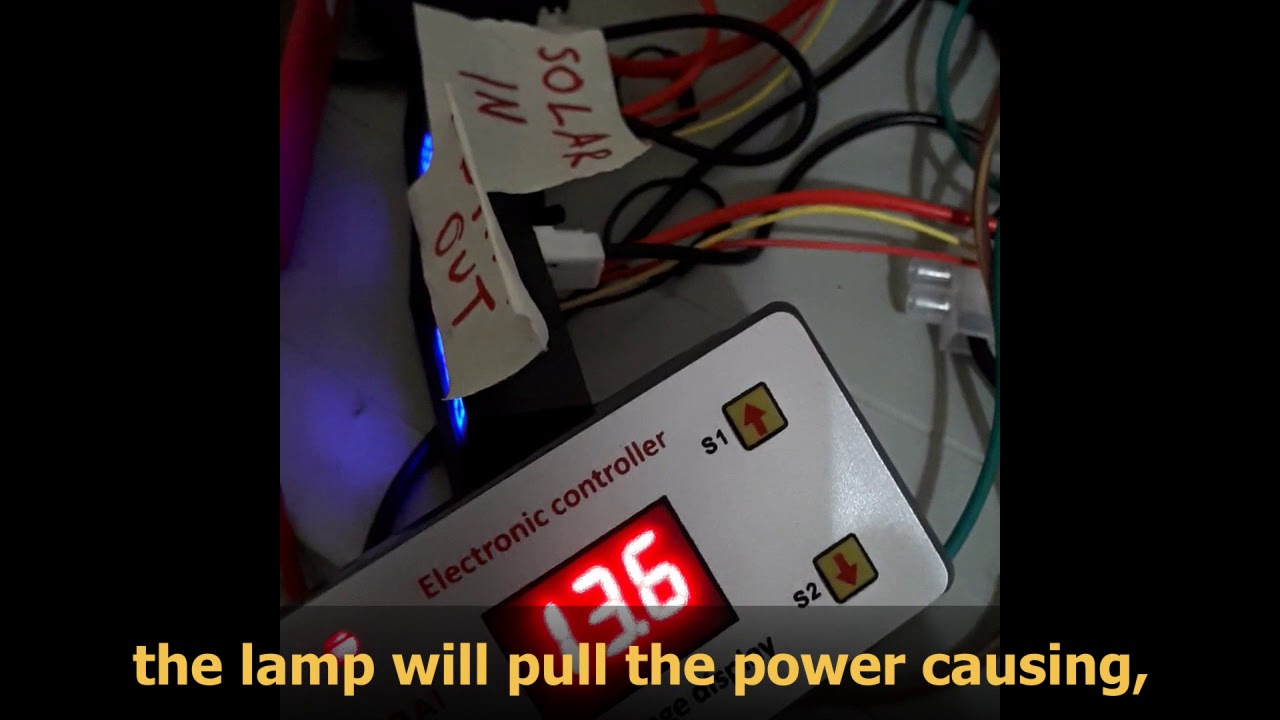
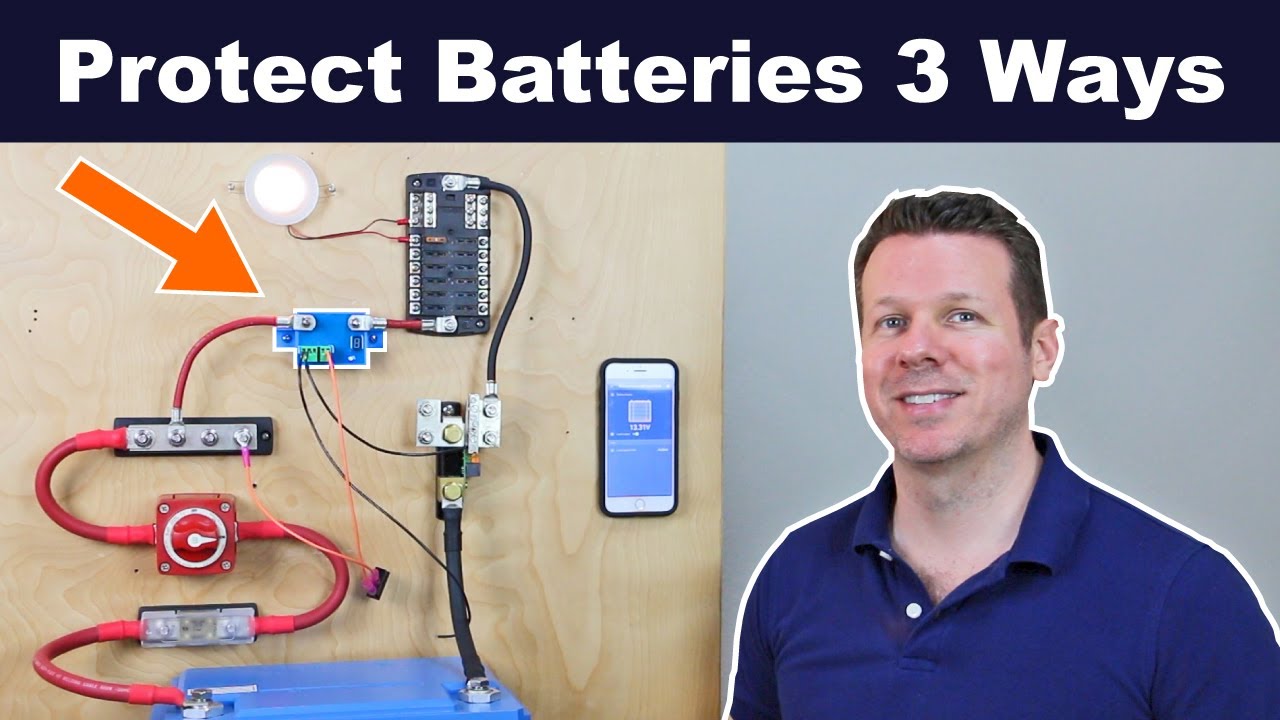
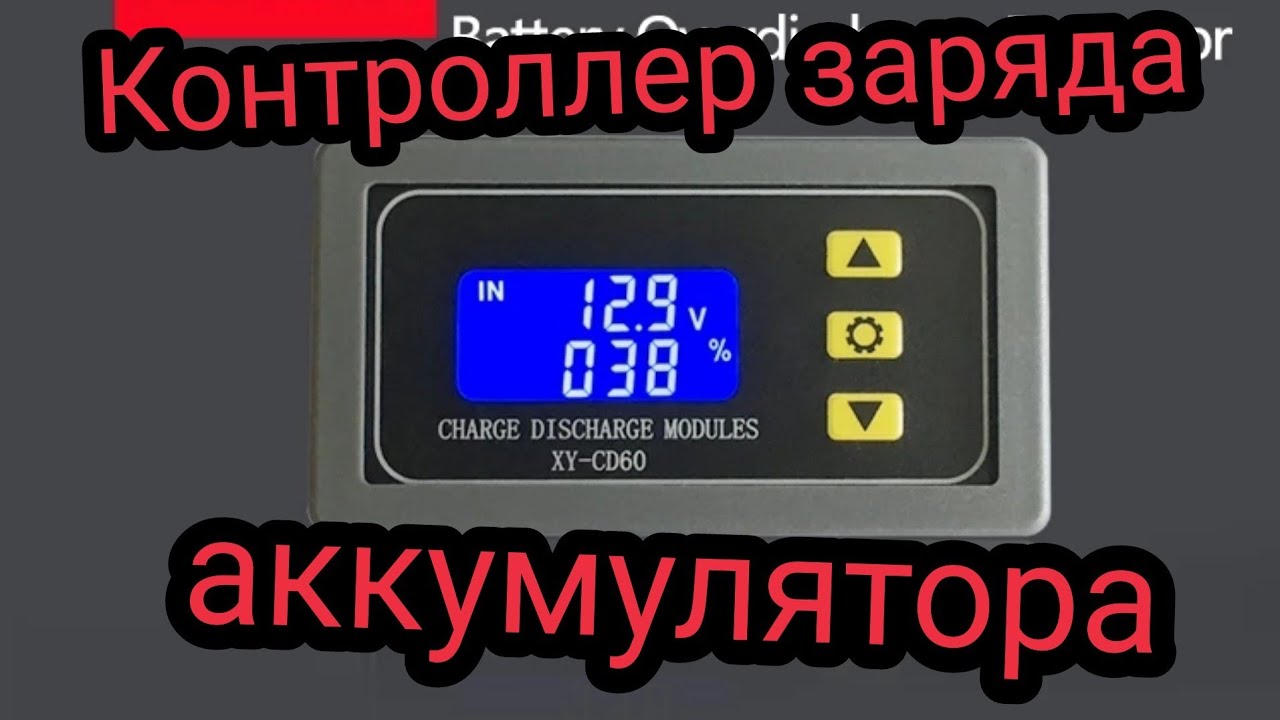
IS Low Voltage Disconnect,Digital Charging Timer Controller,Over Discharge Protector Module-Overview
Автор: Garden Lovers
Загружено: 2020-08-03
Просмотров: 9508
Описание:
Click the link to buy it now:
https://amzn.to/3hWXyXo
IS Low Voltage Disconnect, Digital Charging Timer Controller, Over Discharge Protector Module for DC 6V-60V Lithium Lead Acid Battery - Overview
LOW VOLTAGE CUTOFF - When the battery voltage reaches the set lower limit values, Icstation digital LVD module will disconnect load automatically to avoid the battery from over-discharging to prolong the battery lifetime.
AUTOMATICALLY RECONNECTS - When the battery voltage reaches the upper limit values, the relay closes and the battery starts to discharge. OUT flashing means it is discharging.
PREVENT OVERCHARGE - IN flashing means the battery is in charge. When the battery capacity reaches the upper limit voltage(UP), the relay opens and it cuts off the charger.
PARAMETERS DISPLAY - Clear LCD display makes it easy to read the voltage, capacity percentage or charging time at a glance.
ICStation Low Voltage Disconnect
for DC 6V-60V Lithium/Lead Acid Battery
Prevent Over-charge
Prevent Over-discharge
Display battery voltage, percentage and operating time.
Charging Time Control (00:00-99:59 hours)
Discharging Time Control (00:00-99:59 hours)
Delay (0~999 seconds)
Charge Mode
Automatic Charge
When the battery power is lower than the setting lower limit value(dn), the relay closes and the charger starts to charge the battery. IN flashing means the battery is in charge.
Prevent Overcharge
When the battery capacity reaches the upper limit voltage(UP), the relay opens and it cuts off the charger.
Discharge Mode
Prevent Over-discharge
When the battery voltage reaches the set lower limit values, Icstation digital LVD module will disconnect the load automatically to avoid the battery from over-discharging to prolong the battery lifetime.
Automatically Reconnects
When the battery voltage reaches the upper limit values, the relay closes and the battery starts to discharge. OUT flashing means it is discharging.
Buttons
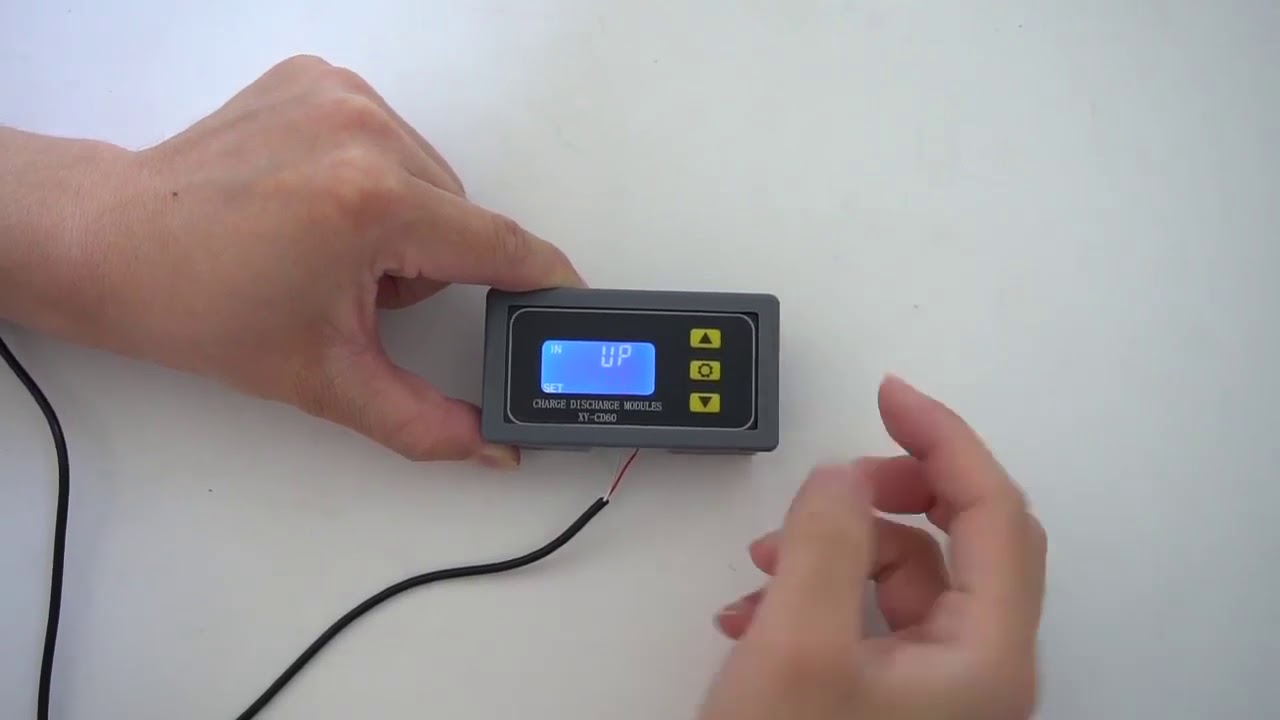
UP: Press UP to switch from Percentage to Time display. Hold on 5s to switch Charge / Discharge Mode. It displays IN when it is in Charge Mode; displays OUT when it is in Discharge Mode.
SET: Press to check the current parameters. Hold on the button to enter the parameters setting.
DOWN: Press to turn on/off the relay, just like a STOP button.
How to set the parameters?
Press and hold on the SET button to enter the parameters setting manual.
Press the SET button to switch between different parameter settings.
Adjust the value with the UP and DOWN buttons. Hold the button for quick adjustments.
Press and hold the SET button to save your settings and exit the setup manual.
Any Questions?
Any questions please write to our service team with your order ID.
We are glad to help you solve the issue.
This presentation contains images that were used under a Creative Commons License.
IS Low Voltage Disconnect Digital Charging Timer Controller, LVD, Voltage, Disconnect, Epsolar, Tracer, ssr, IOT, automation, XM-M609, low voltage protection, VCO, bench, supply, electronics, electronzap, electronzapdotcom, LED, build, make, maker, yourself, do it yourself, do, it, create, tools, home, made, homemade, fix, fixing, how, to, project, men, men's, mens, in, shed, sheds, 12v, switch, excessive
Повторяем попытку...

Доступные форматы для скачивания:
Скачать видео
-
Информация по загрузке:






![Best of Deep House [2026] | Melodic House & Progressive Flow | NAVTUNE](https://imager.clipsaver.ru/ZH-tHW9K5jI/max.jpg)