How To Start A 2021 - 2023 GMC Yukon With No Key Found Try Again - 21 Yukon Remote Key Dead Battery
Автор: PYR Automotive
Загружено: 2021-01-22
Просмотров: 74142
Описание:
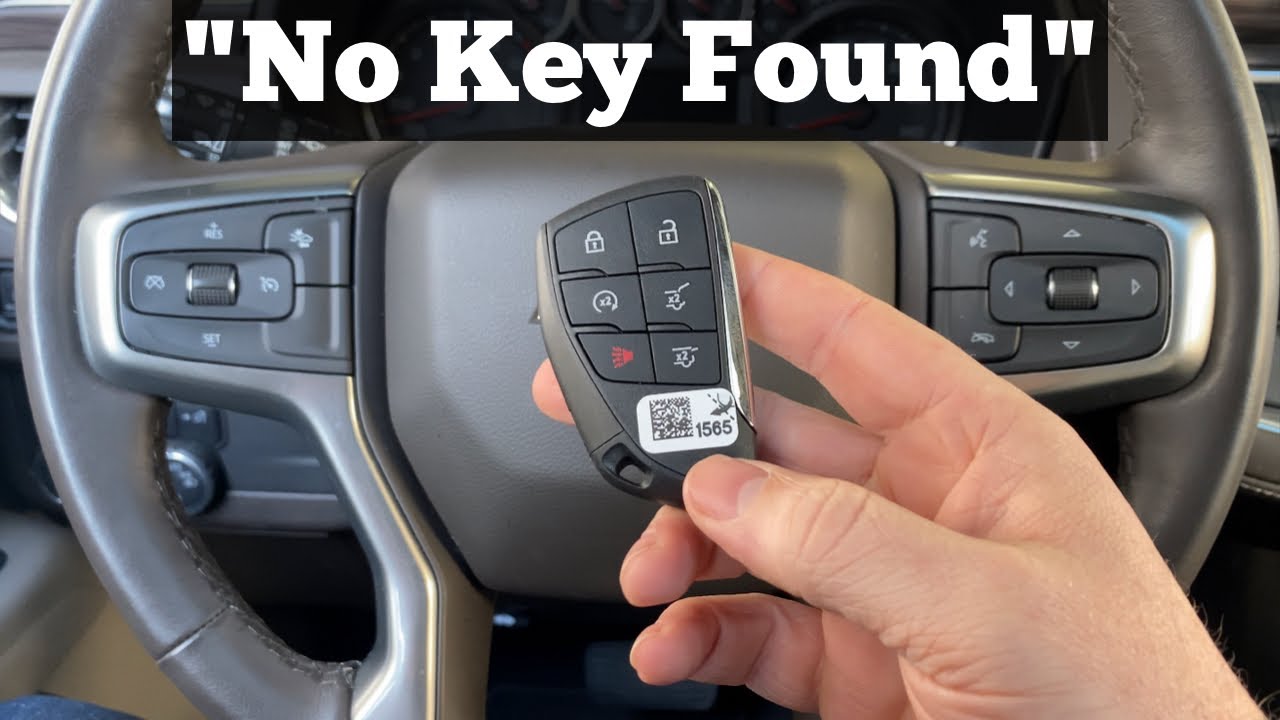
A quick video tutorial on how to start a 2021 - 2023 GMC Yukon with a remote key fob that has a dead battery or is showing the error message No Key Found.
The 2021 GMC Yukon owner's manual contains the following information on starting the Yukon with a dead key battery or message that says "No Key found" or "No Key Found Try Again" :
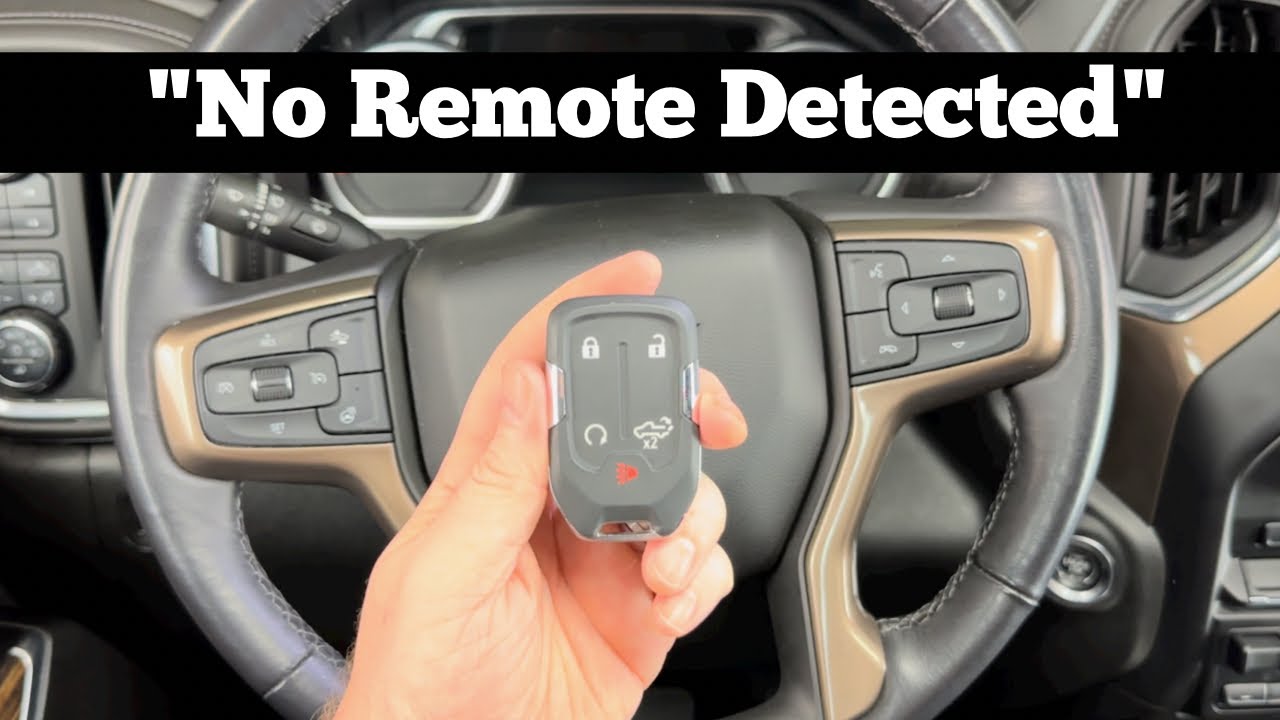
For improved vehicle security, the remote key is equipped with a motion sensor. When starting the Yukon, if the remote key has been idle for an extended period of time, the DIC may display KEY IN SLEEP MODE, MOVE KEY, THEN START. Move the remote key slightly and try starting the Yukon.
If the remote key battery is weak or if there is interference with the signal, the DIC may display NO KEY FOUND, REPLACE BATTERY IN KEY or NO REMOTE KEY WAS DETECTED PLACE KEY IN KEY POCKET THEN START YOUR VEHICLE when starting the vehicle.
To start the vehicle:
1. Place the remote key in the Yukon remote key pocket ( cupholder )
2. With the vehicle in P (Park) or N (Neutral) press the brake pedal and ENGINE START/STOP.
This video will show you how to start a vehicle with a error message of No Key Found on the following GMC models:
2021 GMC Yukon ( SLE, SLT, AT4 and Denali )
2022 GMC Yukon ( SLE, SLT, AT4 and Denali )
2023 GMC Yukon ( SLE, SLT, AT4 and Denali )
More automotive DIY instructions can be found at https://www.ProgramYourRemote.com/
Find a Locksmith in your area with https://www.LocateALocksmith.com
Повторяем попытку...
Доступные форматы для скачивания:
Скачать видео
-
Информация по загрузке: