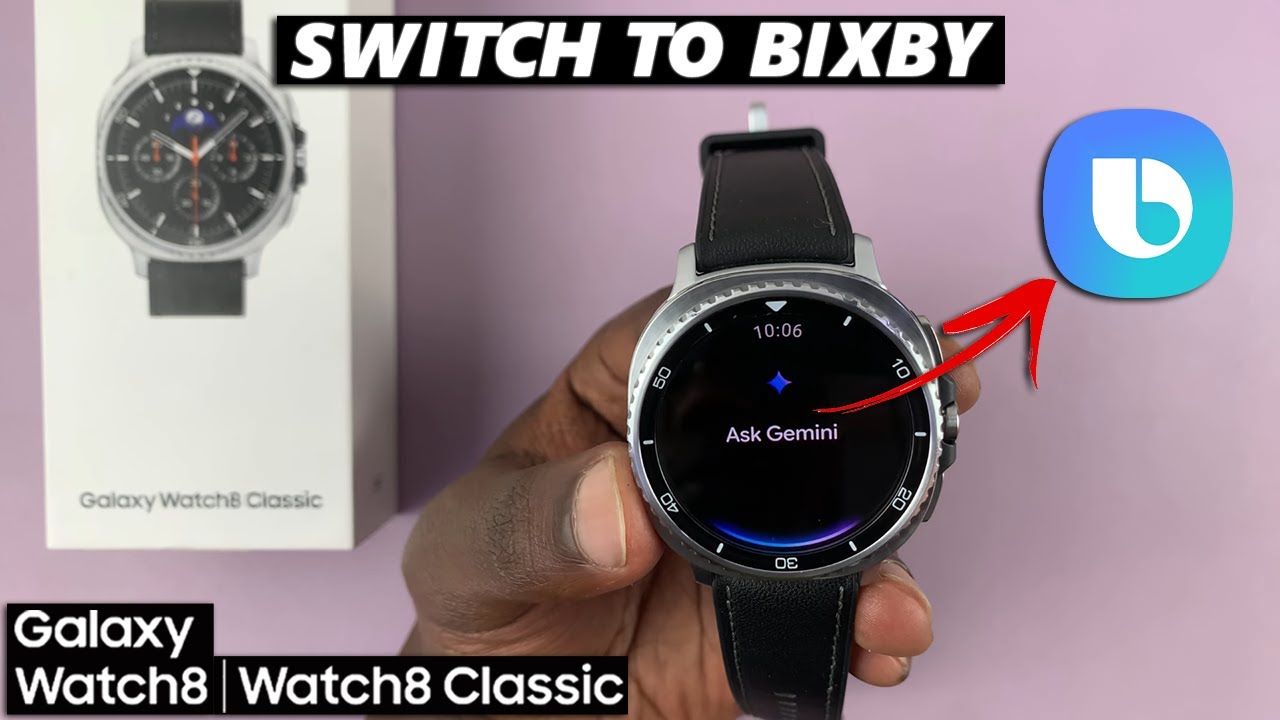
How To Switch To Bixby From Gemini On Samsung Galaxy Watch 8 / 8 Classic
Автор: WebPro Education
Загружено: 2025-08-20
Просмотров: 601
Описание:
Learn how to switch to Bixby from Gemini on your Samsung Galaxy Watch 8 or 8 Classic. Switch from Google Gemini to Samsung Bixby if you prefer Samsung’s ecosystem and want deeper control over your watch.
Disable Gemini and activate Bixby so you can enjoy Samsung’s built-in voice assistant for smoother watch controls, voice commands, and system integration.
Samsung Galaxy Watch 8 Classic: https://amzn.to/3Hs96nW
How To Stop Using Gemini On Samsung Galaxy Watch 8 / 8 Classic:
Step 1: Begin by swiping up from the bottom of your watch face of your Galaxy Watch 8. This action will open the App Drawer, displaying all the installed applications.
Step 2: Scroll through the apps and find the Settings app. It is represented by two a gear (cog wheel) icon.
Step 3: Within the settings menu, scroll down until you find the section labeled "Buttons and Gestures". Tap on it to open.
Step 4: Under the "Home Button" category, select "Long Press". "Google Digital Assistant" is selected as the default assistant. A list of available voice assistants will appear. Choose "Bixby" from the list.
Step 5: Go back to the watch face, then press and hold the Home button on your Galaxy Watch 8. You should now see Bixby pop up, ready to take your voice commands.
#galaxywatch8 #galaxywatch8classic #galaxywatch
----My Gear for YouTube videos----
Main Camera (iPhone 13 pro): https://amzn.to/3GZztve
Tripod: https://amzn.to/35acqRa
Cell Phone Tripod Adapter: https://amzn.to/3v3wFuI
Lights: https://amzn.to/3vkoGK7
As full disclosure, I use affiliate links on this channel and purchasing through these links earns me a small commission. The price you pay will be the same!
Website: https://www.webproeducation.org
Facebook: / webproeducation.org
Twitter: / webpro_e
Instagram: / webproeducation
Повторяем попытку...
Доступные форматы для скачивания:
Скачать видео
-
Информация по загрузке: