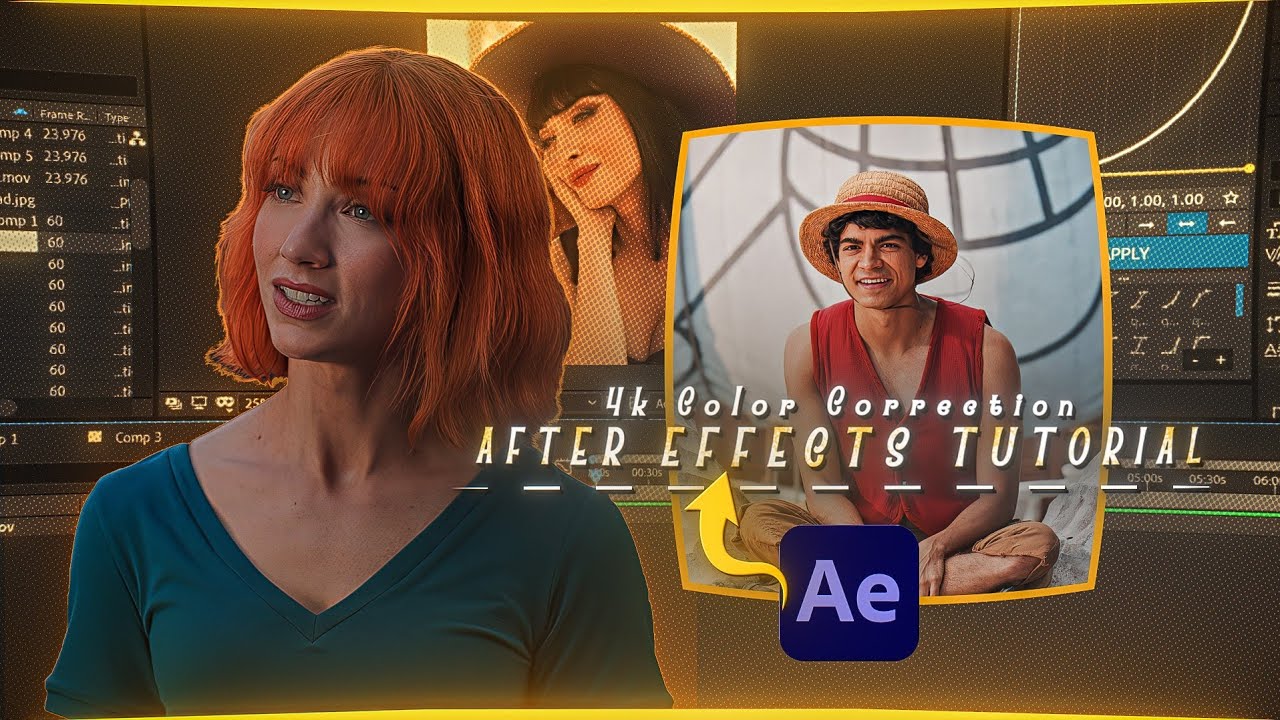
How to Create a 4k Colour Correction in After Effects ( Easy Tutorial )
Автор: Flicky ae
Загружено: 2026-03-22
Просмотров: 7920
Описание:
Want to give your videos a clean, cinematic 4K look? In this beginner-friendly tutorial, I’ll show you step by step how to achieve professional colour correction inside Adobe After Effects using simple tools and techniques.
Whether you're editing YouTube videos, reels, gaming edits, or cinematic clips, this method will instantly improve your video quality and make your visuals stand out.
Learn how to adjust colors, enhance details, balance tones, and create a polished 4K look without complicated plugins.
🧠 Software Used:
Adobe After Effects 2020
This tutorial is easy to follow and perfect for beginners as well as intermediate editors who want to improve their colour grading and editing skills.
If this tutorial helped you, don’t forget to LIKE 👍 COMMENT 💬 and SUBSCRIBE 🔔 for more After Effects tutorials, transitions, and editing tricks.
🌐 Socials:
Instagram : / flickk.y�
Discord : / discord
Shop : https://flicky-ae-shop.fourthwall.com/�
🏷️ Tags:
after effects colour correction
after effects color grading tutorial
4k colour correction after effects
after effects cinematic color grading
after effects beginner tutorial
after effects editing tutorial
after effects color grading easy
after effects video editing
📌 Hashtags:
#aftereffects #colorgrading #aftereffectstutorial #cinematic #videoediting
#motiongraphics #4kediting #editingtutorial #aftereffectsbeginner
Повторяем попытку...
Доступные форматы для скачивания:
Скачать видео
-
Информация по загрузке: