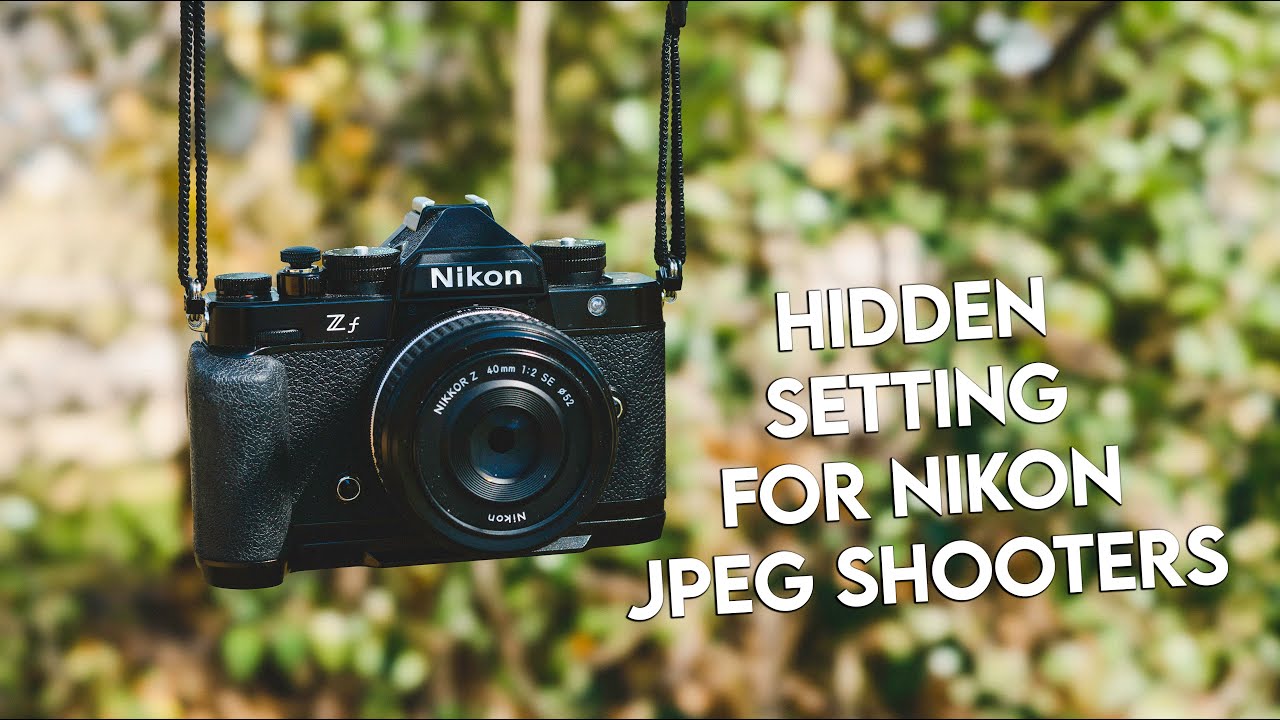
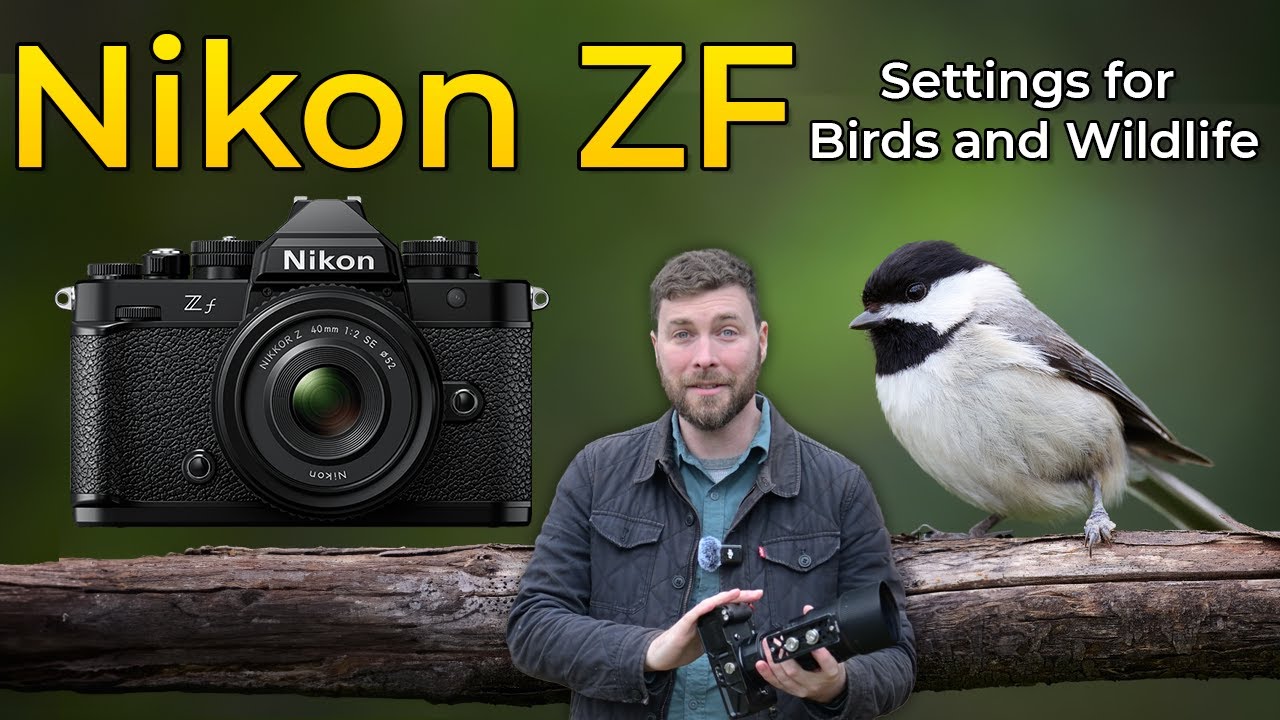
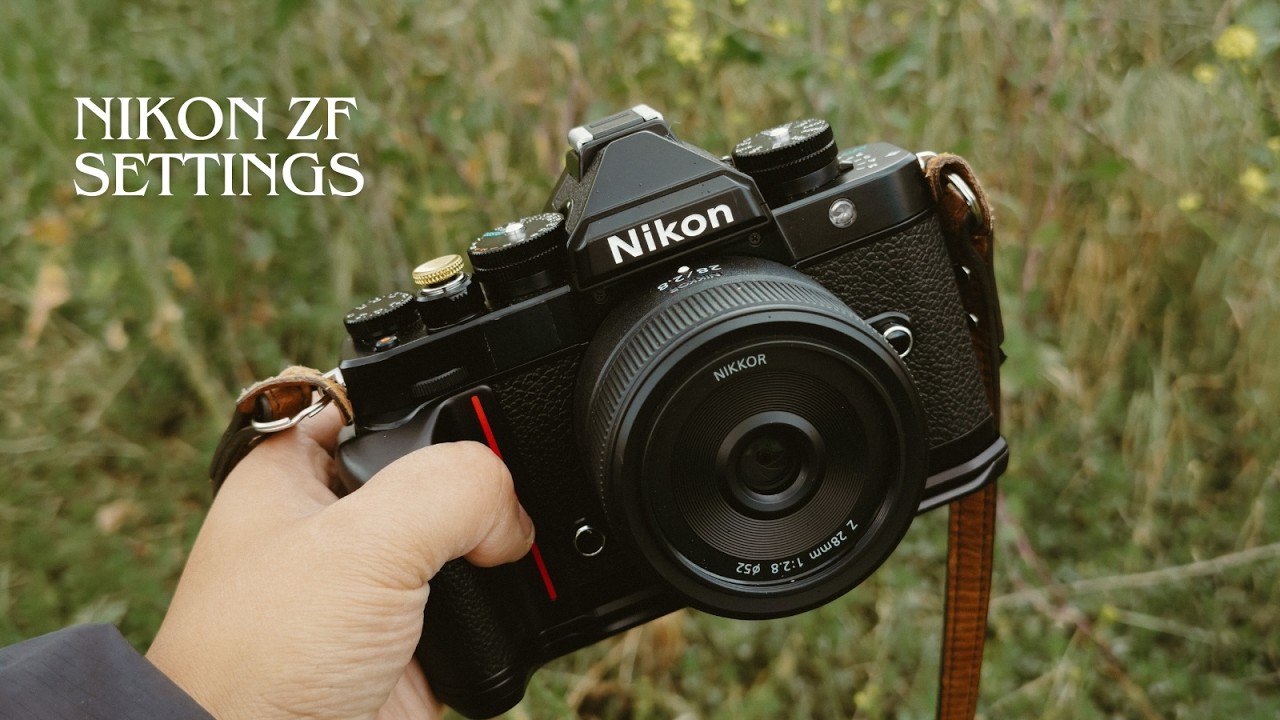
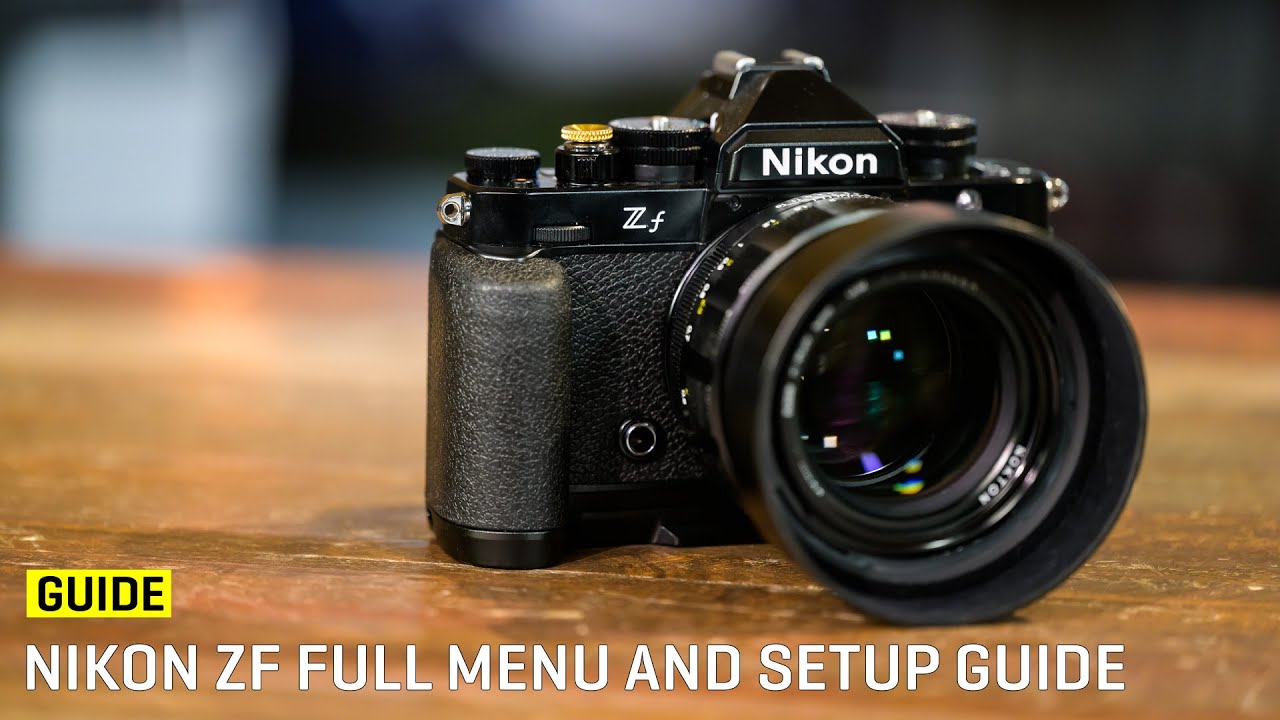
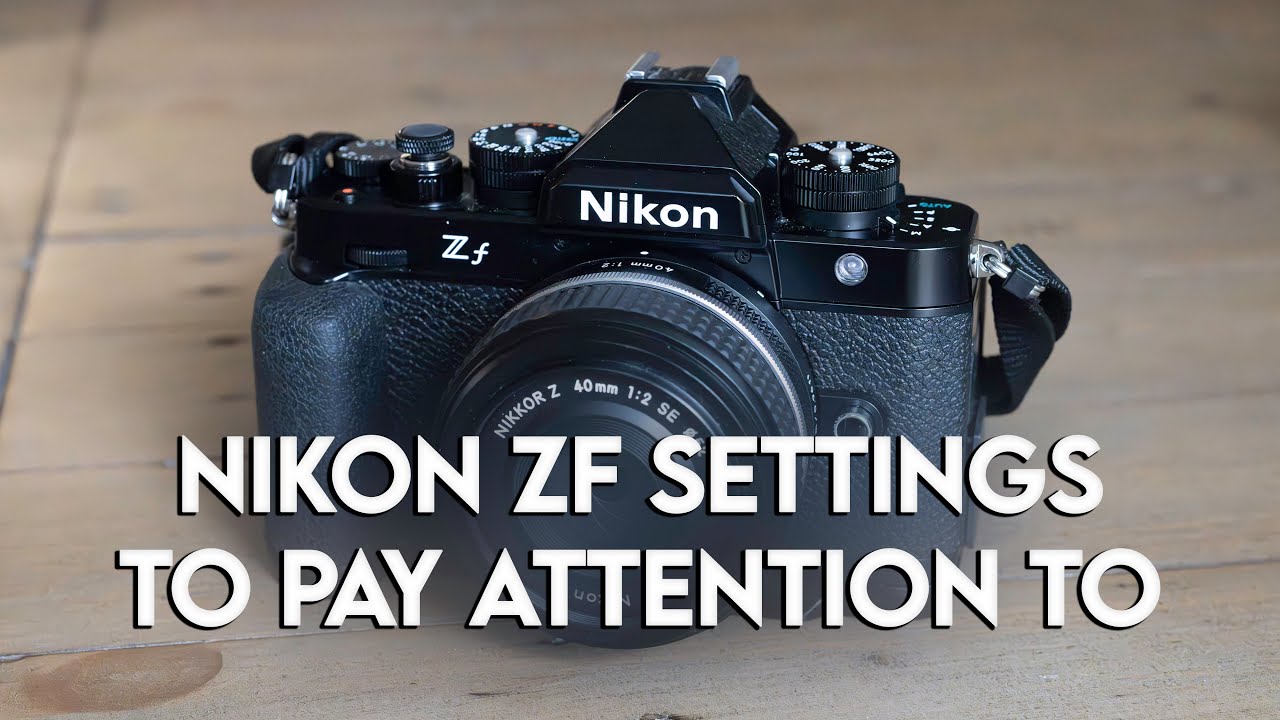
Nikon ZF settings that you should pay attention to for stills photography
Автор: Scott Tucker Photography
Загружено: 2025-02-21
Просмотров: 15347
Описание:
I've compiled my go-to settings that you should consider changing on your Nikon ZF to maximize image quality and speed up your workflow of using the camera. Nikon offers a lot of flexibility for user experience, so consider this a starting point and experiment with these settings to find the right combo for yourself.
If you would like to support the channel, consider a YouTube Super Thanks, or buy me a coffee here: https://ko-fi.com/scotttuckerphotography
Also please consider using my affiliate links to support the channel:
Nikon ZF - https://bhpho.to/42MoYZ4
Nikon Z9 - https://bhpho.to/3EFK3MN
Nikon Z 24-120 - https://bhpho.to/4iAcyJI
Nikon Z 40/2 - https://bhpho.to/3GnXUIe
Nikon Z 100-400 - https://bhpho.to/4jKJj7V
Nikon Z 1.4x TC - https://bhpho.to/4jKXNVp
DJI Mic 2 - https://bhpho.to/3YbgMAf
ZF Expert Shield Crystal Clear LCD protector - https://amzn.to/3Ay1LzJ
ZF SmallRig Grip - https://amzn.to/4fz148f
Sandisk UHS-II SD Card - https://amzn.to/3Ay1Raz
Sandisk V30 Micro SD Card - https://amzn.to/4fk39Fm
0:00 - Intro
0:51 - Image Quality
4:09 - White Balance
4:55 - Active D-Lighting
6:00 - Noise Reduction
6:50 - Metering Modes
7:50 - Optimal Exposure
9:02 - Focus Points
9:38 - Limit AF Areas
10:40 - Focus Peaking
11:15 - Power Off Delay
12:05 - Shutter Type
13:04 - Extended Shutter Speeds
13:47 - Touch Fn
15:05 - Playback Menu
15:54 - Airplane Mode
16:36 - My Menu
20:54 - i Menu
22:40 - Custom shooting buttons
24:50 - Outro
Photo Shooting menu items
Image Quality - RAW + JPEG/HEIF Fine *
Whether or not you are interested in using/editing JPEG images, you should shoot both RAW+JPEG for one reason - in playback mode, the camera will default to a 2 megapixel embedded image if you’re only shooting RAW. By enabling RAW+JPEG, playback mode will display the full resolution 24 megapixel image instead, making checking for critical focus much easier.
Raw Recording - High Efficiency *
After years of testing, I have determined that HE* raw files have no downsides vs “higher quality” uncompressed options. HE* keeps file sizes smaller, keeps buffers larger, and are appropriate for all shooting situations.
White Balance - Auto2 (keep warm lighting colors)
This is my preferred starting WB for ZF raw files, where I use Auto0 (keep white) on my Z9.
Active D-Lighting - Auto
D-Lighting is a powerful feature, but hard setting it can lead to images that are lower contrast than you’d like for certain lighting scenarios. Leave on Auto maximizes benefits while helping to protect highlights and pull up very deep shadows.
Long Exposure NR/High ISO NR - OFF
These settings are best left to post processing software and can occasionally introduce anomalies in the image such as banding or odd tonal transitions.
Link VR to focus point - OFF
I have seen examples of severe image quality degradation when the focus point is far towards the left or right edge of the frame when this option is on. This is due to the way the IBIS unit moves in the Z axis to account for edge-of-sensor movement.
Custom Settings menu items
a4 Focus Points Used - All Points (more is better/more precise)
a8 Limit AF-Area Mode Selection - Disable Dynamic (unreliable and poor user feedback to where the focus point really is)
a12 Focus Peaking - On/Peak3/Red for maximum visibility
b5 Fine-Tune Optimal Exposure - 0 on first 3 options and +2/6 for Highlight-Weighted metering (makes HWM much more usable and not needlessly dark while still protecting highlights)
c3 Power Off Delay - Standby Time to 30s for good balance of battery savings
d5 Shutter Type - Auto for best balance of image quality and ease of use
d6 Extended Shutter Speeds (M) - On
f4 Touch Fn - All Touch Fn functions Off
Playback menu items
Auto rotate info display - On
Non-CPU Lens Data - Make sure to make an entry for every non-chipped manual focus only lens you use, and select that lens from this menu before shooting with it.
Hopefully this gives you a jump start on setting up your Nikon ZF! Did I miss a good feature? Let me know in the comments.
Visit my website at www.scotttuckerphoto.com (I blog there too)
/ scotttuckerphoto
https://www.facebook.com/profile.php?...
Grab your camera and get behind it for 10 minutes today...you got this!
Повторяем попытку...
Доступные форматы для скачивания:
Скачать видео
-
Информация по загрузке: