ALCATEL 3 (2019) – Bypass FRP and Google Account Verification
Автор: HardReset.Info
Загружено: 2025-08-17
Просмотров: 561
Описание:
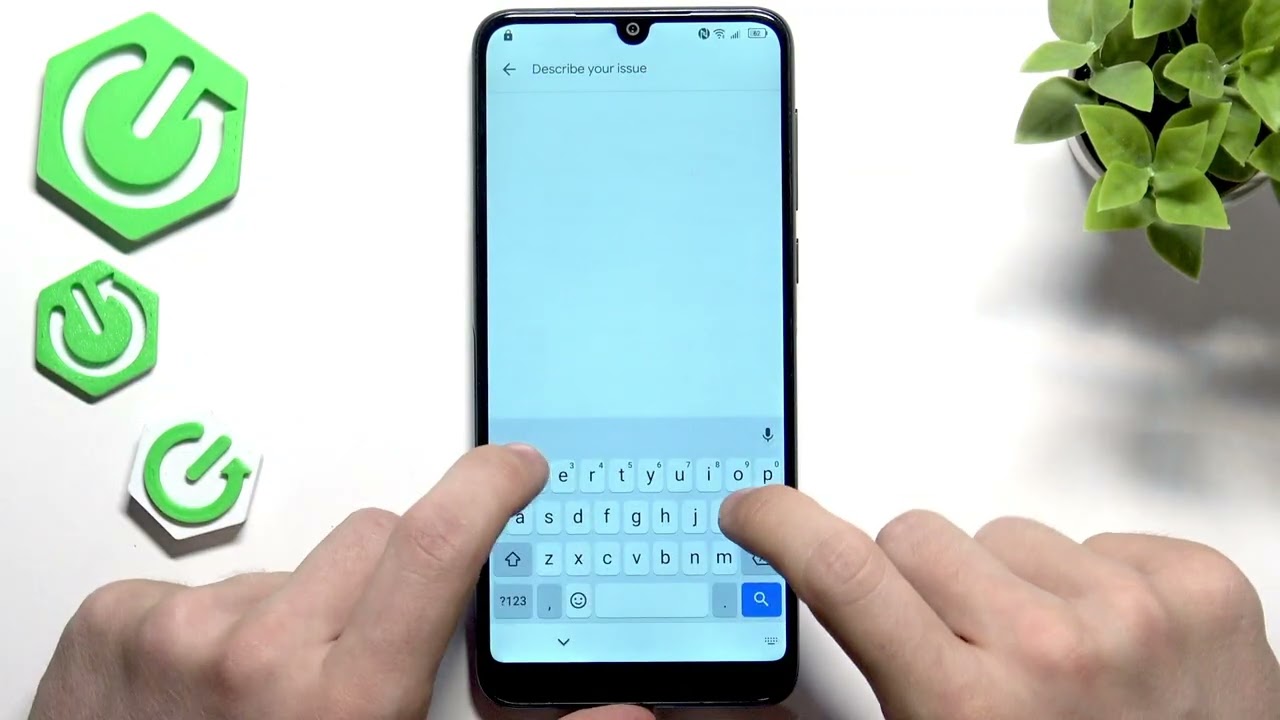
If you’re locked out of your ALCATEL 3 (2019) due to a forgotten password or Google account verification (FRP), this video will show you a step-by-step method to regain access. We’ll cover how to remove the screen lock, perform a hard reset, and bypass the Google account verification process, even if you don’t know the original account details. This method works on ALCATEL 3 (2019) running Android 9 with the 2020 security patch, and has been tested as of August 2025. You’ll learn how to prepare your SIM card, use recovery mode, install necessary apps, and complete the FRP bypass so you can set up your phone with a new Google account and password. Follow along to unlock your device and get it working like new again.
How to bypass Google account verification on ALCATEL 3 (2019)?
How to remove FRP lock on ALCATEL 3 (2019) with Android 9?
How to reset ALCATEL 3 (2019) if you forgot the password and Google account?
0:00 Introduction and what you need
0:40 Removing the screen lock (hard reset)
2:10 Preparing SIM card with contacts
3:40 Factory reset process
5:00 Inserting SIM and initial setup
7:00 Triggering FRP lock and Google verification
8:00 Accessing emergency contacts and sharing via Gmail
9:00 Opening browser and downloading required apps
10:30 Installing Apex Launcher and FRP Bypass app
12:00 Signing in with a new Google account
13:00 Restarting and final setup
15:00 Optional: Final factory reset to clean up
#ALCATEL3 #FRPBypass #GoogleAccountBypass #AndroidUnlock
Find out more:
https://www.hardreset.info/devices/al...
Follow us on Instagram ► / hardreset.info
Like us on Facebook ► / hardresetinfo
Tweet us on Twitter ► / hardreseti
Support us on TikTok ► / hardreset.info
Use Reset Guides for many popular Apps ► https://www.hardreset.info/apps/apps/
Повторяем попытку...
Доступные форматы для скачивания:
Скачать видео
-
Информация по загрузке:










![UDAŁO SIĘ! MOJE NAGRODY ZA KRÓLEWSKI TURNIEJ! - FC26 Ultimate Team [#140]](https://imager.clipsaver.ru/L2N3GmBhoQY/max.jpg)